Grid
The Grid view is the default view type. It shows your data in rows and columns, as in a spreadsheet. In NocoDB, rows are records and columns are fields.
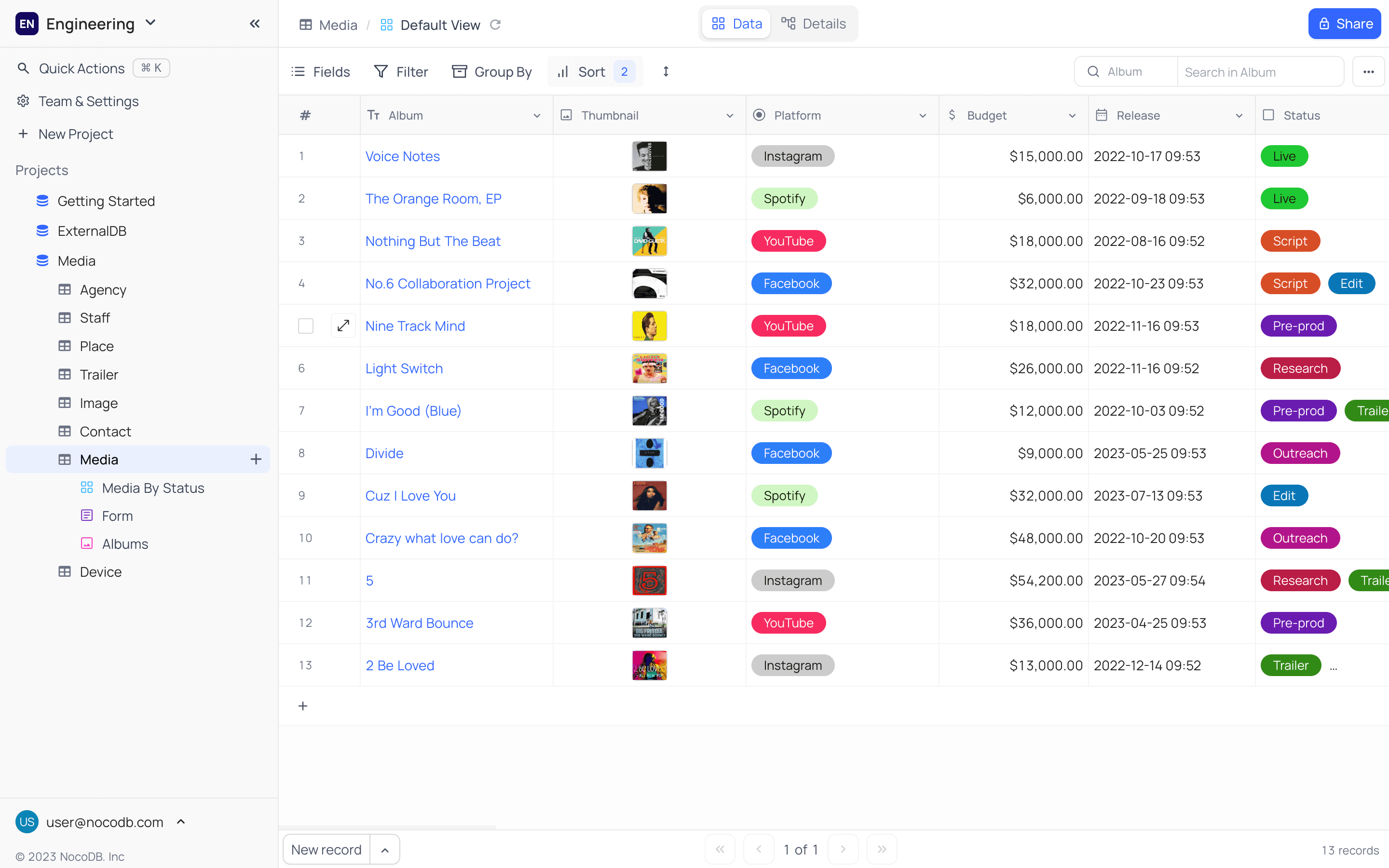
The grid view is the default view type for all tables. Use it to see and edit data as in a spreadsheet. In the grid view, you can sort, filter, group and search records. You can also export the data in the grid view to CSV or Excel format. This section gives all the operations for the grid view.
Ask NocoAI
Copy a prompt, paste it into NocoAI in any base, and replace the words in [brackets] with your own.
- Create a grid view of records from the last [30] days, newest first
- Create a grid view grouped by [Owner] that shows only [Name, Status and Due Date]
- Create a grid view that colours rows red when [Due Date] has passed
Grid View Actions
- Create a New Grid View
- Rename an Existing Grid View
- Duplicate a Grid View
- Remove a Grid View
- Share a Grid View
- Lock Grid View for Edits
Grid View Operations
- Rearrange Fields Within the Grid
- Show or Hide Fields Within the Grid
- Apply Filters to Display Specific Records on the Grid
- Sort Records on the Grid by One or More Criteria
- Group Records Horizontally on the Grid
- Search for Specific Data Within Fields
- Export Data to CSV or Excel Format
- Adjust Record Height on the Grid
- Customize Field Width
- Toggle Field Visibility on the Grid
Grid View Record Operations
- Add a New Record to the Grid
- Edit an Existing Record on the Grid
- Delete a Single Record from the Grid
- Delete Multiple Records in Bulk from the Grid
Related
Last updated on
Latest product updates?See Changelog