Extensions
Extensions are modular components that add to and customize NocoDB. They work like plugins. Extensions add features that are not in the core platform. Use them to adapt NocoDB to your requirements and workflows.
This section gives an overview of the Extensions framework. It shows how to install, manage and use extensions in your NocoDB base.
Extensions are developed with JavaScript and Vue.js. This gives a flexible way to add new features to your NocoDB instance. Development of custom extensions will be available soon. You will then be able to change NocoDB for your specific needs and workflows.
To show or hide the Extensions side panel, click the Extensions button in the top-right corner of the NocoDB interface.
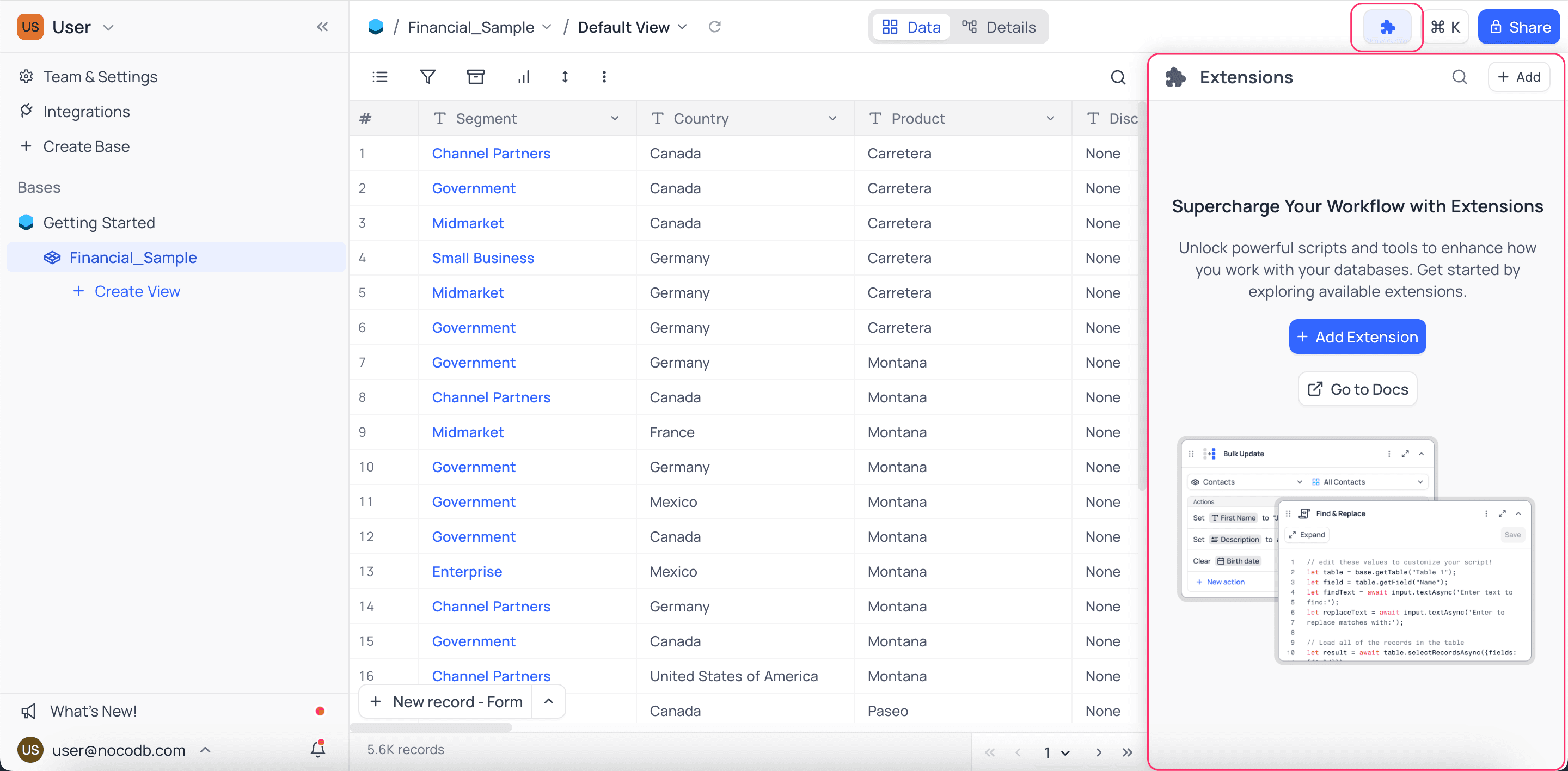
Extensions Marketplace
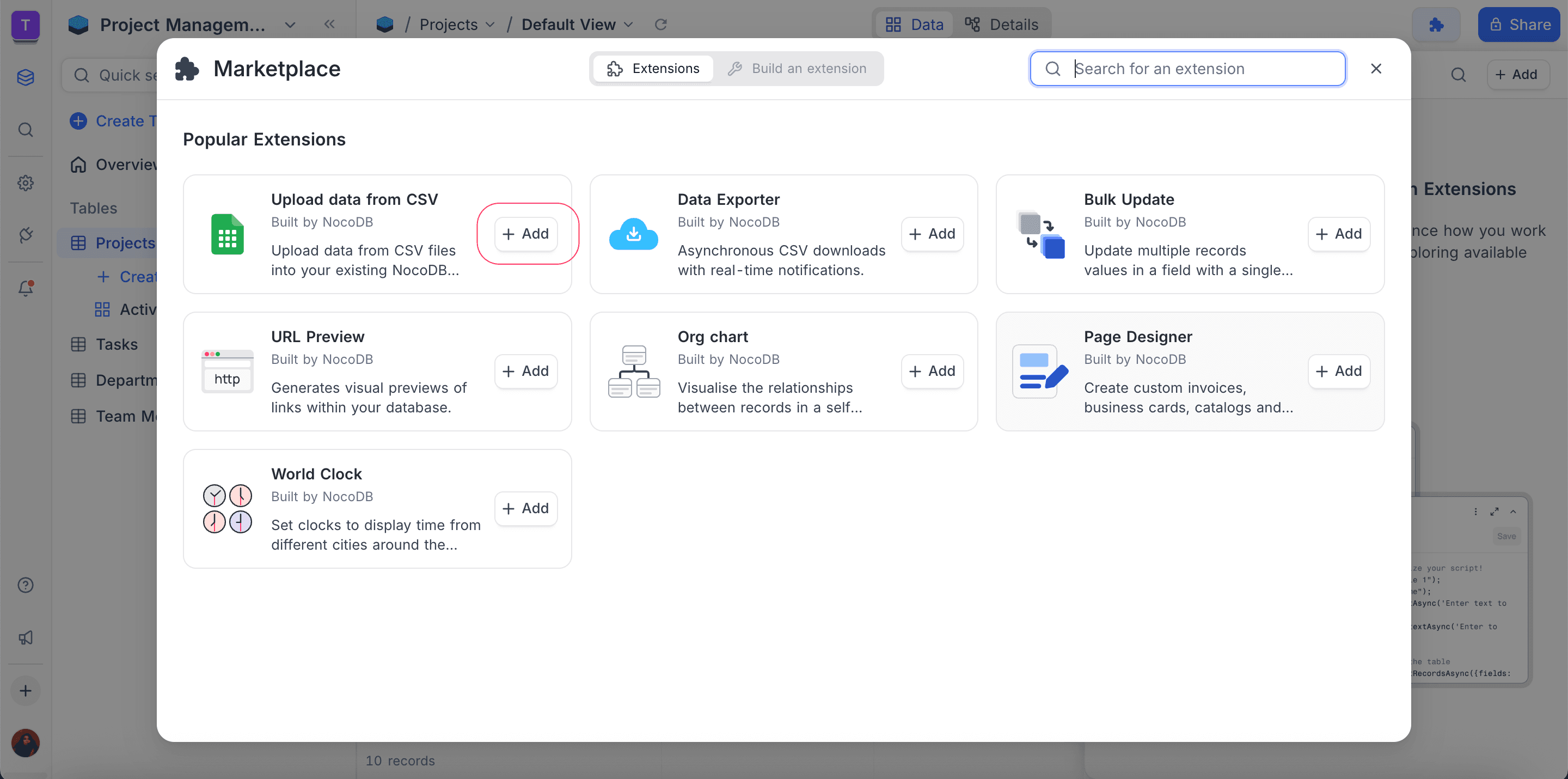
The Extensions Marketplace is a central place where you can find and install extensions for NocoDB.
These extensions are available in the marketplace now:
You cannot develop custom extensions at this time.
Adding Extensions
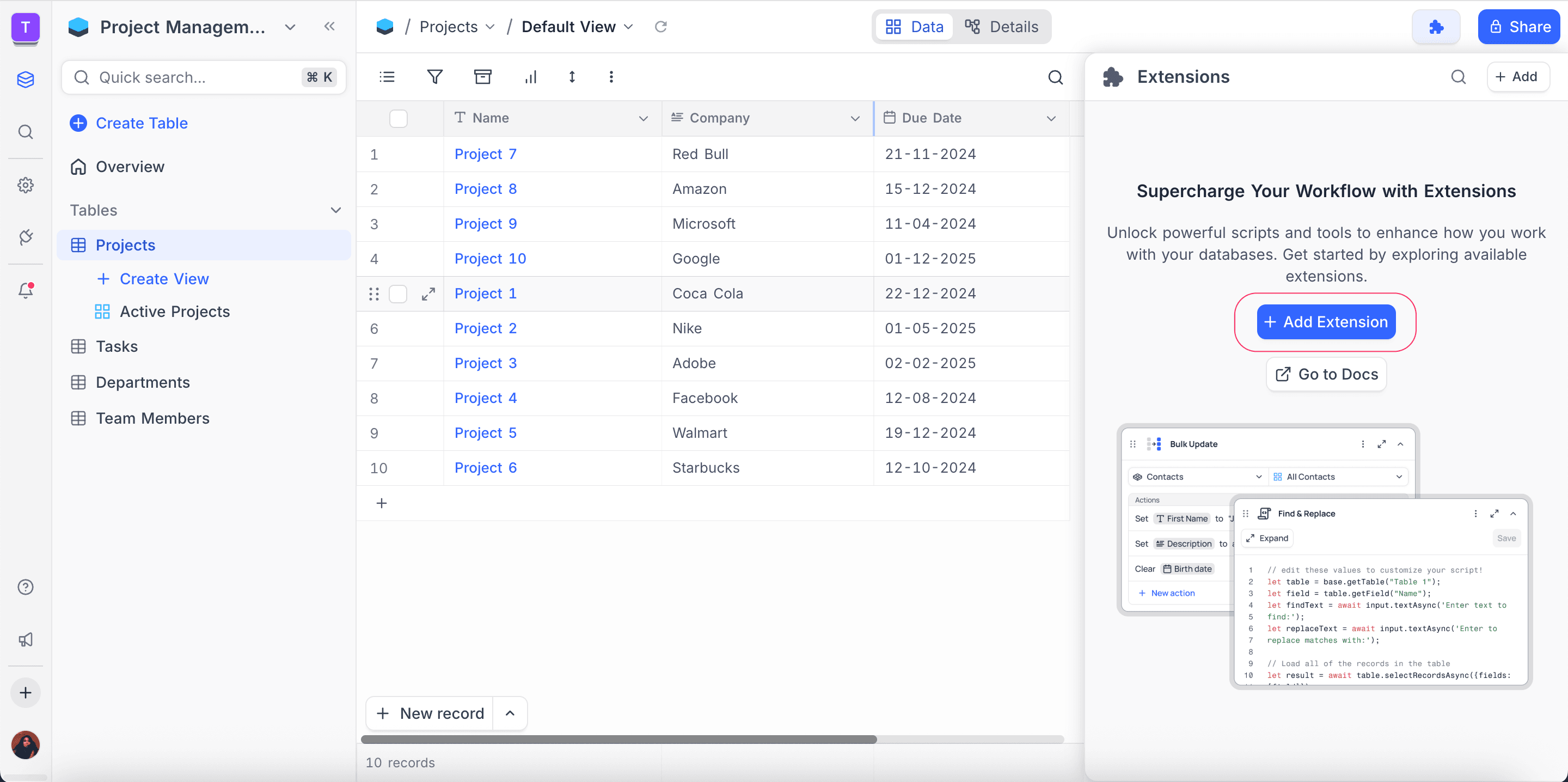
To add an extension to your NocoDB instance, open the Extensions side panel. Then do these steps:
- In the Extensions side panel, click the
Add Extensionbutton. - Click the
Addbutton. NocoDB adds the extension to your NocoDB instance.
To see more details about an extension, click its extension card.
- Installed extensions are specific to the base. Other bases in the workspace do not share them.
- You can add more than one instance of the same extension to a base.
Managing Extensions
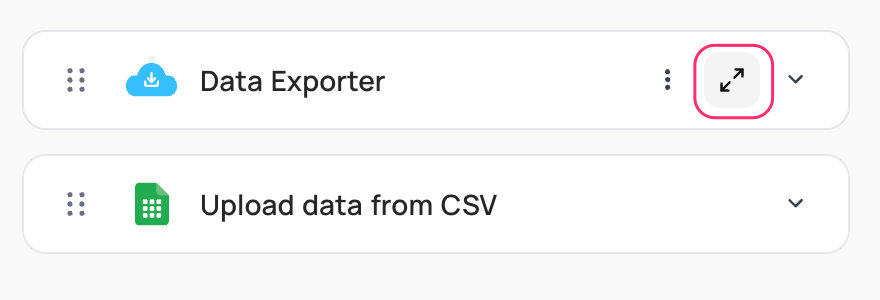
After you install an extension, you can manage it with these options:
1. Adjust Visibility
To see the extension in full screen mode, use the expand icon.
2. Reorder Extensions
To change the order of the extensions in the side panel, use the drag-drop icon.
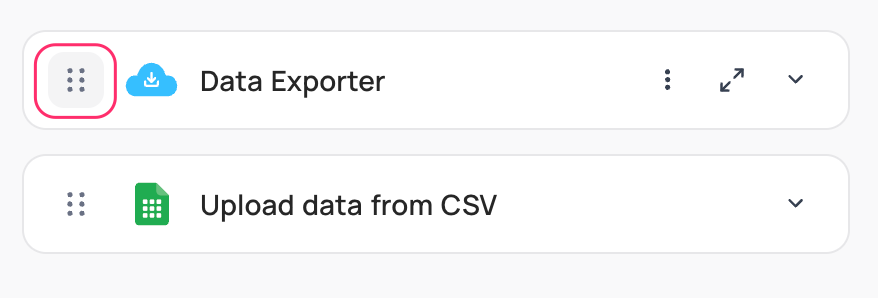
3. Additional Actions
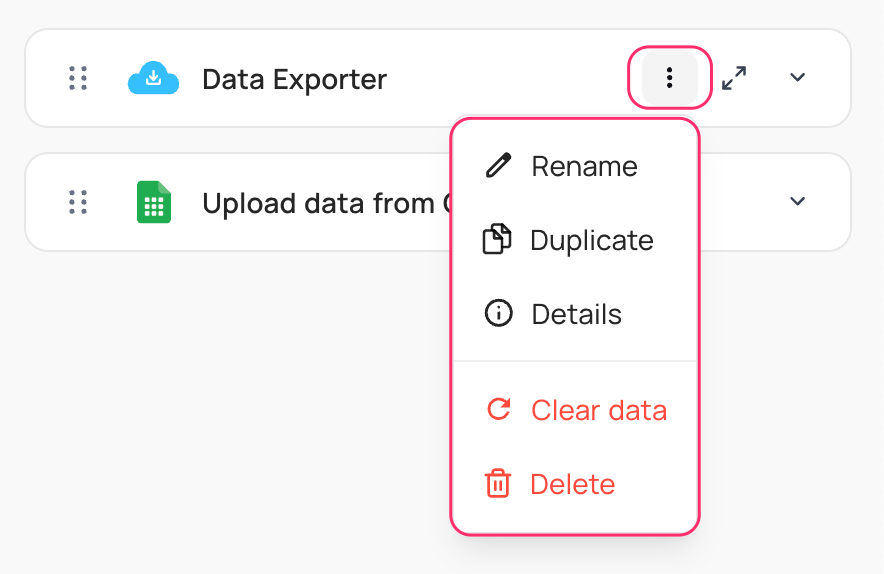
Use the More button to do these actions:
- Rename extension
- Duplicate extension
- Clear data
- Delete extension
Availability
- Extensions are available on all NocoDB Cloud plans and on licensed self-hosted deployments (Business plan and above). The Free plan includes 1 extension. Paid plans have higher limits. Extensions are not available on the self-hosted Community Edition.
Last updated on