Search
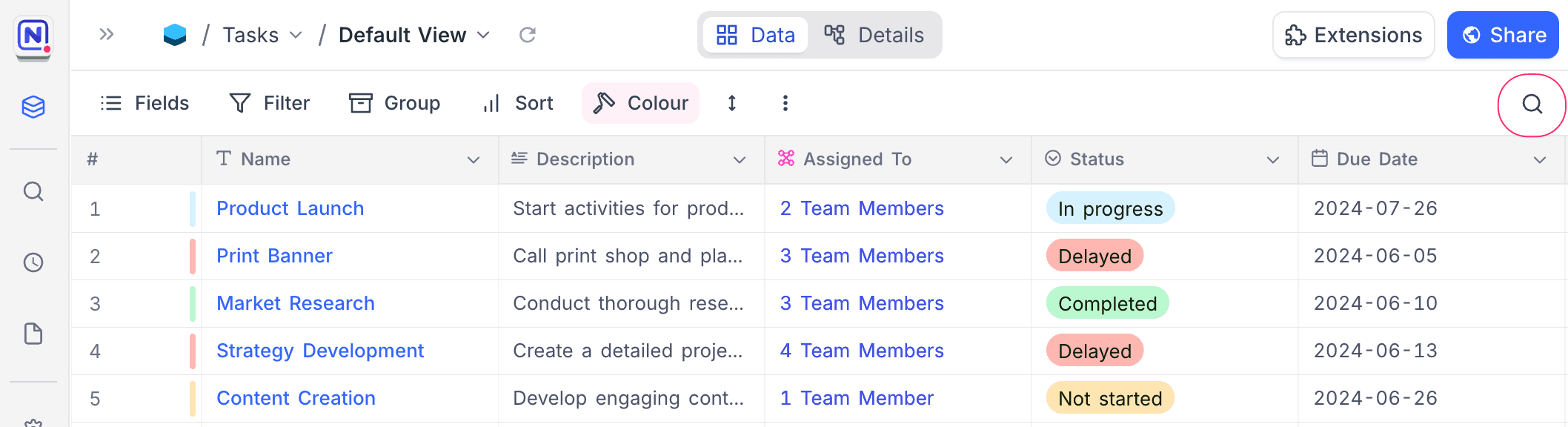
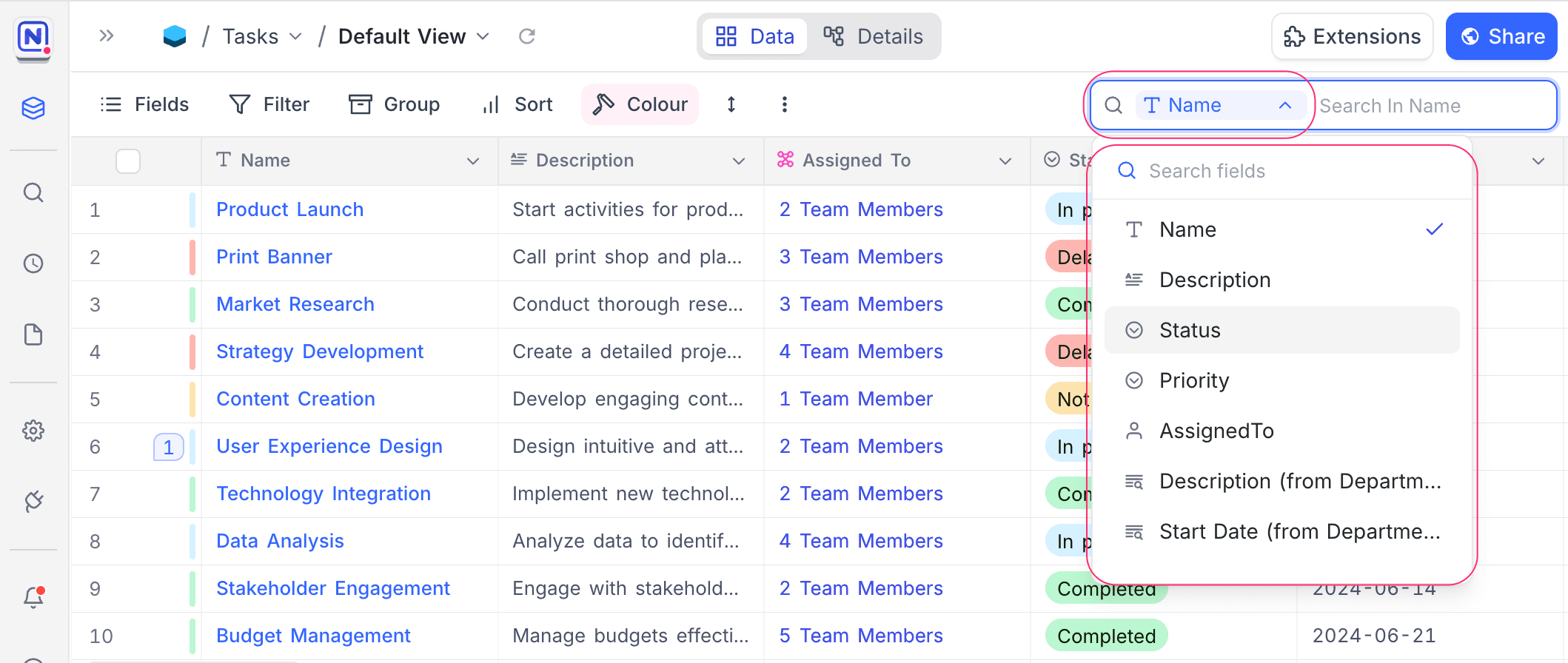
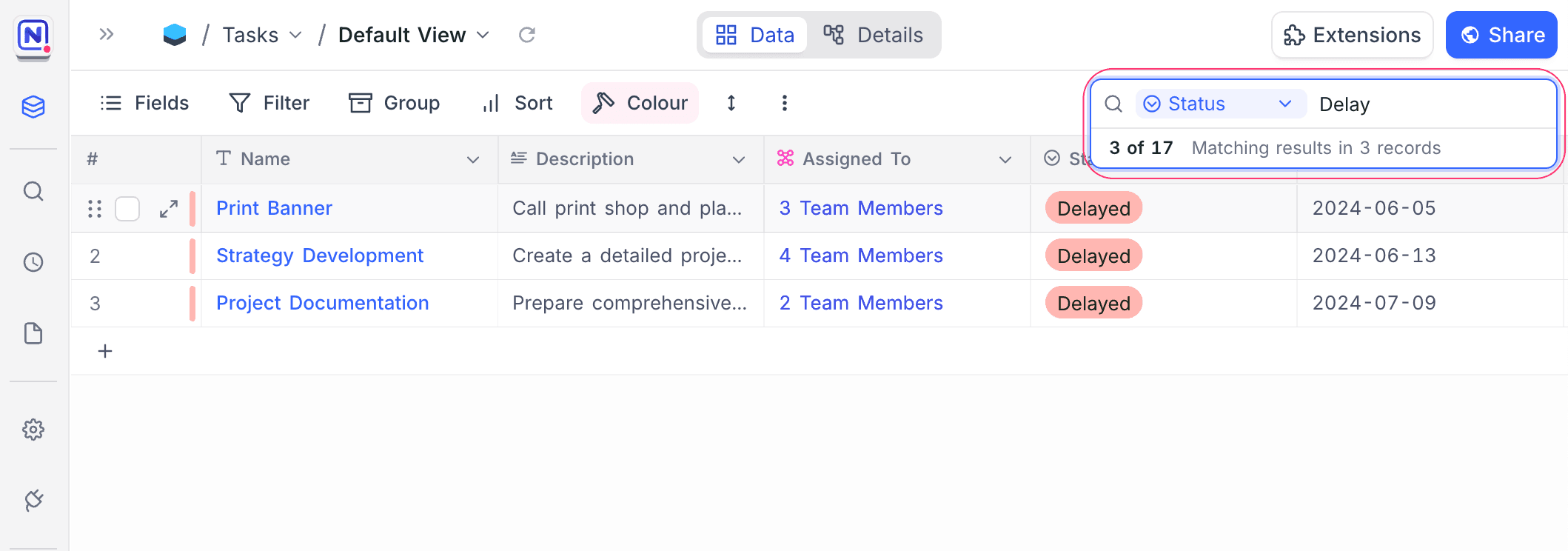
Use the quick search in the NocoDB toolbar to find records in large datasets. You can search in one field or in all fields. To narrow the results more, use search together with filters.
To search:
- In the toolbar, click Search.
- (Optional) Select the Field to search in.
- In the search bar, type your search term.
Last updated on
Latest product updates?See Changelog