Full Screen
Use the Fullscreen Mode button in the toolbar to expand any view area to the entire screen. Fullscreen mode hides the navigation menus and other interface elements, so you can focus on your data.
Enable Fullscreen Mode
To enable fullscreen, click Enter Fullscreen in the toolbar.
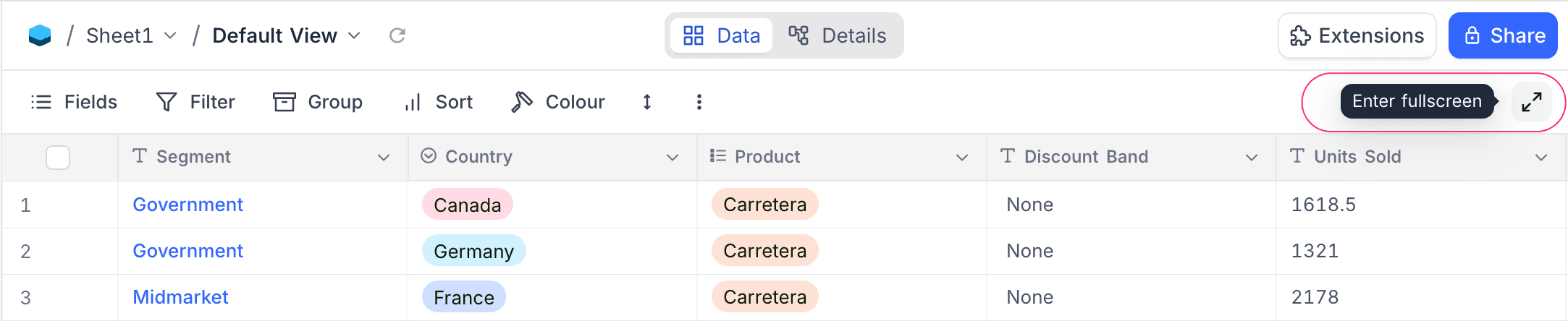
The grid view then expands to cover the entire workspace area.
Exit Fullscreen Mode
To exit fullscreen, click Exit Fullscreen. The button is in the same position.
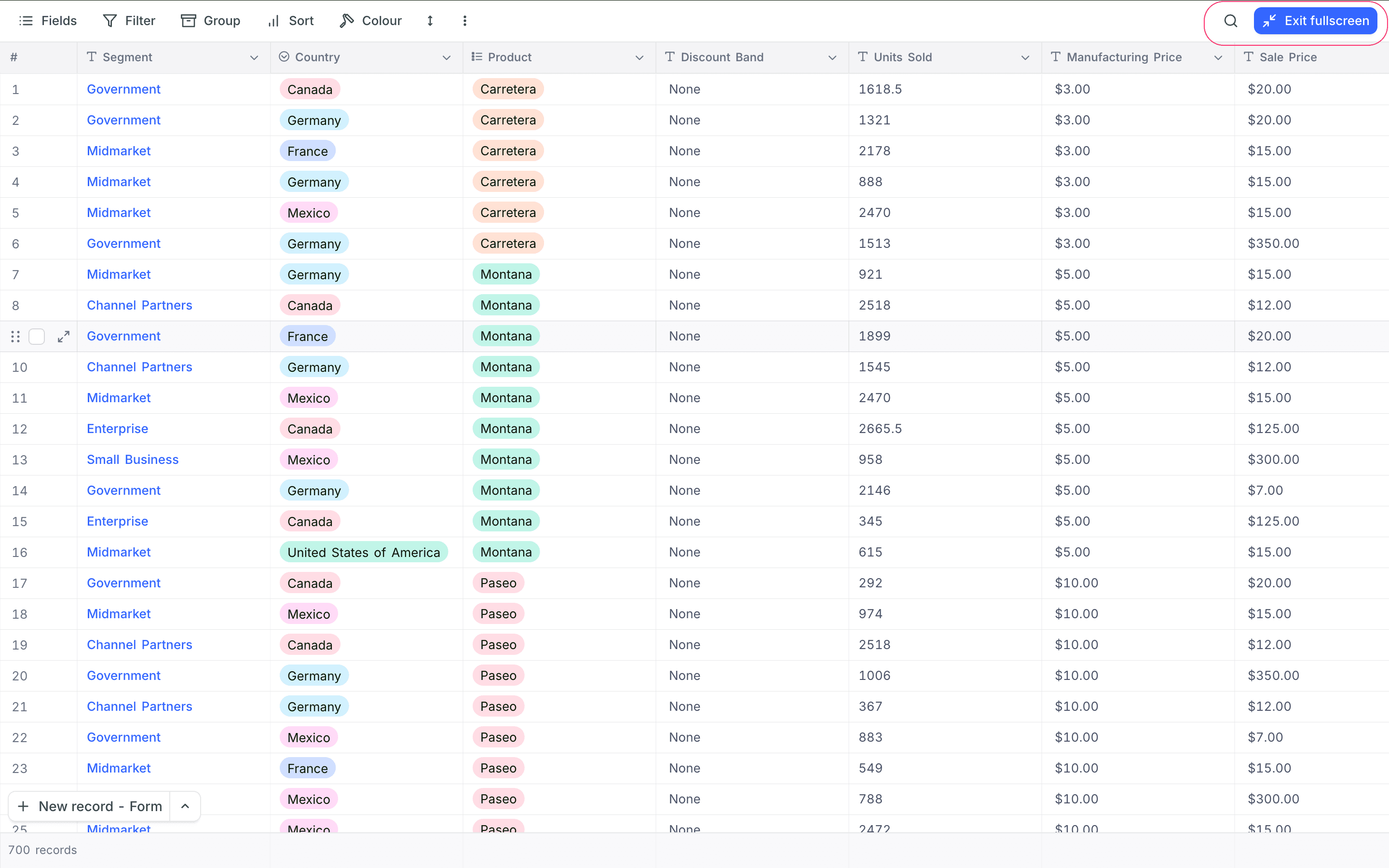
This feature is useful with large datasets. It gives you the most screen space for better visibility and navigation.
Last updated on
Latest product updates?See Changelog