Realtime Presence
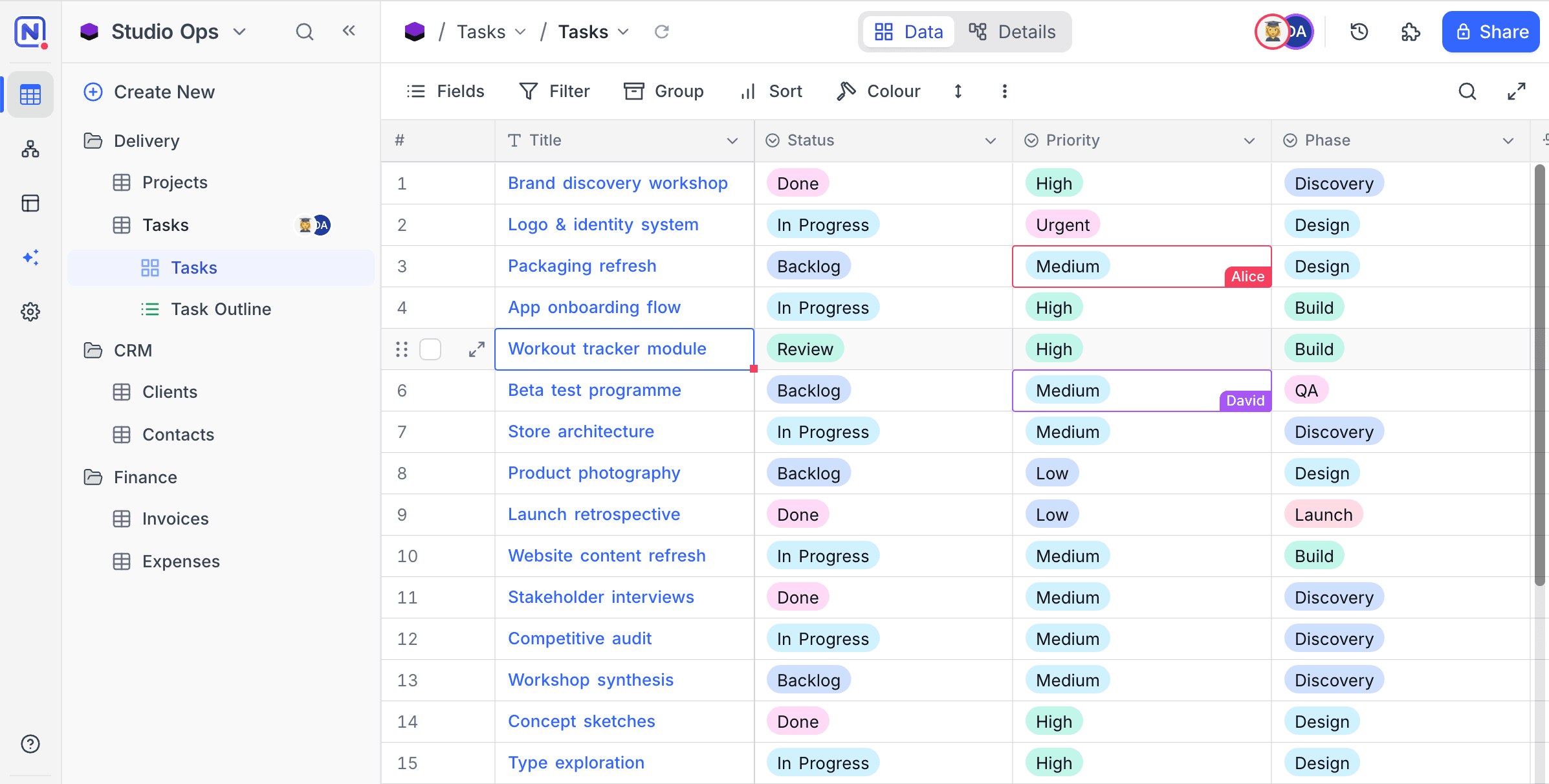
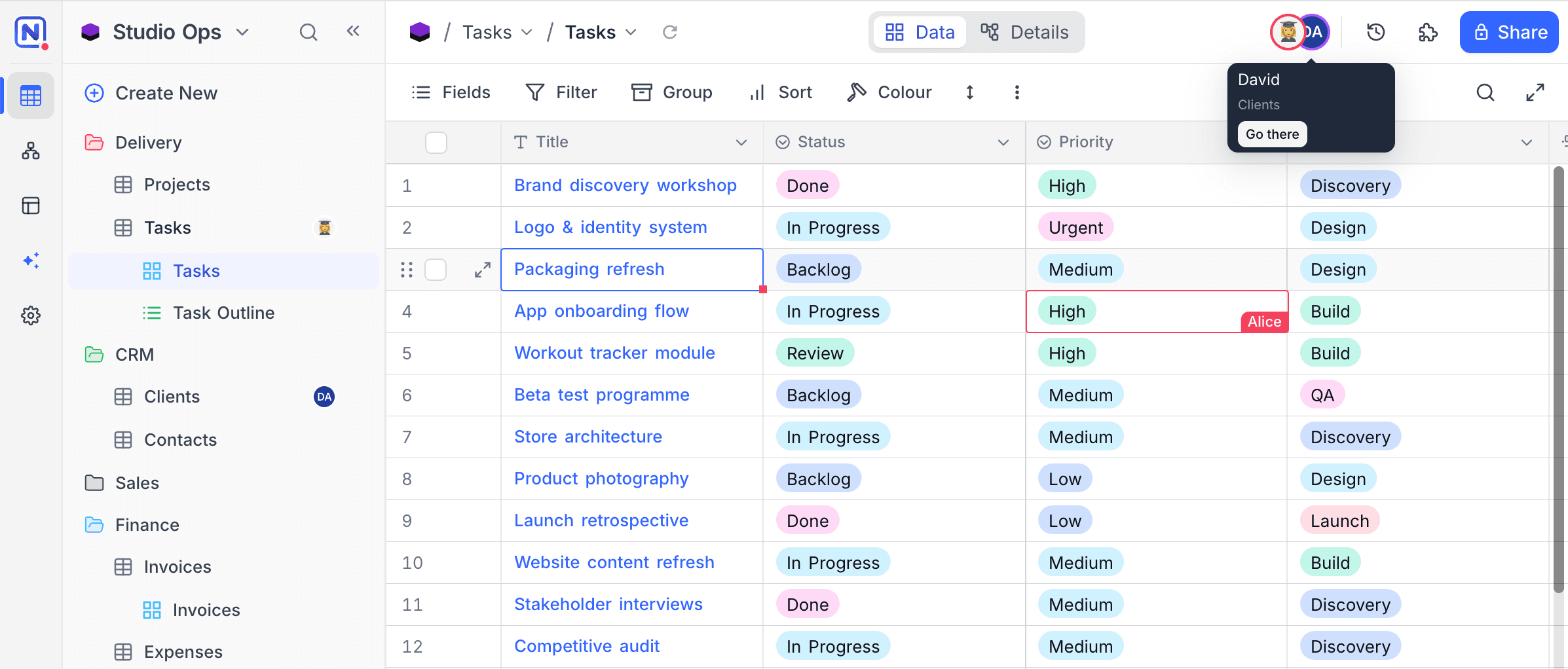
Realtime Presence shows who else works in a table while you are in it. Each person who views the table shows as an avatar in the toolbar. Each collaborator gets a color, and this color marks all their actions in the grid.
What you see
-
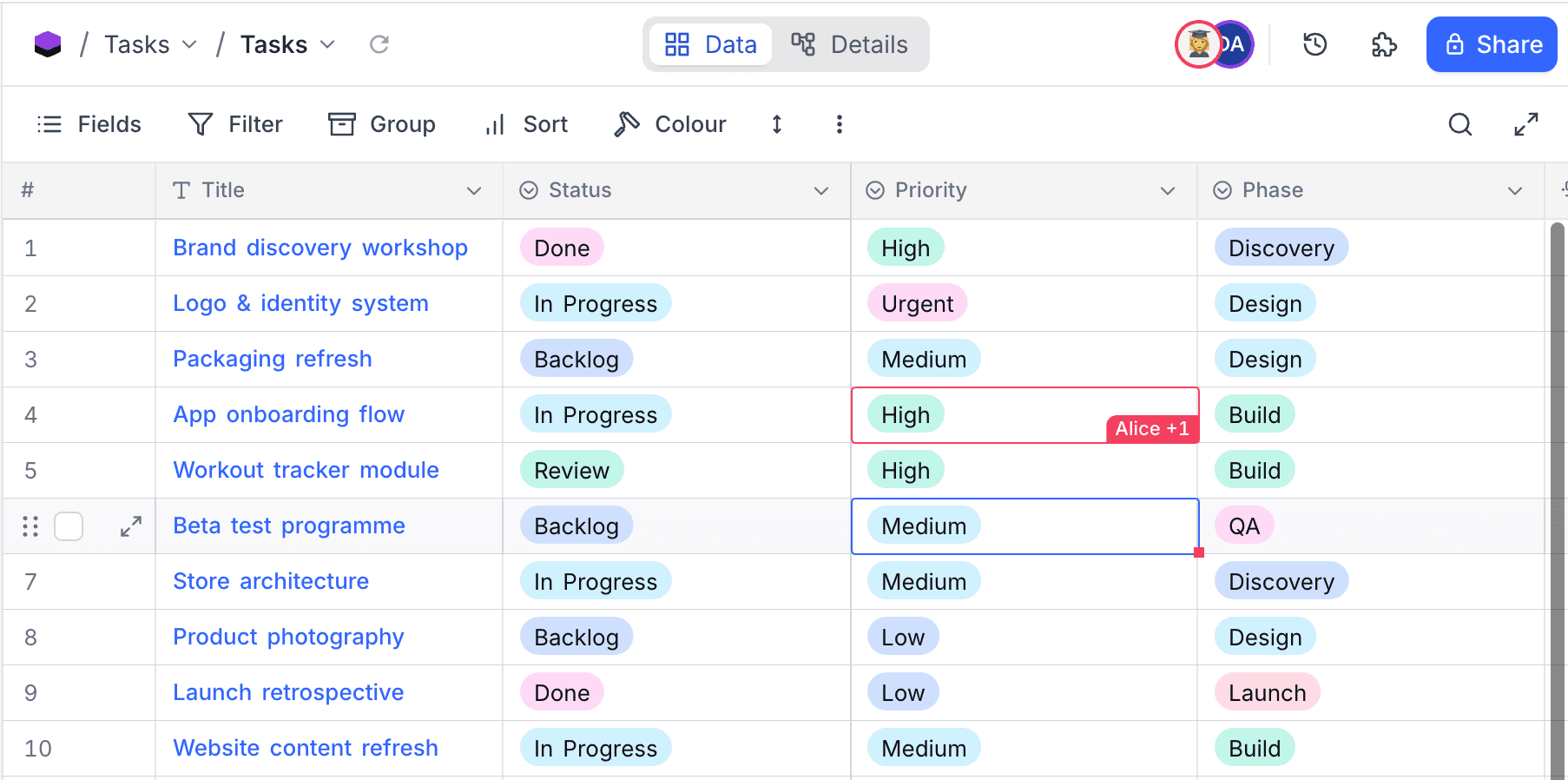
Focused cell - The cell that a collaborator selects has an outline in their color, with their name on the marker. When several collaborators are on the same cell, the marker stacks their names (for example, "Alice +1"). Cell markers are scoped to the view: you see only the cursors of collaborators in the same view as you.
-
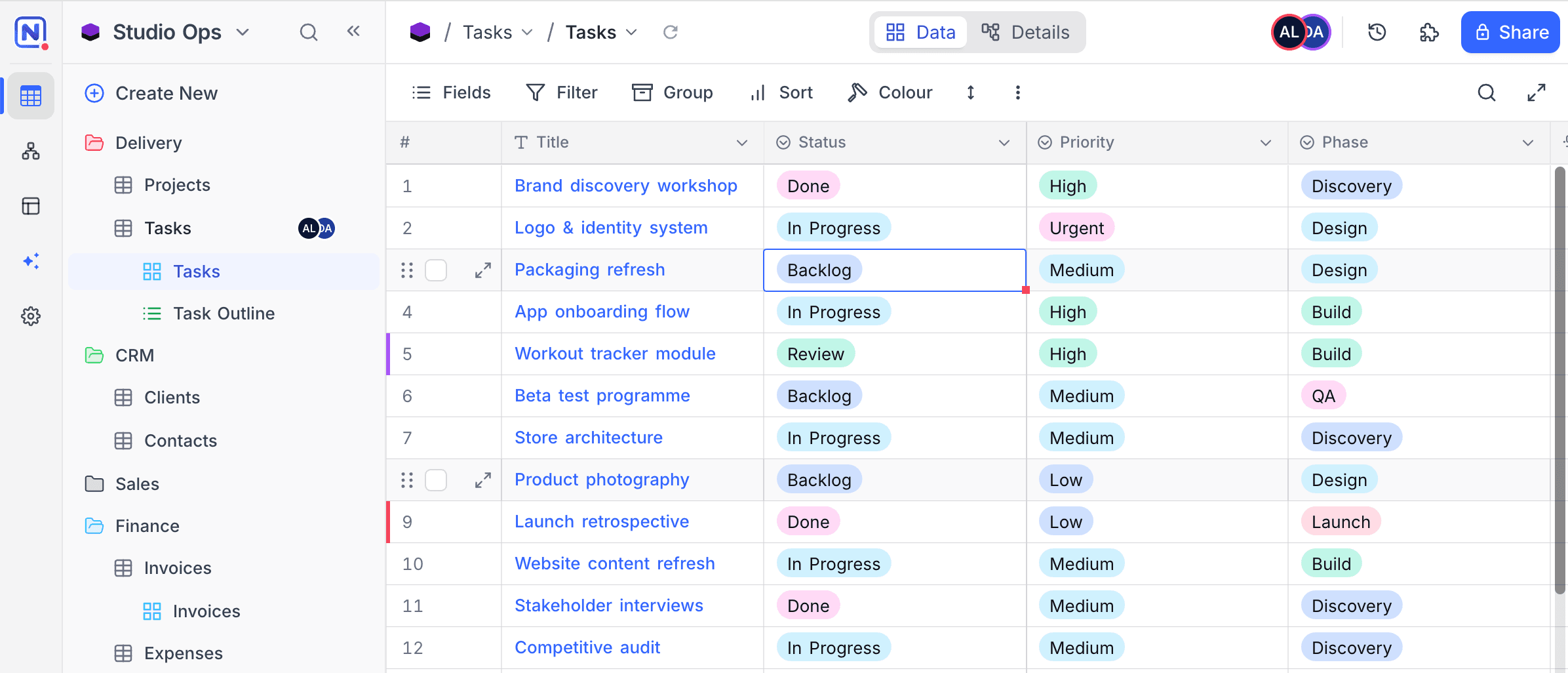
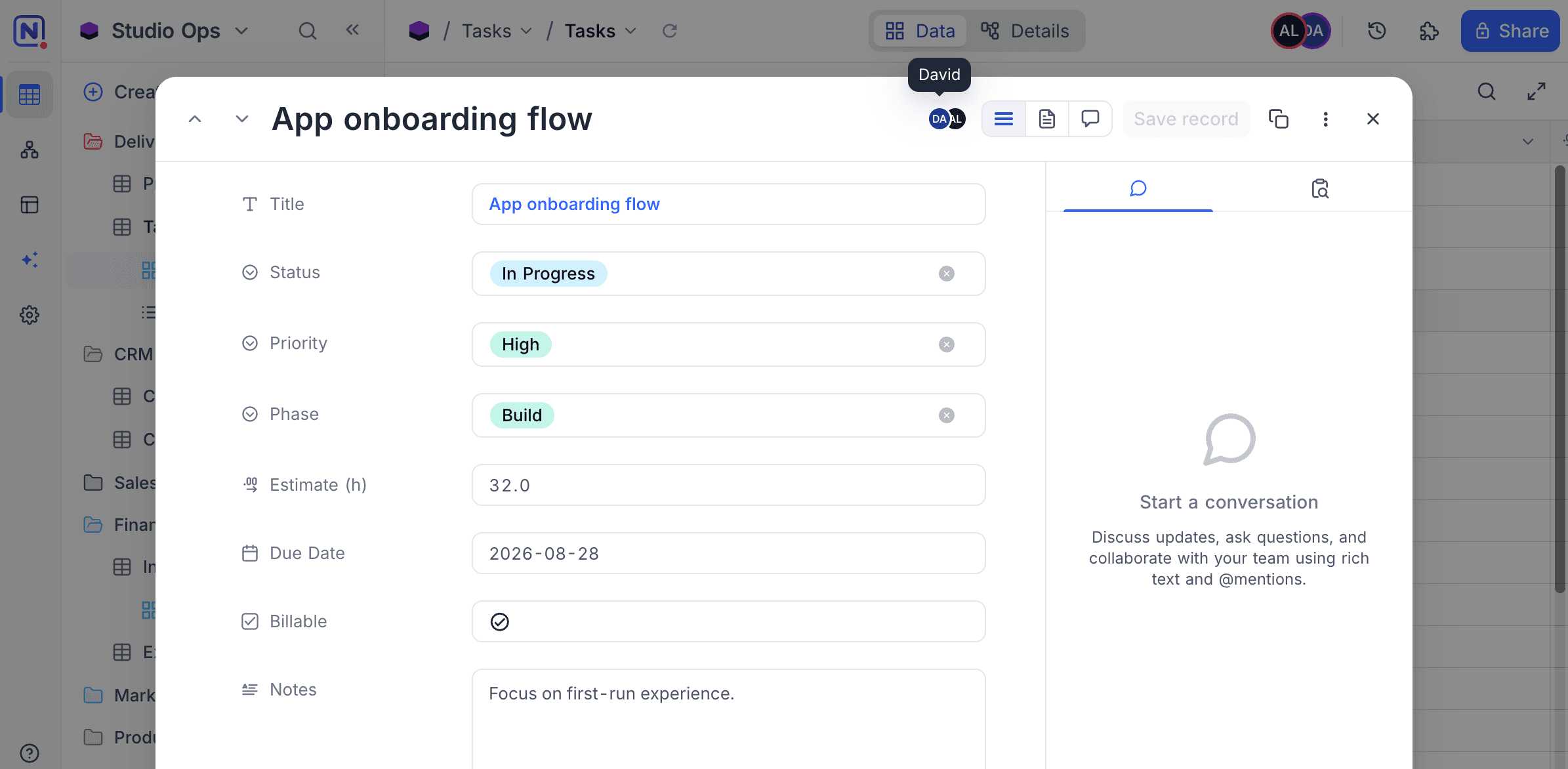
Open records - A record that a collaborator opens shows a presence badge in the expanded record and in the side panel. The row of the record in the grid has an accent bar in their color. The row marker shows even if they opened the record from a different view of the table.
-
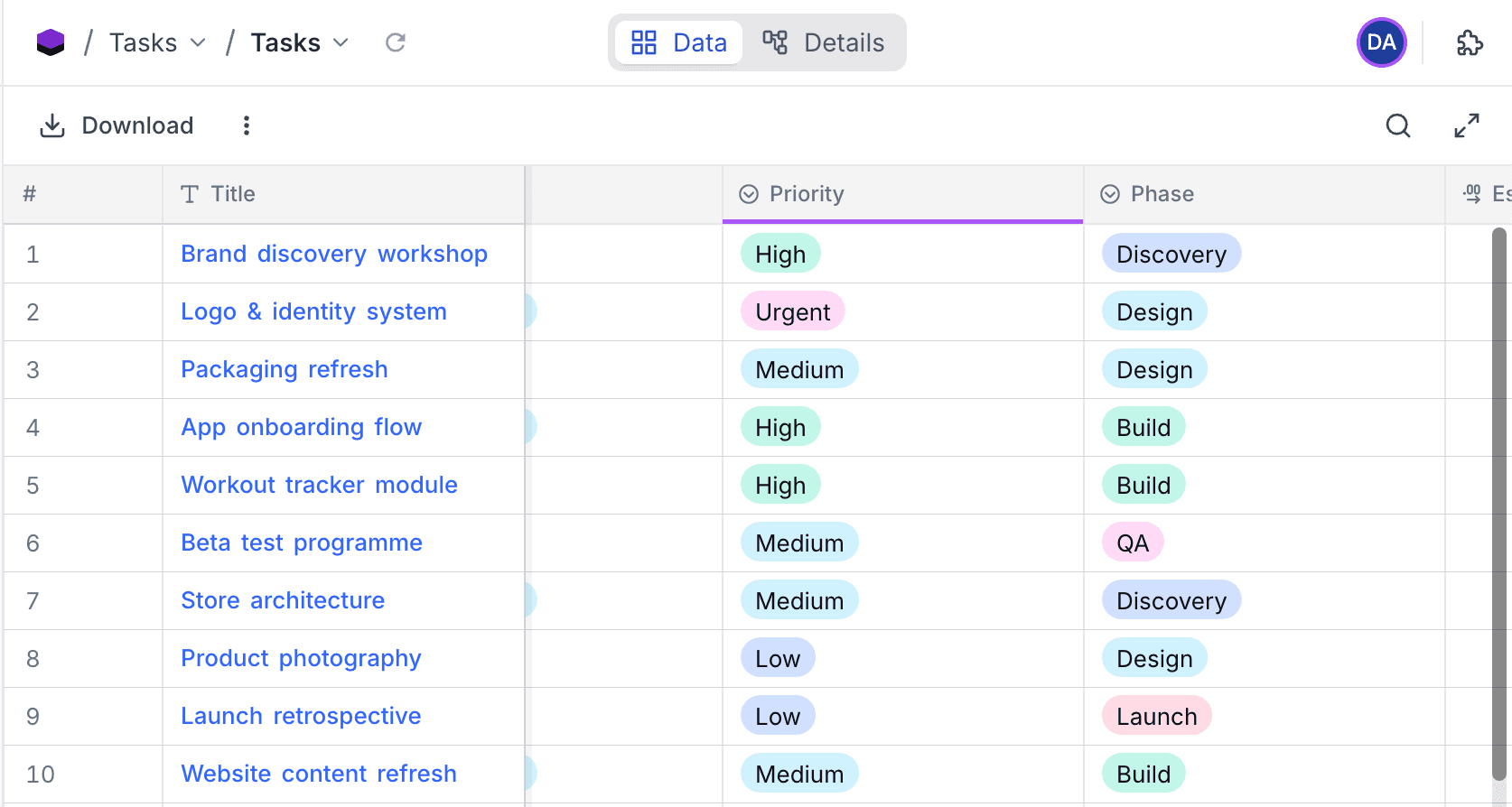
Field editing - When a collaborator has the settings of a field open for editing, the field header is underlined in their color.
-
Sidebar - Tables with active collaborators show their avatars next to the table name in the sidebar.
Jump to a collaborator
- In the toolbar, click the avatar of a collaborator. Their name and their current table show.
- Click Go there. NocoDB opens the cell that they work on, also if it is in a different table.
This is useful when you go through data together on a call.
Notes
- Presence does not lock anything. Collaborators can still edit the same data. NocoDB warns you when another person already edits the record that you are in.
- Presence shows only to members of the base who have the table open. Viewers of a publicly shared view do not show.
Last updated on