Base Snapshots
A snapshot is a backup of your base at one point in time. Make a snapshot before large changes, or to protect against accidental data loss.
Key Notes
- When you restore a snapshot, NocoDB creates a new base. The existing base does not change.
- You select the workspace into which you restore the snapshot.
- Snapshots do not include audit log data (global audits and record revision history).
- A restore does not include base-level permissions, shared base settings or shared view settings. You must configure them again manually.
- You must wait a minimum of three hours between two snapshots.
- Only Base Owners can use snapshots.
Access Snapshots
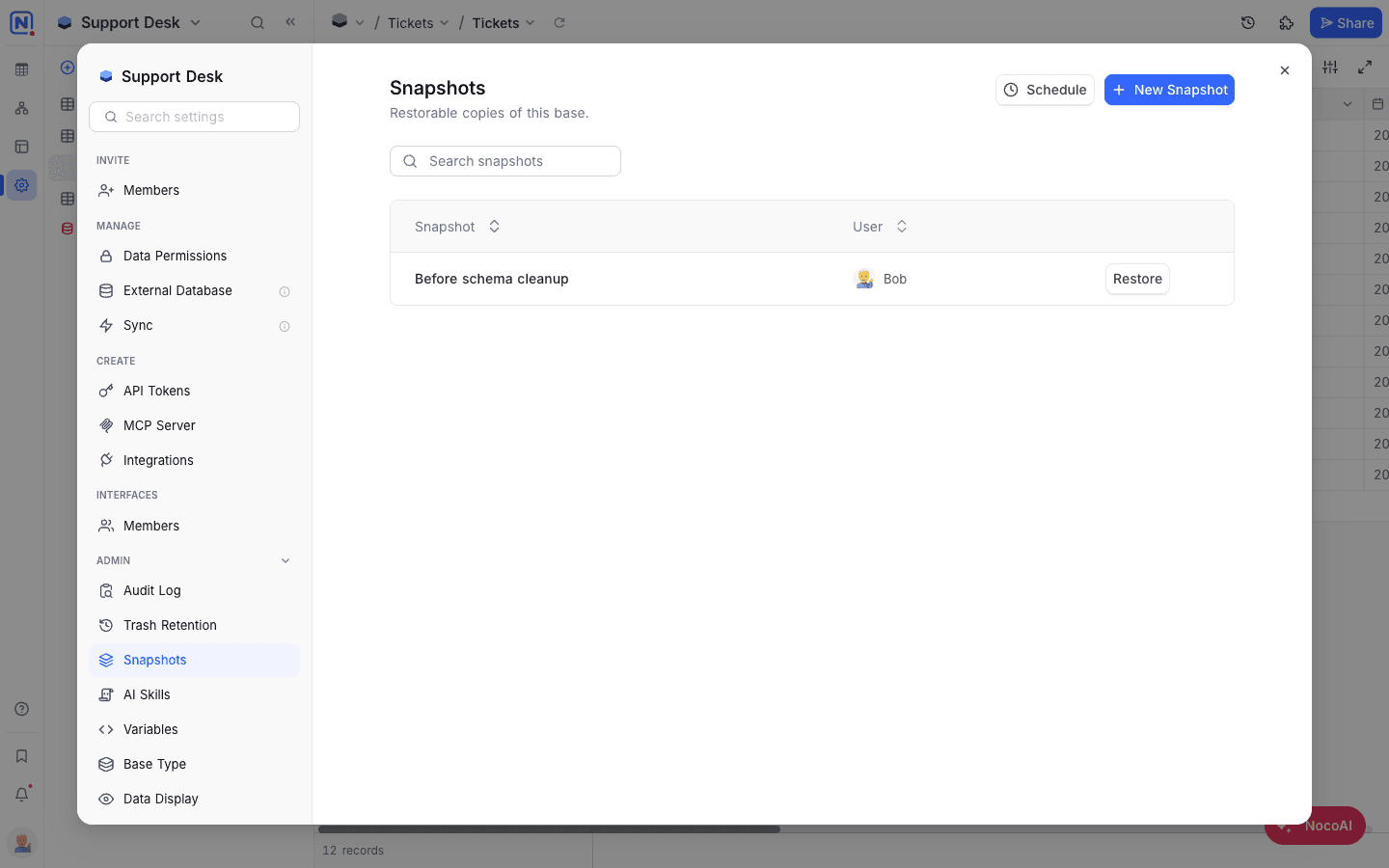
- Open the base and go to Base Settings → Admin → Snapshots.
Create a Snapshot
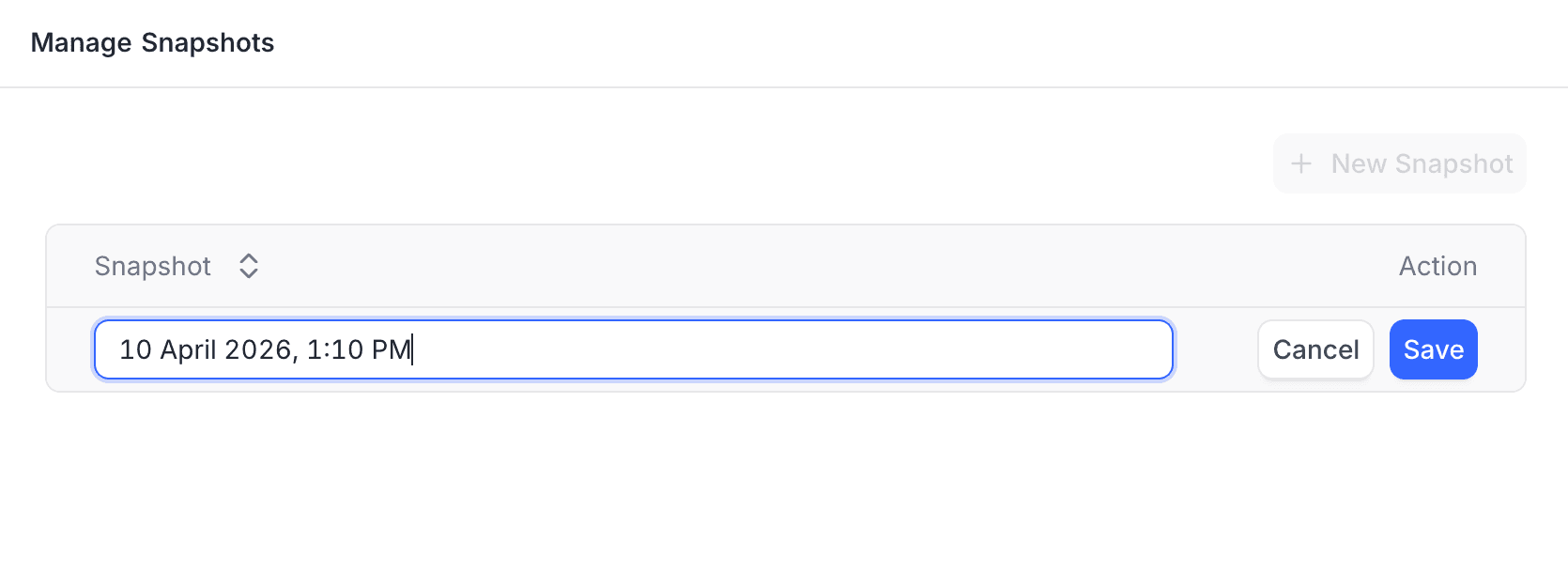
- Click + New Snapshot.
- Type a name for the snapshot. The default name is the current date and time.
- Click Save.
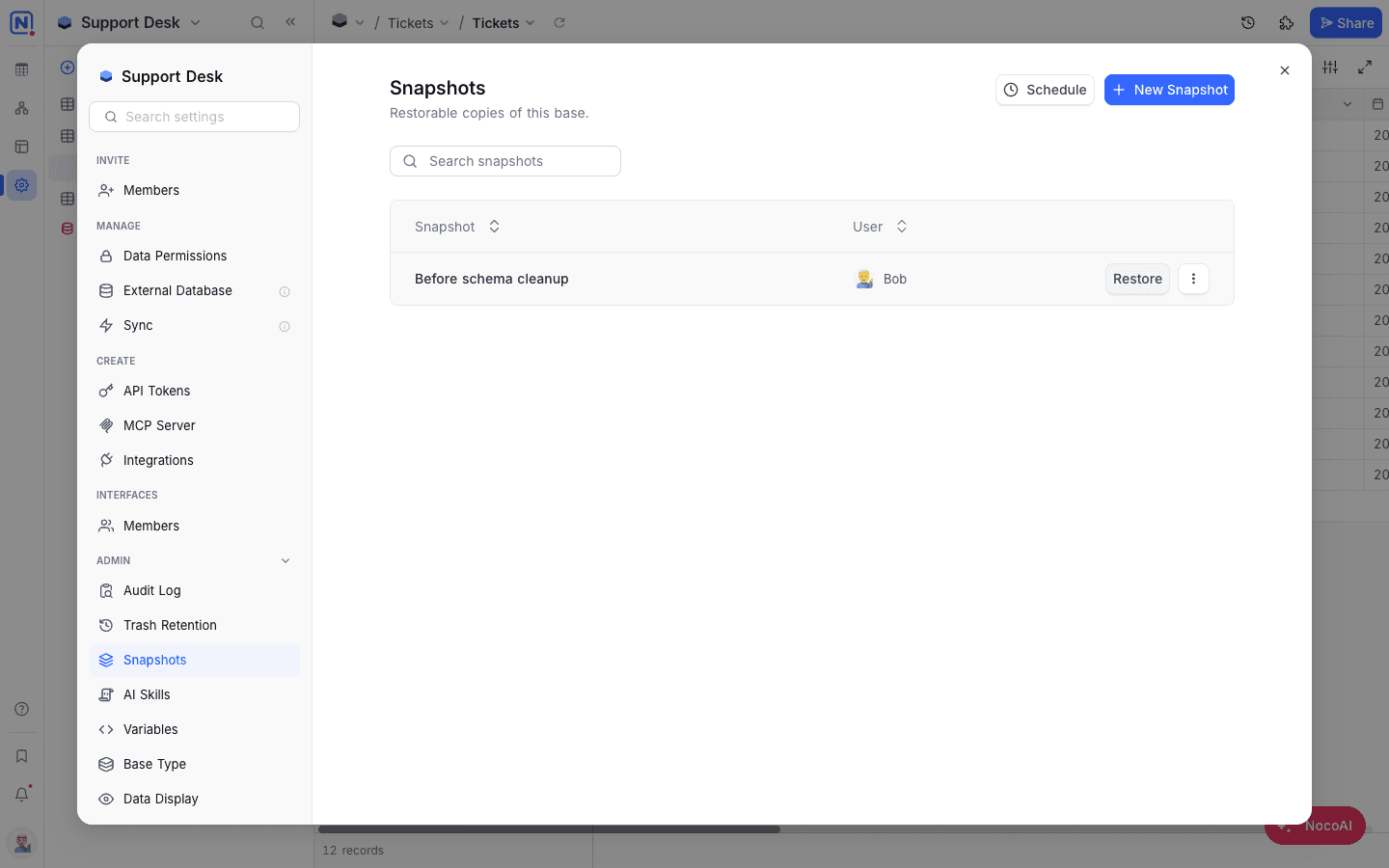
The snapshot shows in the list. It has a Restore button and a ⋮ menu with Delete.
Restore a Snapshot
- Next to the snapshot, click Restore.
- Select the target workspace. The default is the current workspace.
- Click Confirm Restore.
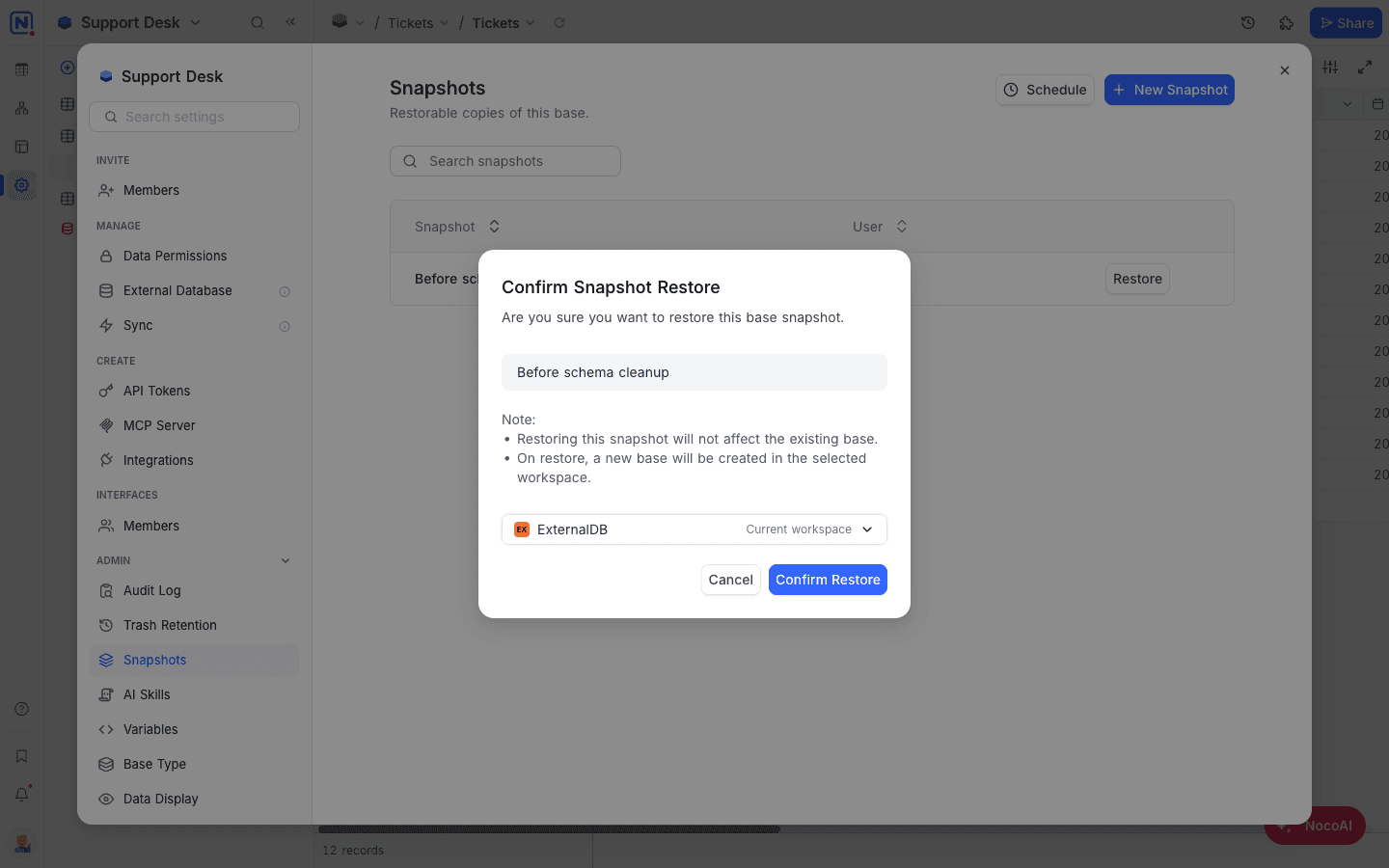
Restoring a snapshot creates a new base in the selected workspace. The existing base is not affected.
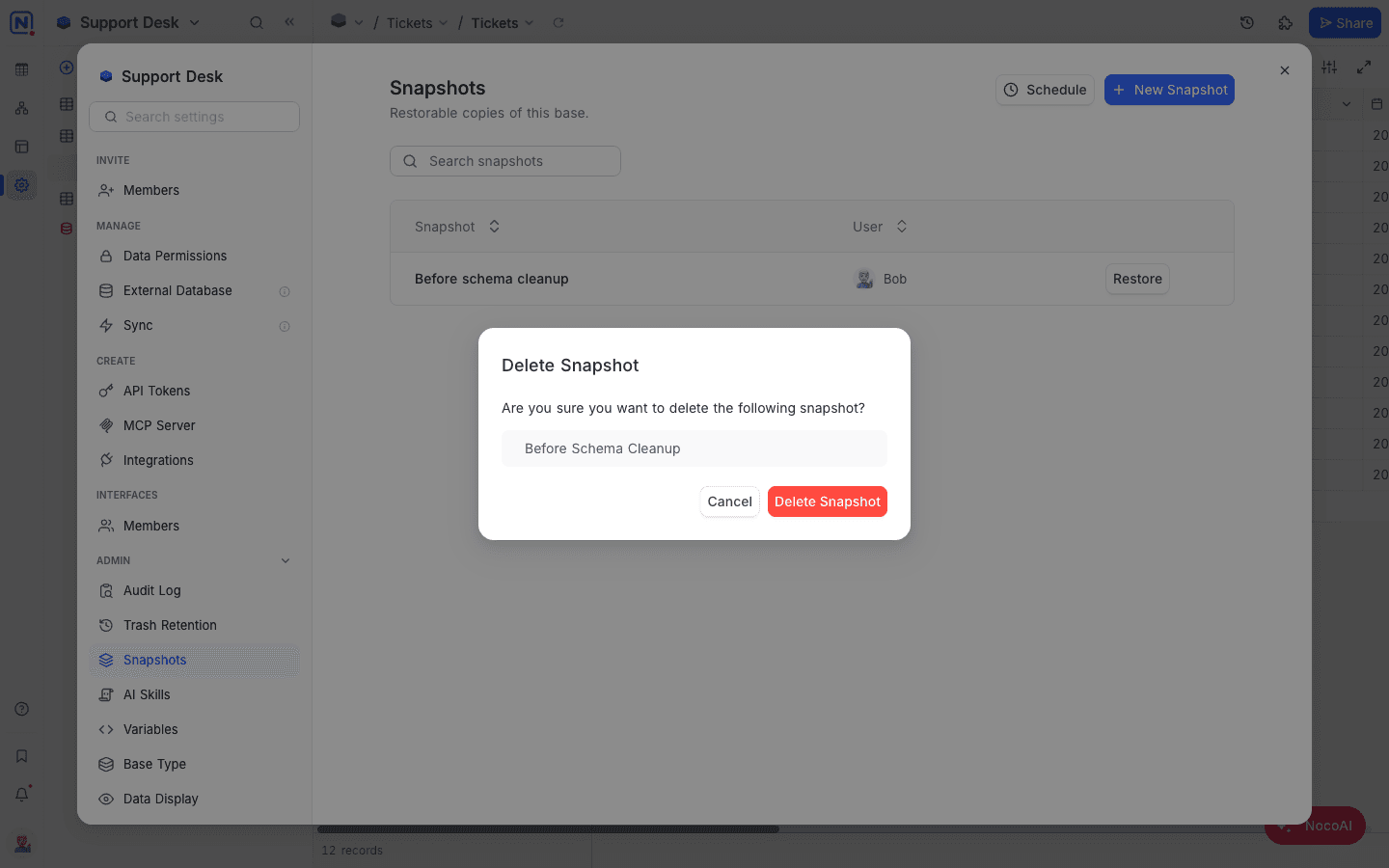
Delete a Snapshot
- Next to the snapshot, click the vertical ellipsis
⋮. - Select Delete.
- Click Delete Snapshot to confirm.
Availability
- Snapshots are available on NocoDB Cloud (Plus plan and above) and licensed self-hosted deployments (Business plan and above). The number of snapshots that you can keep for each base depends on your plan.
Last updated on
Latest product updates?See Changelog