Record Created via Specific Form
This NocoDB trigger starts a workflow when a specific form adds a new record to a selected table in the current base. The workflow context gets the data of the new record.
Ask NocoAI
Copy a prompt, paste it into NocoAI in any base, and replace the words in [brackets] with your own.
- When someone submits the [Contact Us] form, email them a confirmation
- When the [Job Application] form is submitted, set [Stage] to [Applied]
- When the [Support Request] form is submitted, email [the support team]
Configuration
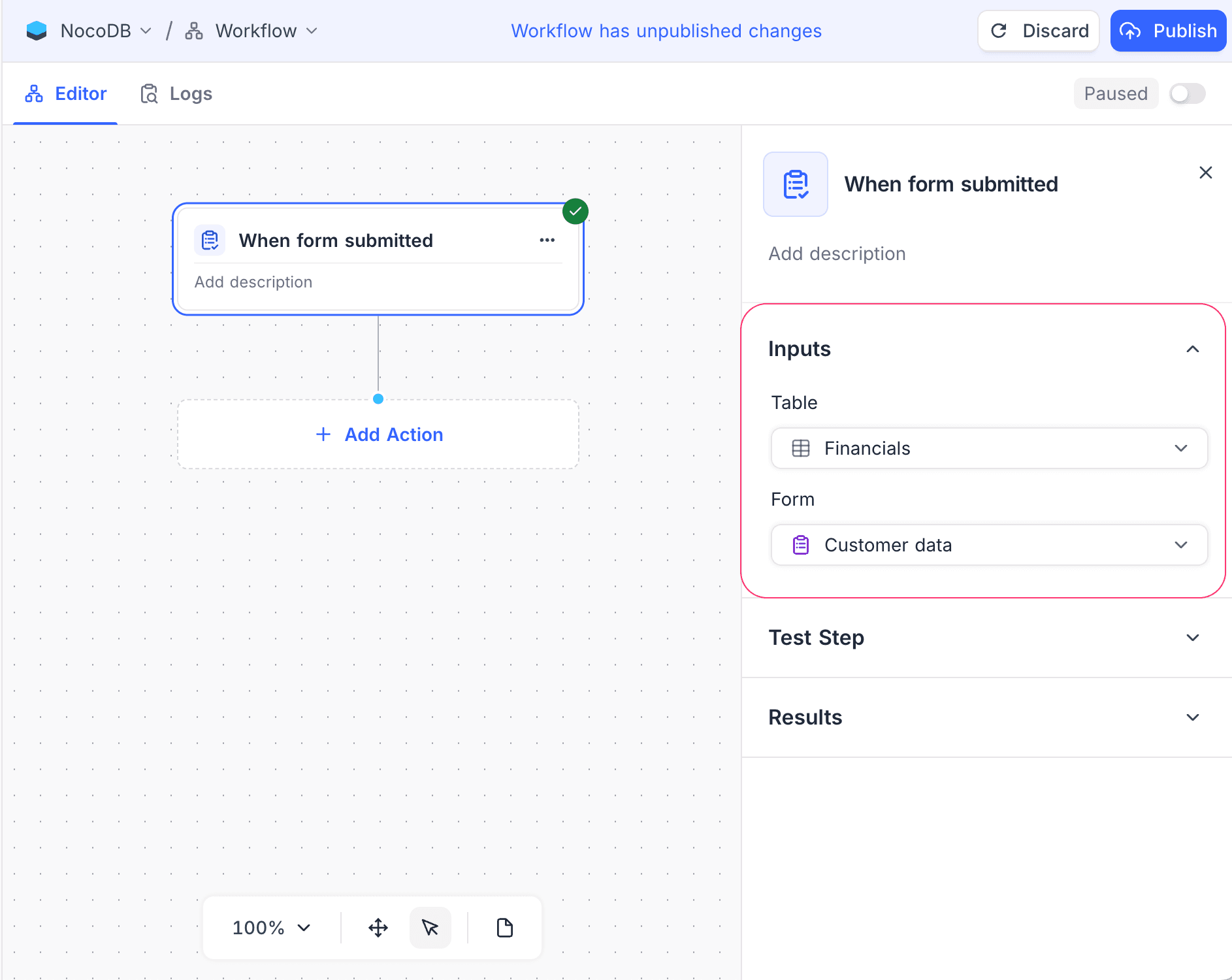
- Table: Select the table that the form adds records to.
- Form: Select the form to monitor for new records.
Additional options
| To monitor | Use the trigger node |
|---|---|
| All new records in the table, from any form | Record created |
| All records that enter a specific view after they are created | Record enters view |
How it works
- The trigger fires immediately after the selected form creates a record.
Use cases
- Send notifications for new records from a form
- Create related records automatically from form submissions
- Set default values for records that a form creates
Availability
- Available on NocoDB Cloud (all plans) and licensed on-premise deployments.
Last updated on
Latest product updates?See Changelog