Button clicked
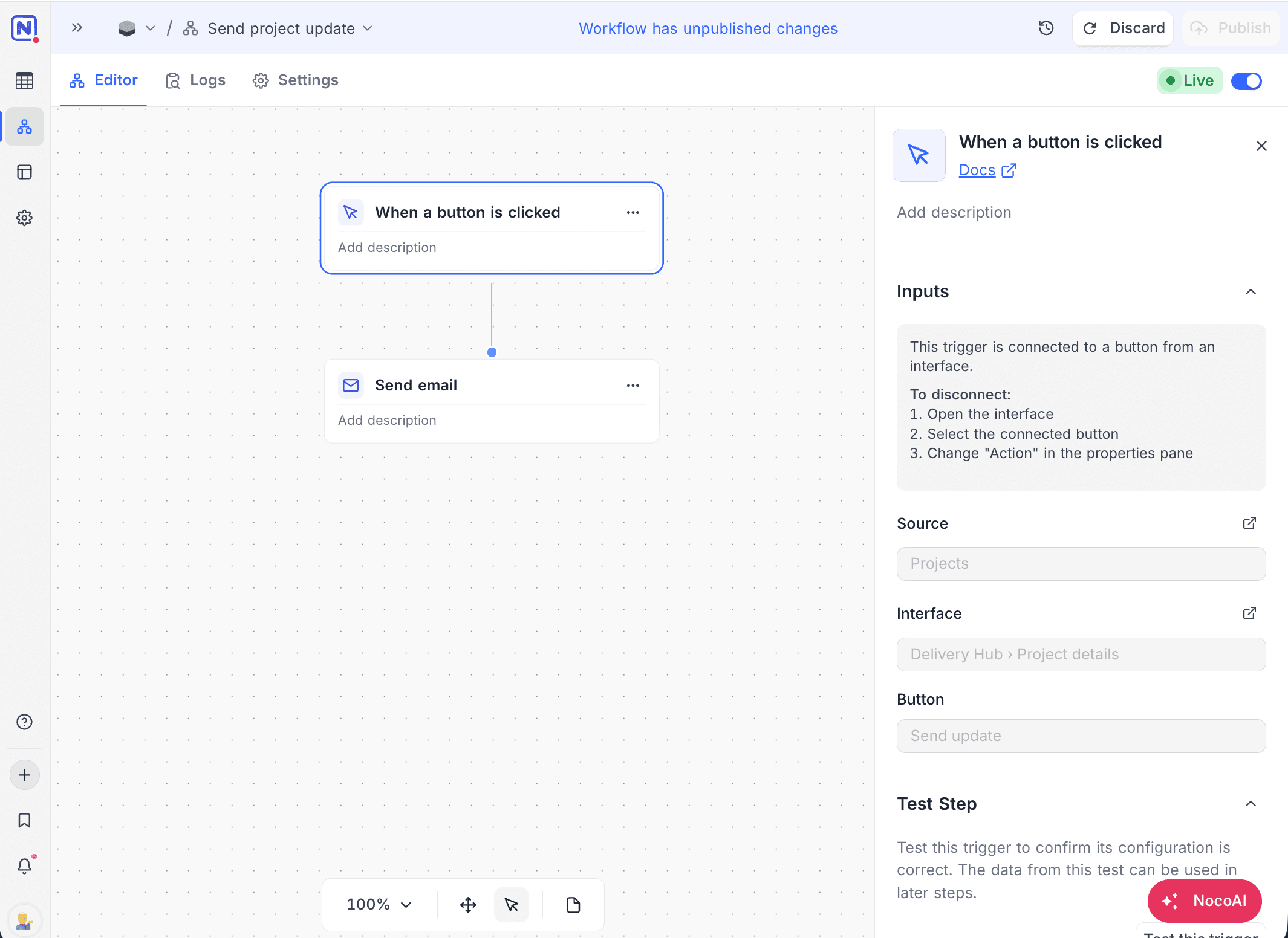
The When a button is clicked trigger starts a workflow when a user clicks a Run automation button in an interface. What the workflow gets depends on where the button is:
| Button location | What the workflow gets | Example actions |
|---|---|---|
| Record sheet, record pane, or field group | The clicked record. The workflow runs on the record that the user looks at. | "Send contract", "Escalate ticket", "Generate invoice" |
| Table page header, record review toolbar, or dashboard group | No record | "Generate weekly report" |
Ask NocoAI
Copy a prompt, paste it into NocoAI in any base, and replace the words in [brackets] with your own.
- Build a workflow that runs when someone clicks [a button] on a [Deals] record and [emails the customer]
- Build a workflow that runs from a button on [Orders] and [sets Status to Shipped]
- Build a workflow that runs from a button on [Candidates] and [creates an Interview record]
Configuration
The When a button is clicked trigger has no settings of its own. You connect it to a button in the interface:
- In the interface builder, open the button settings of the placement that you want:
- On a record detail page, record pane, or field group: Page › Record › User actions › Buttons.
- On a table page, record review list, or dashboard group: User actions › Buttons.
- Add a button.
- For its Action, select Run automation.
- Under Automations, select this workflow. Workflows that you cannot connect are greyed out. Hover over one to see why.
You can also select Create new automation from the same list:
- Give the automation a name. NocoDB creates a workflow with this trigger already connected to the button.
- Click Continue in Workflows to finish the workflow now, or click Finish later.
The trigger panel in the workflow editor shows the connected table, interface page, and button. It shows a warning when the button is not yet configured in the published version of the interface.
A workflow can be bound to one button. The workflow must be enabled, and the interface published, before the button runs it.
How it works
- A user clicks the Run automation button on a record or page. Users with the Editor role or above can use the button.
- The workflow starts once for each click. An Automation started toast shows.
- For record buttons, the trigger outputs the clicked record (
record.idandrecord.fields). It also outputs the table, page, button, and the user who clicked. - For page-level buttons, the trigger outputs only the page, button, user, and time.
- Each click counts as one workflow run against the run limit of your plan.
Use cases
- Send a document or email for the record on demand
- Escalate a ticket or hand it off to another team
- Start a multi-step process, such as onboarding, from a single button
Availability
- Available on NocoDB Cloud (all plans) and licensed on-premise deployments. The button itself is configured in Interfaces.
Last updated on
Latest product updates?See Changelog