Manual
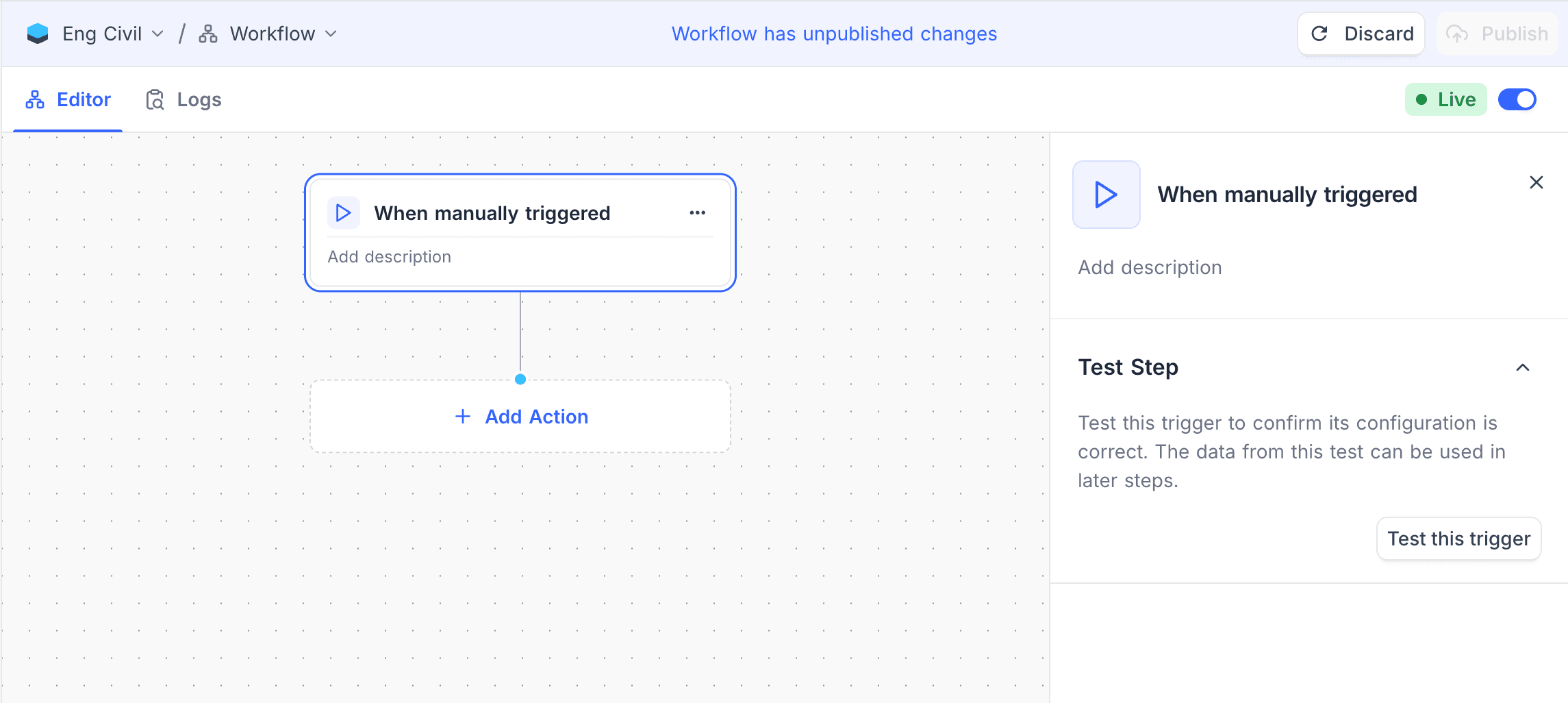
The Manual Trigger starts a workflow only when a user runs it. It does not use data changes or schedules. Use it for testing or for one-time operations.
Ask NocoAI
Copy a prompt, paste it into NocoAI in any base, and replace the words in [brackets] with your own.
- Build a workflow I can run by hand that [emails every customer with an unpaid invoice]
- Build a workflow I can run by hand that [sets Status to Archived on records older than 1 year]
- Build a workflow I can run by hand that [creates next month's tasks from Templates]
Configuration
This trigger has no configuration.
How it works
- The workflow does not run automatically.
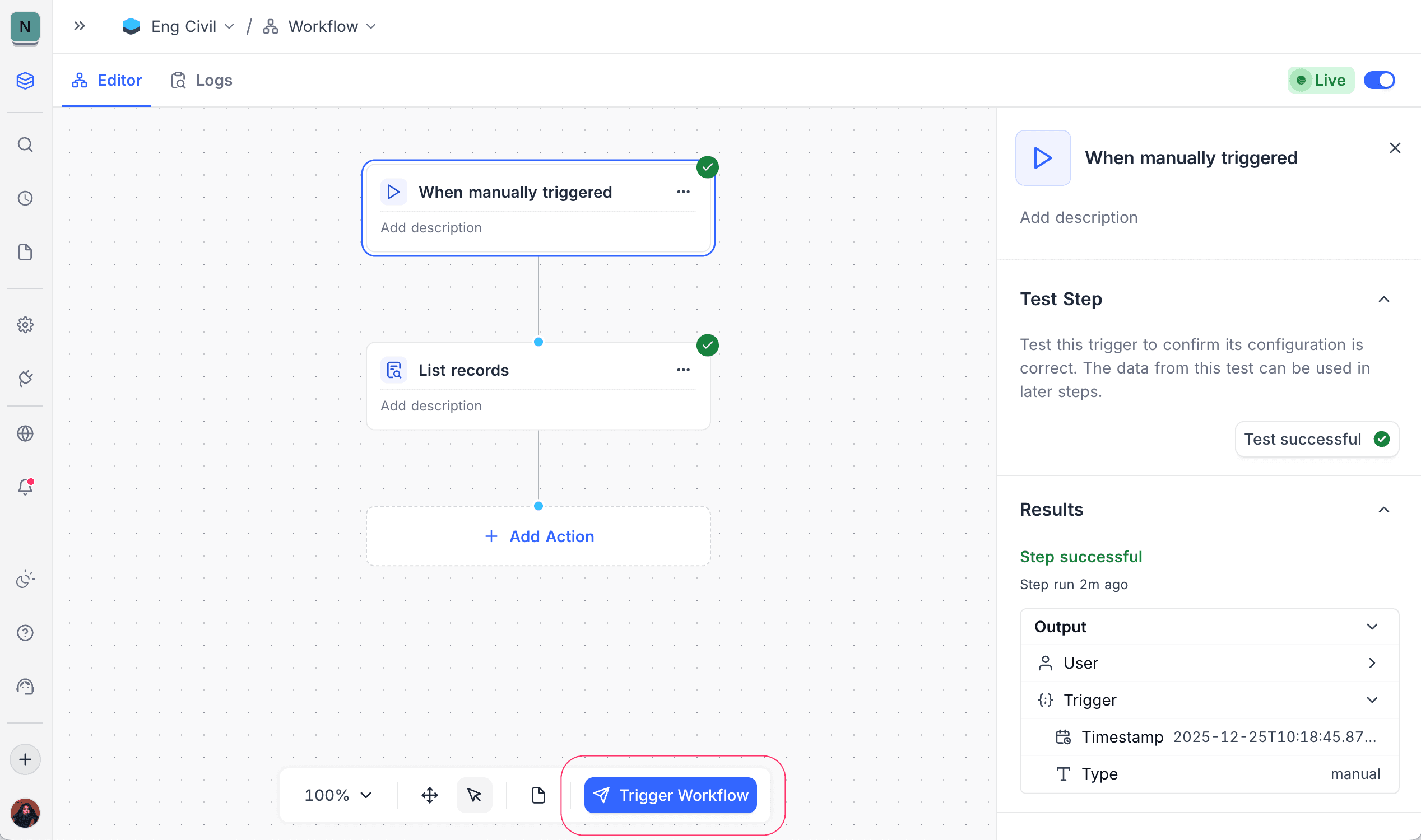
- To start the workflow, click Trigger Workflow in the floating workflow action bar.
- The workflow runs one time for each manual start.
Use cases
- Testing workflow logic
- One-off data updates
- Administrative or maintenance tasks
Availability
- Available on NocoDB Cloud (all plans) and licensed on-premise deployments.
Last updated on
Latest product updates?See Changelog