Integration
In NocoDB workflows, use Integration Nodes to connect your workflows to external services and AI capabilities. These nodes let workflows do more than database operations. In the same automation flow, they can generate data, send messages and work with other tools.
Use integration nodes to add data, generate content, or start actions in third-party systems. These actions can be based on events or on data from previous nodes.
Copy a prompt, paste it into NocoAI in any base, and replace the words in [brackets] with your own.
- When a record is added to [Leads], create a contact in [HubSpot]
- When [Status] changes to [Urgent], send a [Slack] message to [#support]
- When an [appointment] is booked, text [the customer] with Twilio
Types of integration nodes
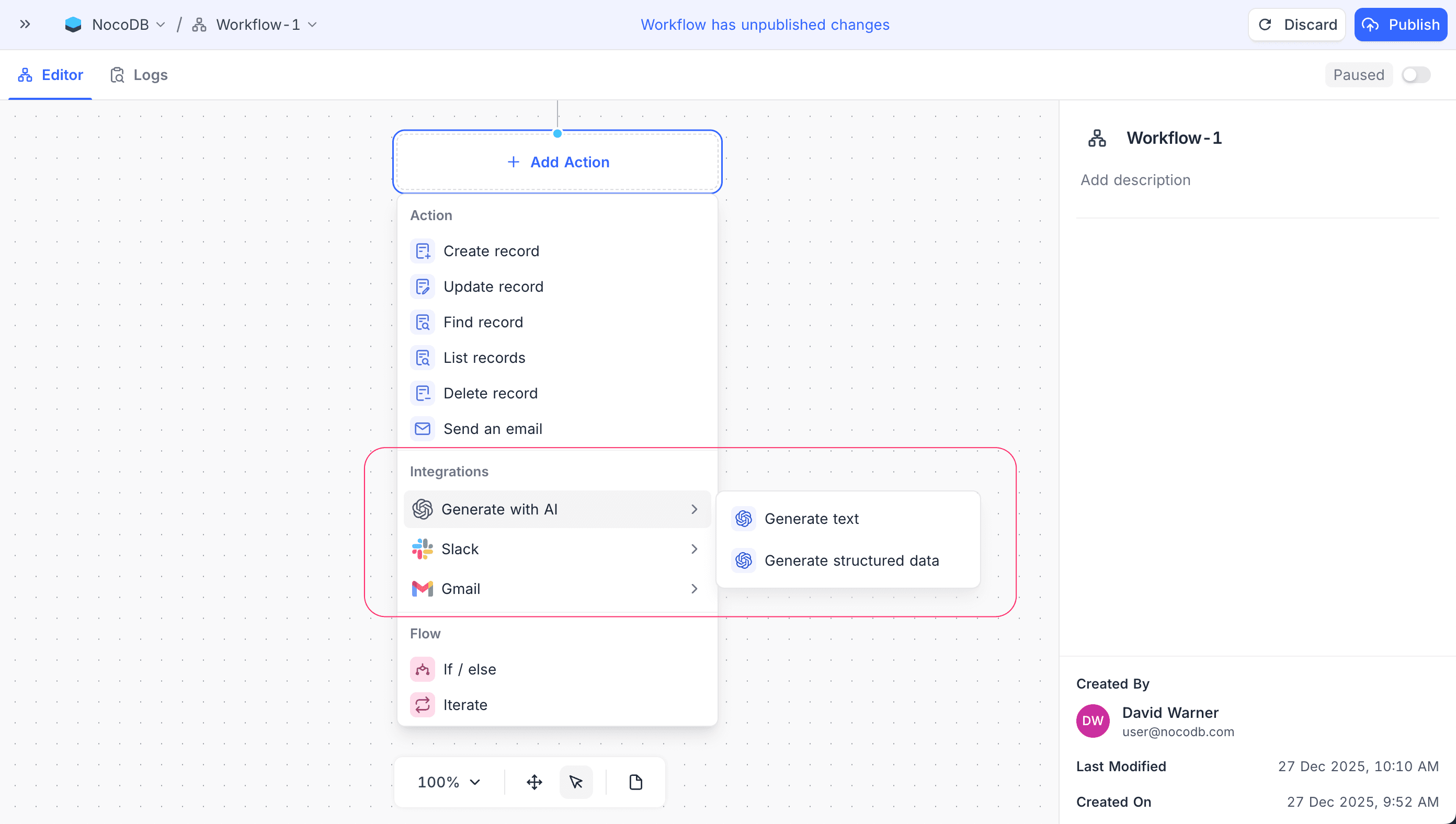
NocoDB has these Integration Nodes for common automation and AI use cases:
| Node | What it does | Use it for |
|---|---|---|
| Generate with AI | Uses AI to generate content or structured data from the inputs of previous nodes. | Summaries, adding data, classification, or changing free-form input into structured fields |
| Slack | Sends messages to Slack channels or users. | Notifications, alerts or status updates when workflow events occur |
| Gmail | Sends emails with the Gmail integration. | Personalized messages, confirmations or automated follow-ups with dynamic workflow data |
Use Integration Nodes to build end-to-end workflows in NocoDB. These workflows combine data operations, AI and external messages for real-world automation.
Availability
- Some integration nodes are available only on some plans. For plan details, refer to the page of each integration node.
Last updated on