When Comment Changes
The When Comment Changes trigger in NocoDB starts a workflow when a comment on a record in a selected table is added, edited, deleted, resolved, or reopened. The workflow context gets the comment data, its author, and the mentioned people. You can limit the trigger to specific comment events. You can also limit it to comments that mention specific people.
Copy a prompt, paste it into NocoAI in any base, and replace the words in [brackets] with your own.
- When someone comments on a record in [Tickets], email [its Owner]
- When a comment is added to [Tasks], set [Last Activity] to today
- When someone comments on a record in [table], email [the record's creator]
Configuration
-
Table: Select the table to monitor for comment activity.
-
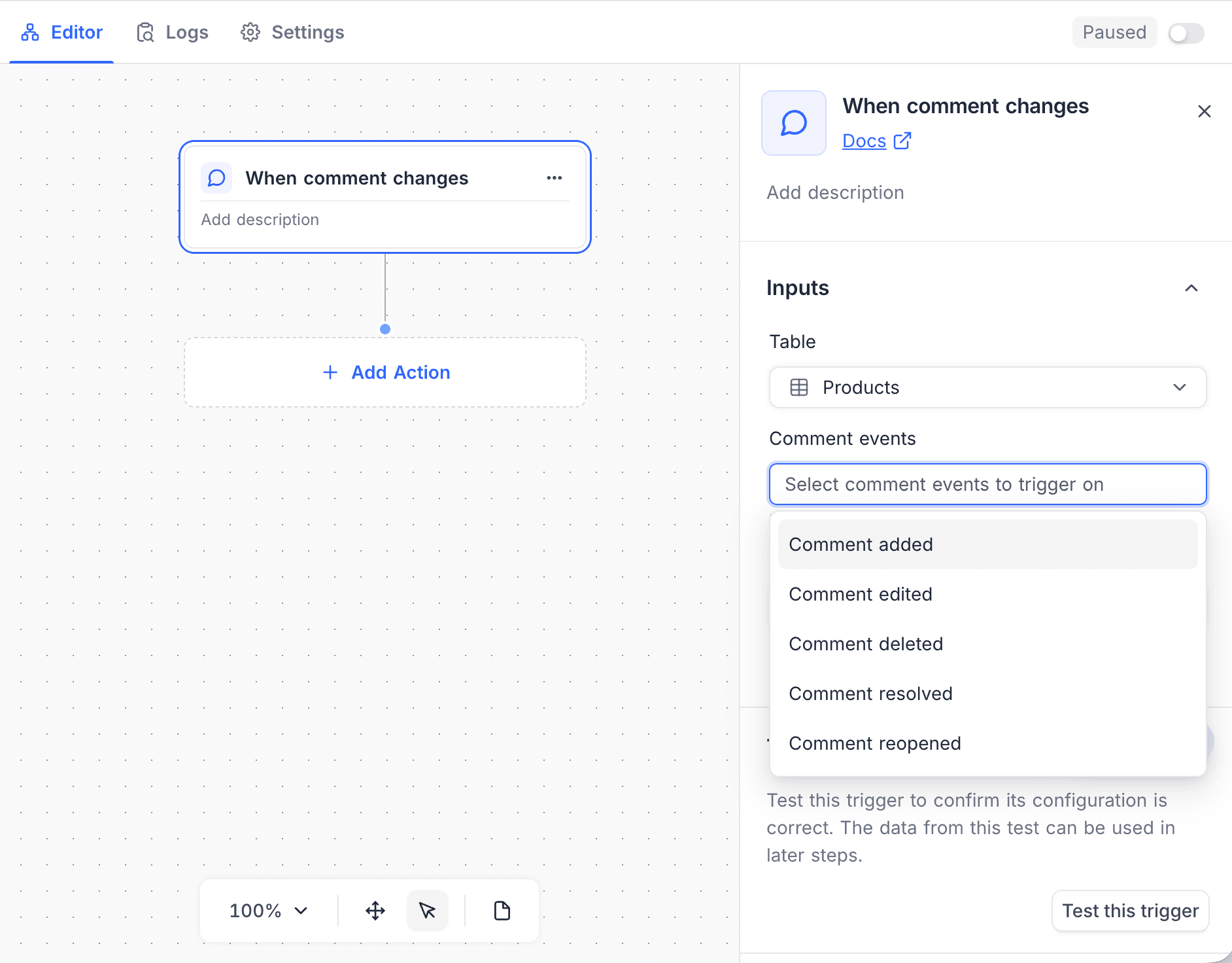
Comment events: Optional. Select the comment events that start the workflow: Comment added, Comment edited, Comment deleted, Comment resolved, or Comment reopened. If you select none, all comment events start the workflow.
-
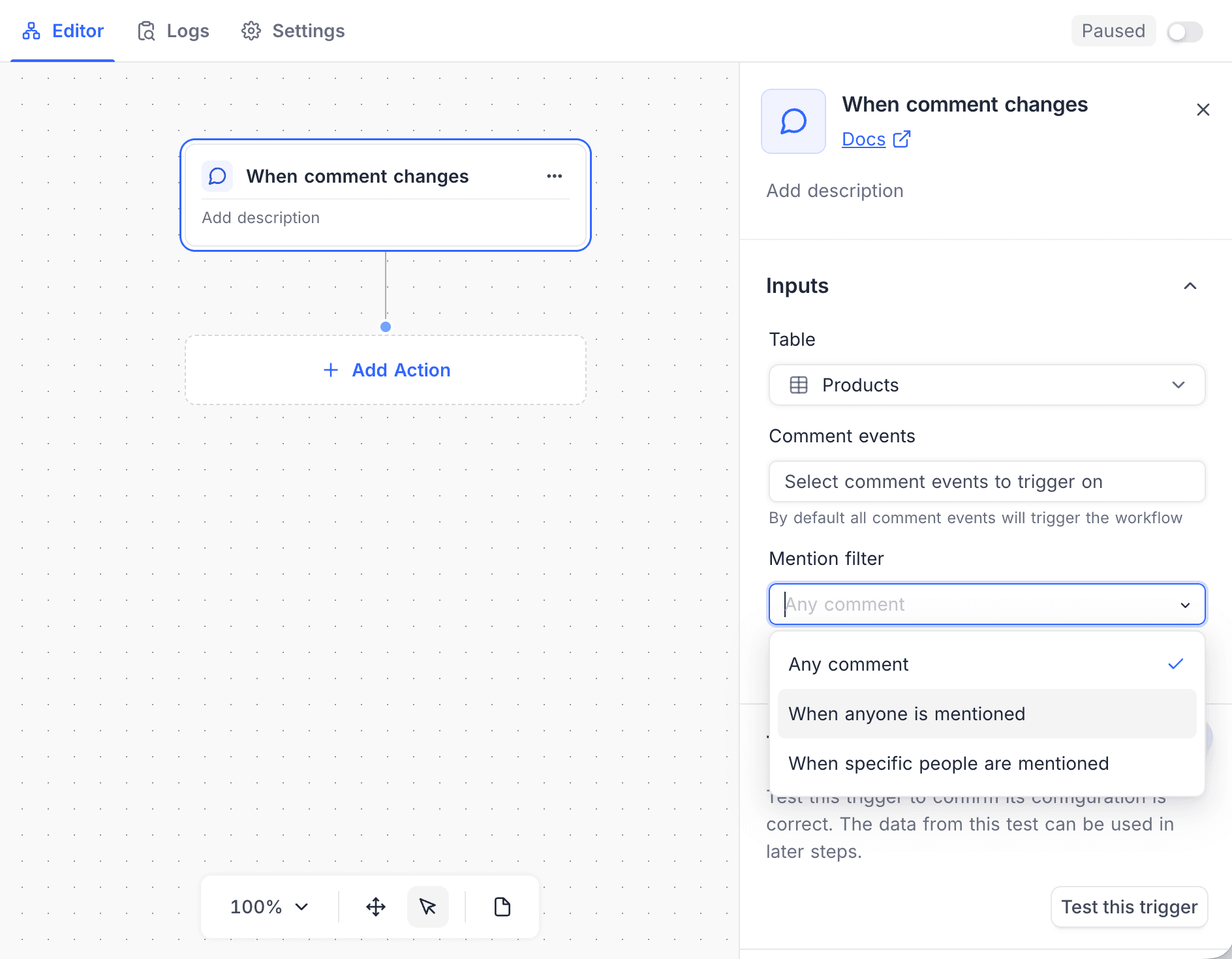
Mention filter: Select how mentions control the trigger:
Option The workflow starts Any comment (default) For all comments, with or without mentions When anyone is mentioned Only when the comment @mentions someone When specific people are mentioned Only when the comment @mentions one of the selected people -
People: Select the people who must be mentioned for the workflow to run. This setting shows only when the mention filter is When specific people are mentioned, and it is then required.
How it works
- The trigger fires after one of the selected comment events occurs.
- Mention filters limit runs to comments that mention the relevant people.
- The workflow context gets the comment body, the author, and the mentions.
Use cases
- Notify a teammate when a comment mentions them
- Send feedback to a channel when a comment is added
- Follow up automatically when a comment thread is resolved or reopened
Availability
- Available on NocoDB Cloud (all plans) and licensed on-premise deployments.
Last updated on