Actions on Webhook
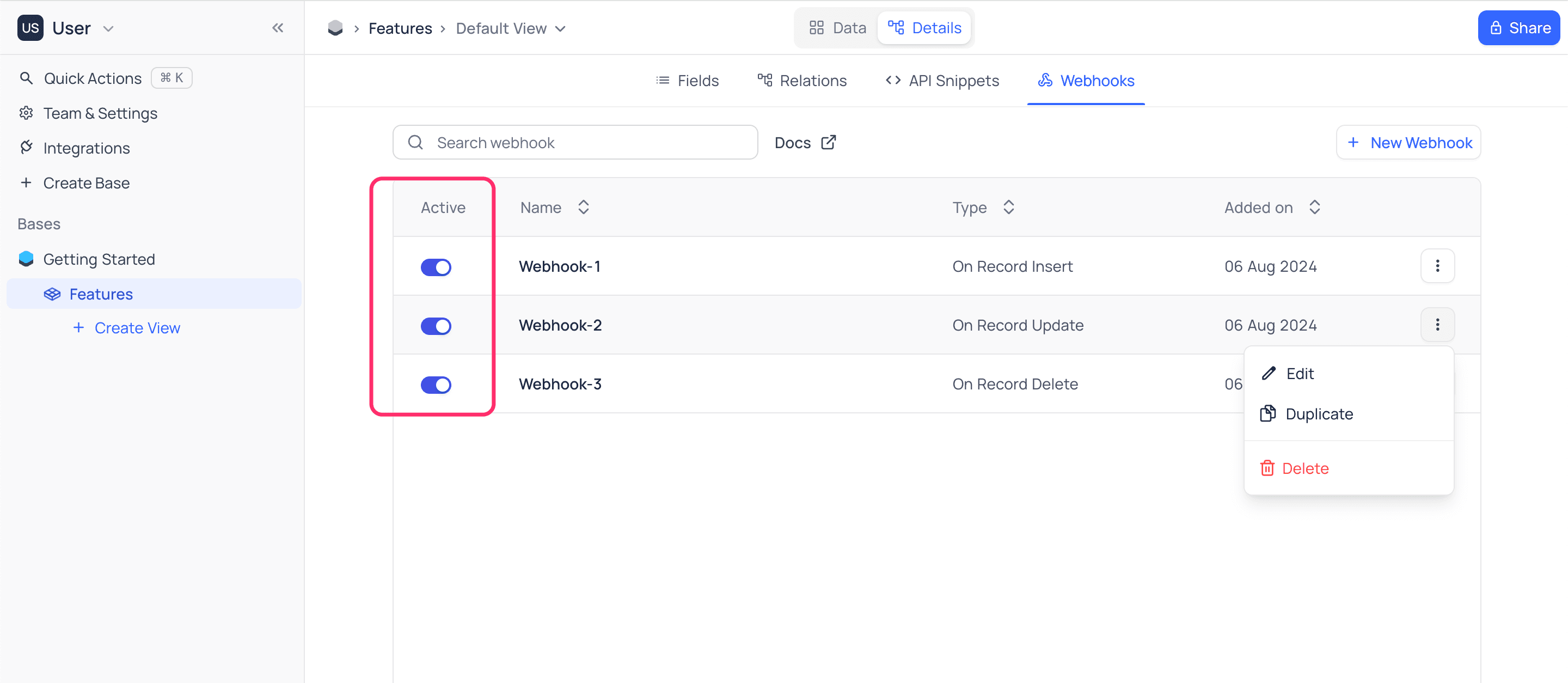
Enable/disable Webhook
To enable or disable a Webhook:
- Open the
Webhooktab. The tab lists your webhooks. - Turn the
Activatetoggle on or off.
Edit Webhook
To edit a Webhook:
- Open the
Webhooktab. The tab lists your webhooks. - Click the webhook that you want to edit. The webhook configuration page opens. It is almost the same as the page for creating webhook.
- Change the webhook settings.
- Click
Save. NocoDB saves the changes.
Duplicate Webhook
To duplicate a Webhook:
- Open the
Webhooktab. The tab lists your webhooks. - Click the
...actions button of the webhook that you want to duplicate. - Select
Duplicate.
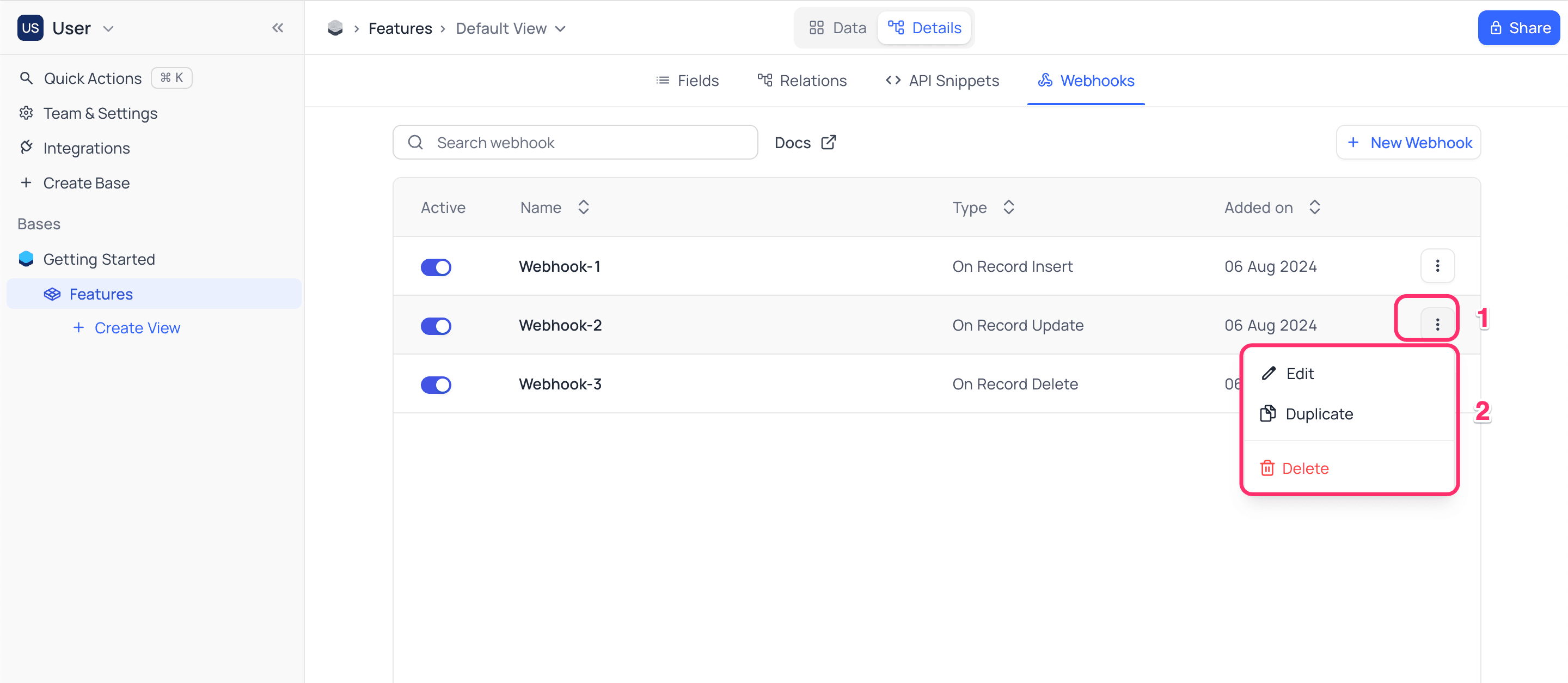
NocoDB creates a copy of the webhook with the suffix copy. The copy is disabled by default.
Delete Webhook
To delete a Webhook:
- Open the
Webhooktab. The tab lists your webhooks. - Click the
...actions button of the webhook that you want to delete. - Select
Delete.
Webhook Logs ☁
Webhook logs are available on all NocoDB Cloud plans and licensed self-hosted deployments (Business plan and above).
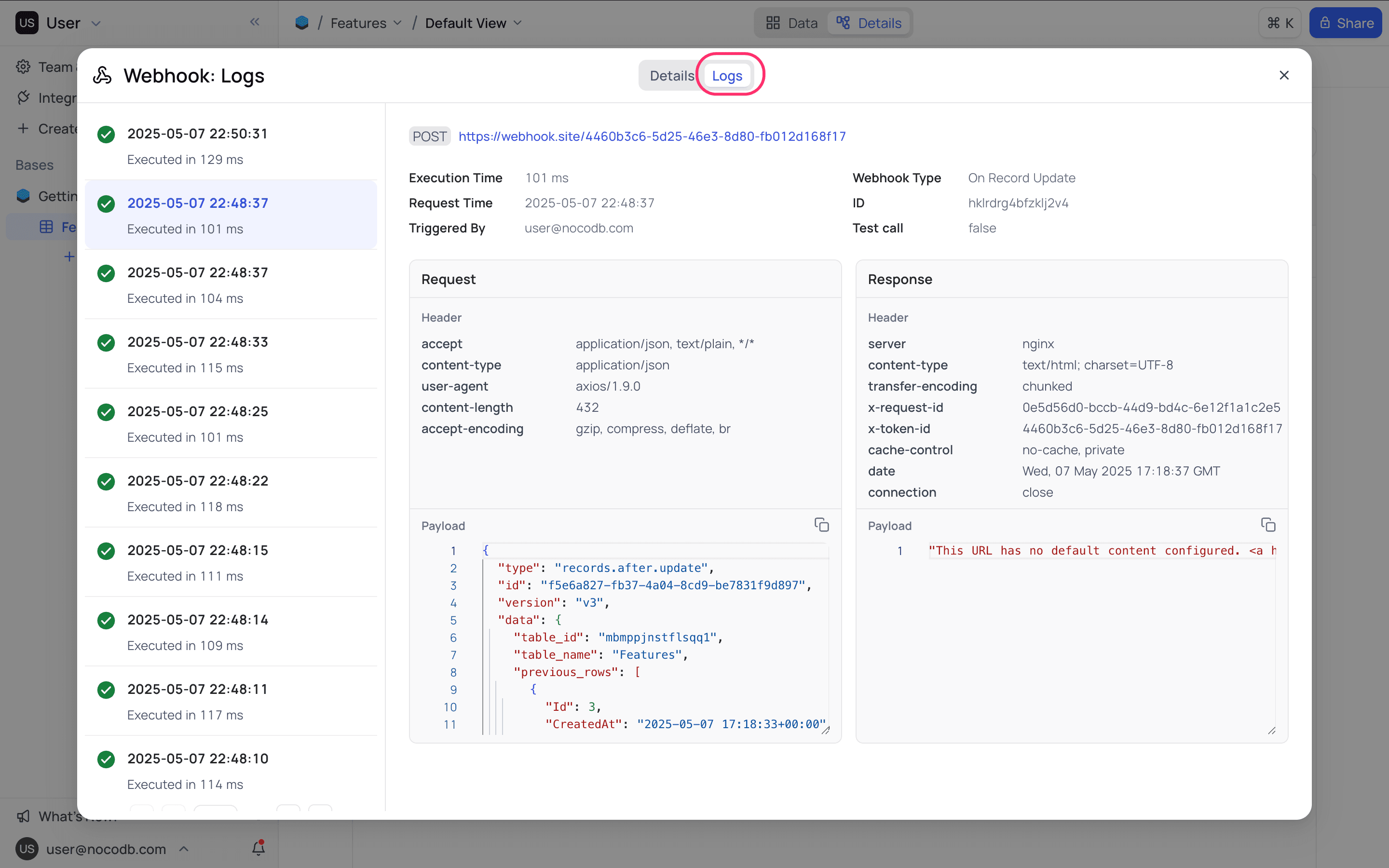
Webhook logs in NocoDB record each webhook execution attempt in detail. A log entry includes the request payload, the response status, and error messages (if any). Use the logs to monitor webhook activity, debug failures, and confirm successful deliveries. You can open the logs of each webhook from its webhook configuration panel.
Last updated on
Latest product updates?See Changelog