Actions on Webhook
This article is about the legacy version of webhooks in NocoDB. For the latest features and improvements, refer to Webhook v3.
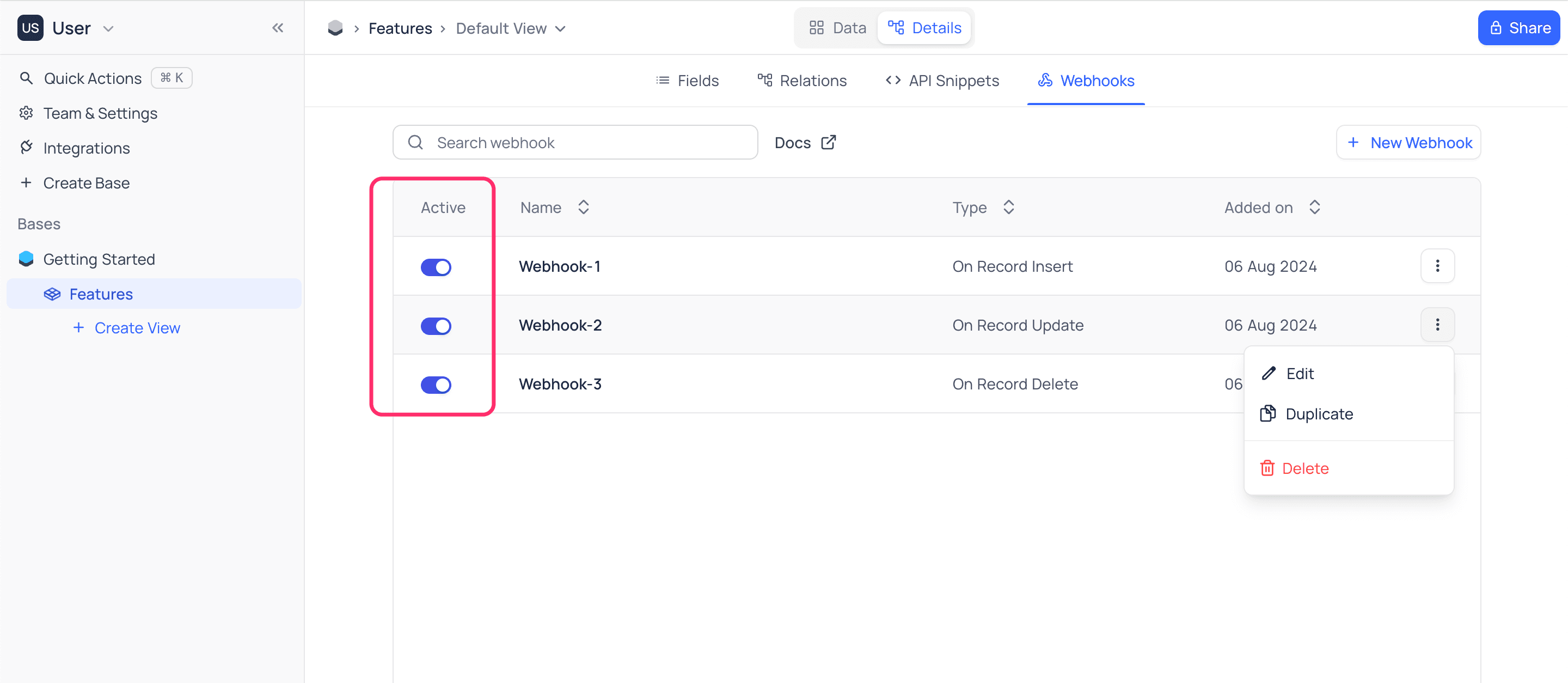
Enable/disable Webhook
To enable or disable a Webhook:
- Open the
Webhooktab. The tab lists your webhooks. - Turn the
Activatetoggle on or off.
Edit Webhook
To edit a Webhook:
- Open the
Webhooktab. The tab lists your webhooks. - Click the webhook that you want to edit. The webhook configuration page opens. It is almost the same as the page for creating webhook.
- Change the webhook settings.
- Click
Save. NocoDB saves the changes.
Duplicate Webhook
To duplicate a Webhook:
- Open the
Webhooktab. The tab lists your webhooks. - Click the
...actions button of the webhook that you want to duplicate. - Select
Duplicate.
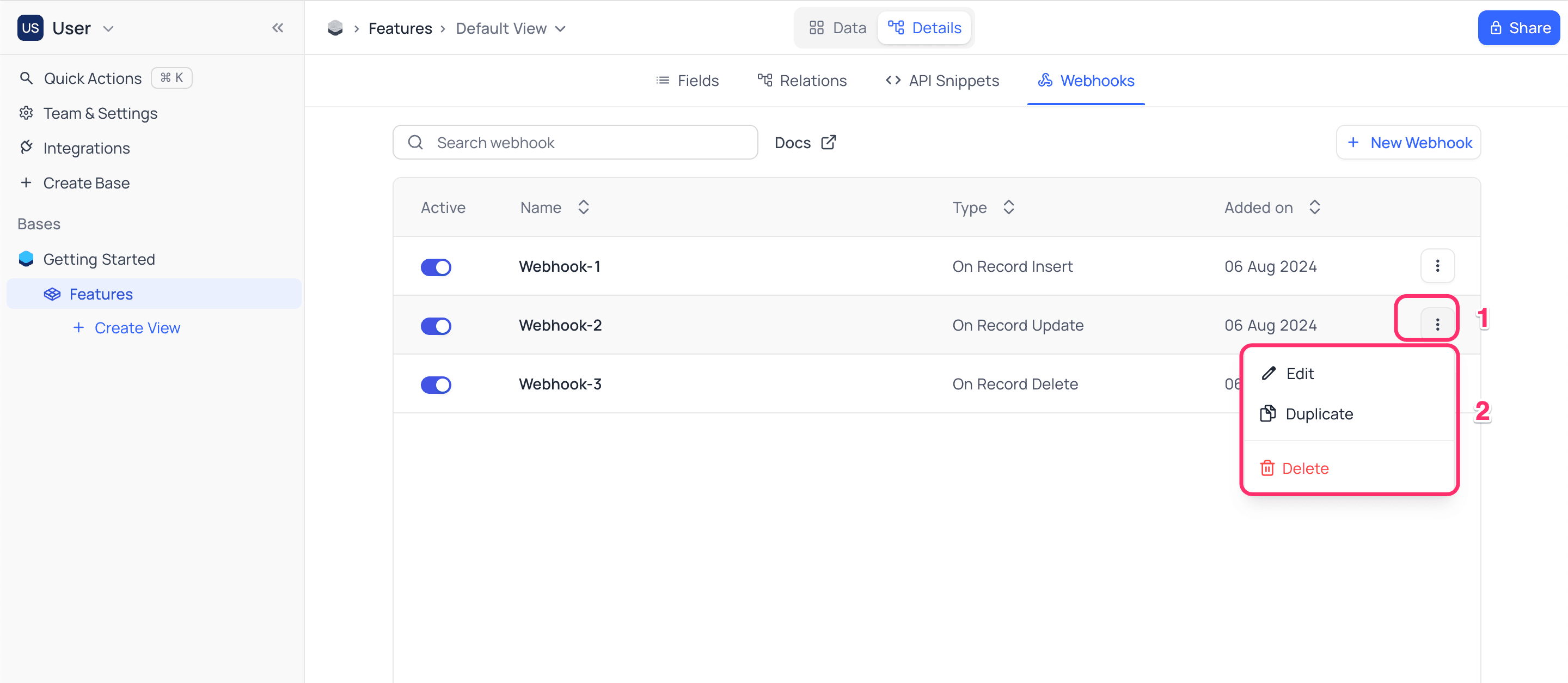
NocoDB creates a copy of the webhook with the suffix - Copy. The copy is disabled by default.
Delete Webhook
To delete a Webhook:
- Open the
Webhooktab. The tab lists your webhooks. - Click the
...actions button of the webhook that you want to delete. - Select
Delete.
Last updated on
Latest product updates?See Changelog