World Clock
Overview
The World Clock extension shows clocks for different time zones in your NocoDB instance. Use it to track time in different regions, or to work with team members in different time zones. The clocks show the time zones visually. This makes it easier to manage global operations and schedules.
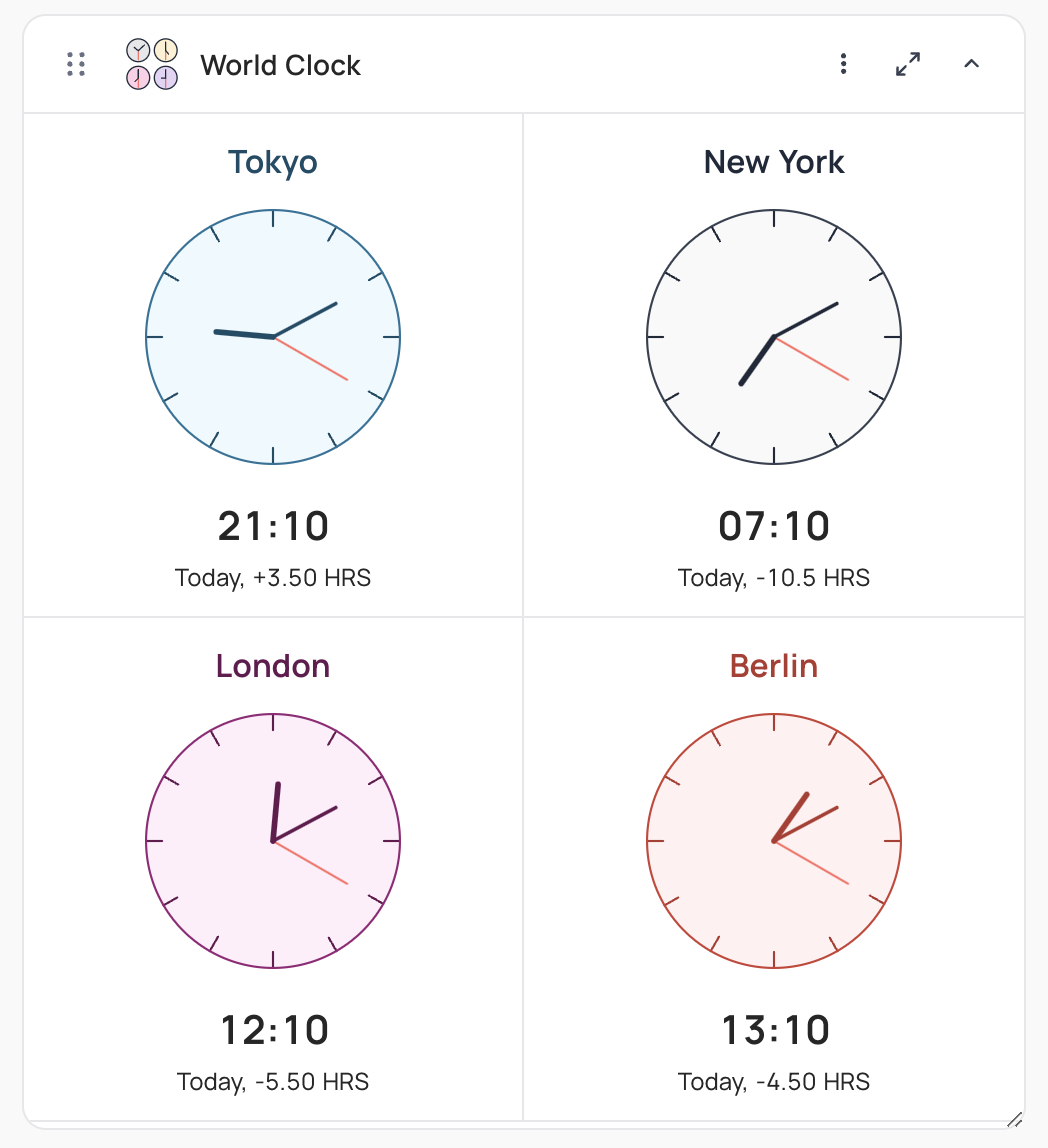
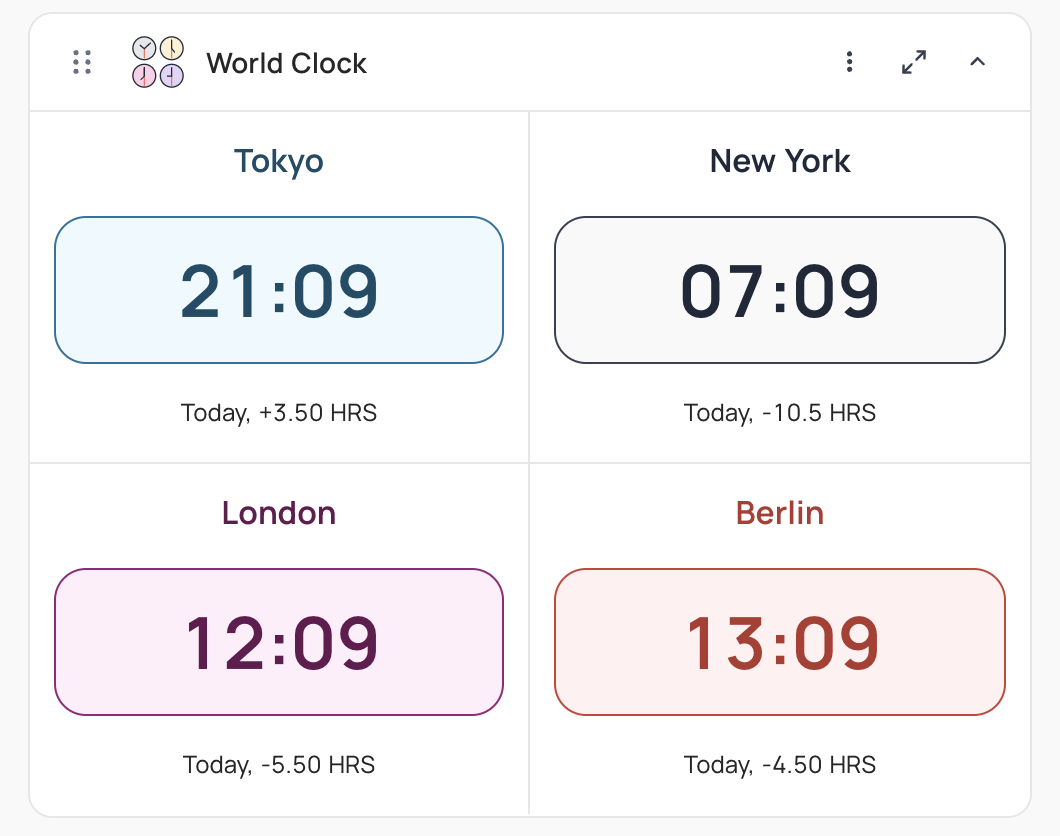
Adding Clock
To add a clock:
- Expand the World clock extension.
- Click
+ Add City. - Select a City from the dropdown.
You can add a maximum of 4 clocks to each instance of the extension.
- Clock Name: Enter a name that identifies the clock. The default is the name of the selected City.
- Theme: Select one of the available themes for the clock display.
Clock Display Settings
These global settings apply to all the clocks that you configured:
- Clock Type: Select the display format: Analog, Digital or Both.
- Show Numbers: For analog clocks, set if the clock dial shows hour numbers.
- Time Format: Select 12H or 24H format for the clock display.
Last updated on
Latest product updates?See Changelog