Number
This page gives the configuration options of the Number widget in NocoDB dashboards. This widget shows key performance indicators (KPIs) and metric summaries in a clear, short format.
Ask NocoAI
Copy a prompt, paste it into NocoAI in any base, and replace the words in [brackets] with your own.
- Add a metric widget showing the total [Amount] this [quarter]
- Add a metric widget showing the number of [open] [tickets]
- Add metric widgets for [total, open and closed] [tasks] in one row
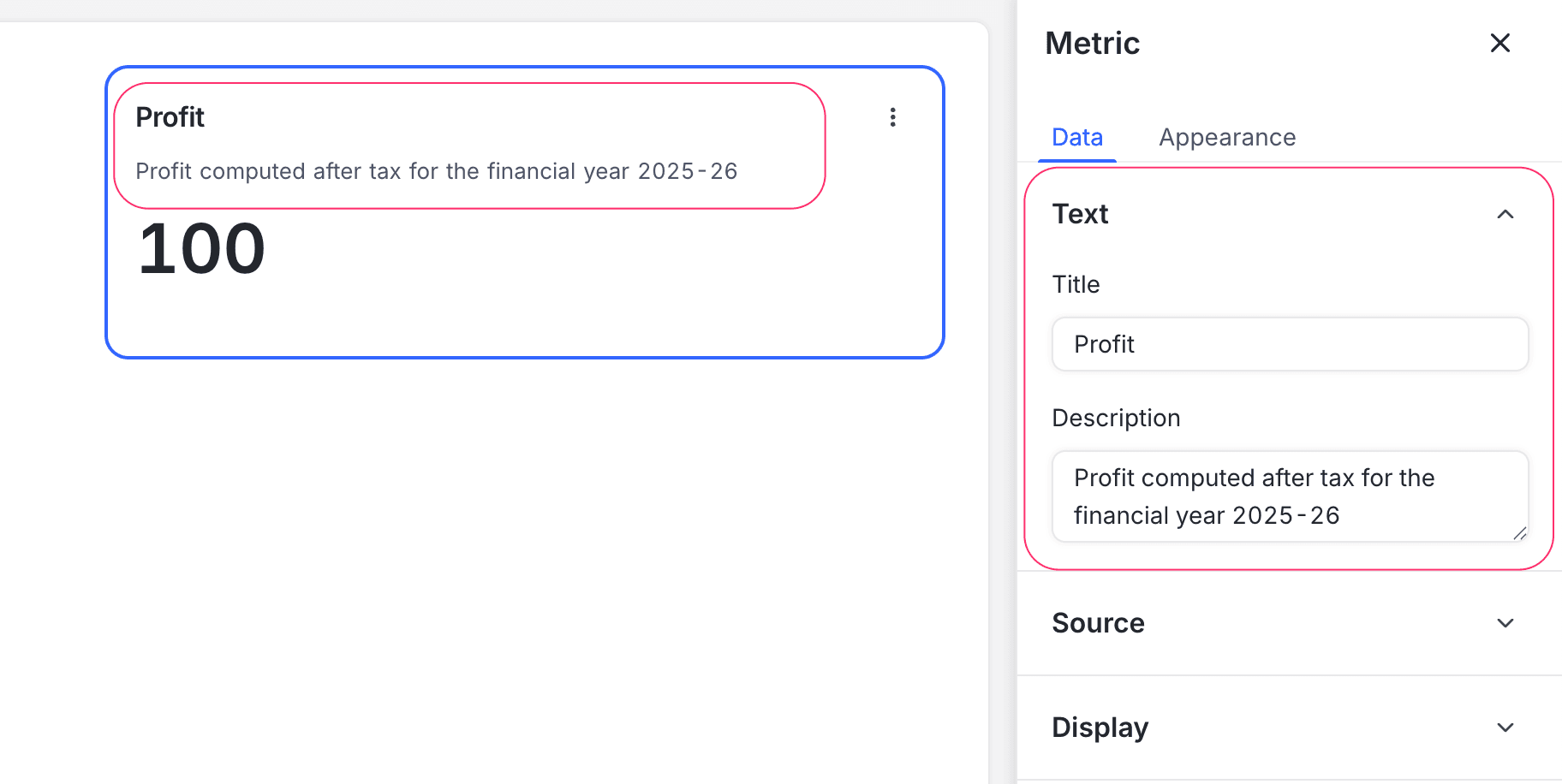
Title & description
- Title: Enter a title for the number widget. The title shows at the top of the widget.
- Description: Optional. Add a description that gives context or details about the metric. The description shows below the title.
Data source
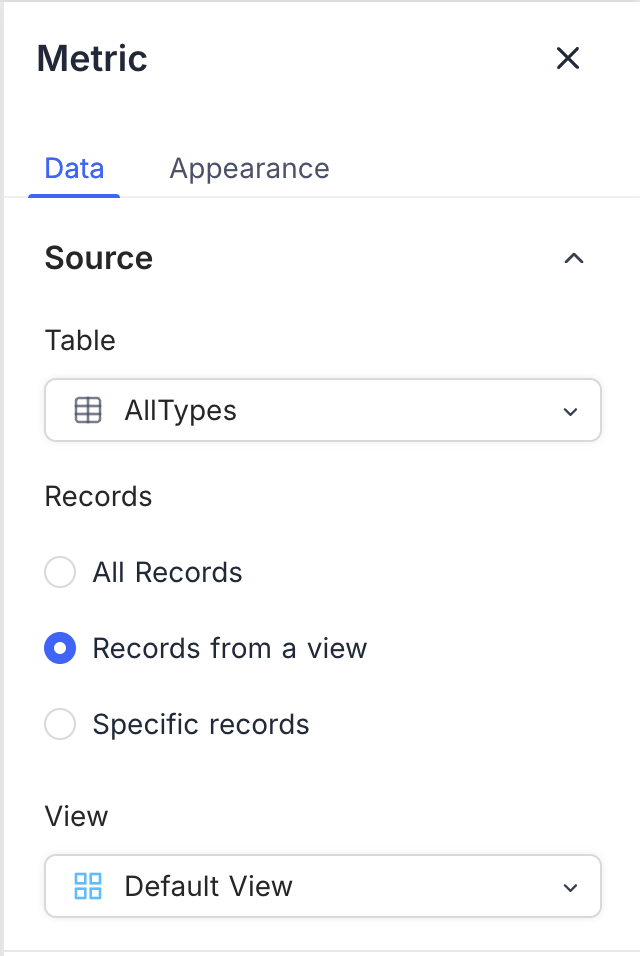
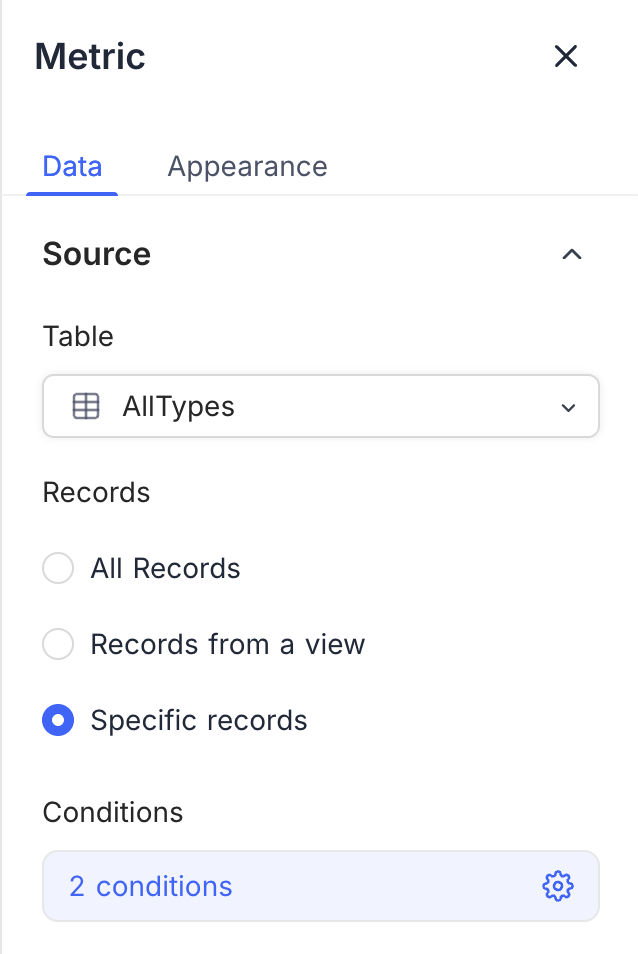
- Table: Select the table that supplies the data for the number widget. This table is the main source of records for the metric.
- Record: Select the records from the table to include in the metric calculation. The options are:
- All Records: Shows the total number of records in the selected table.
- Records from a view: Filters the records with a specific view, for a more focused metric. Select a view from the list.
- Specific Records: Uses filters to select specific records for the metric. Use it to show metrics for some criteria. You can add more than one filter to narrow the selection.
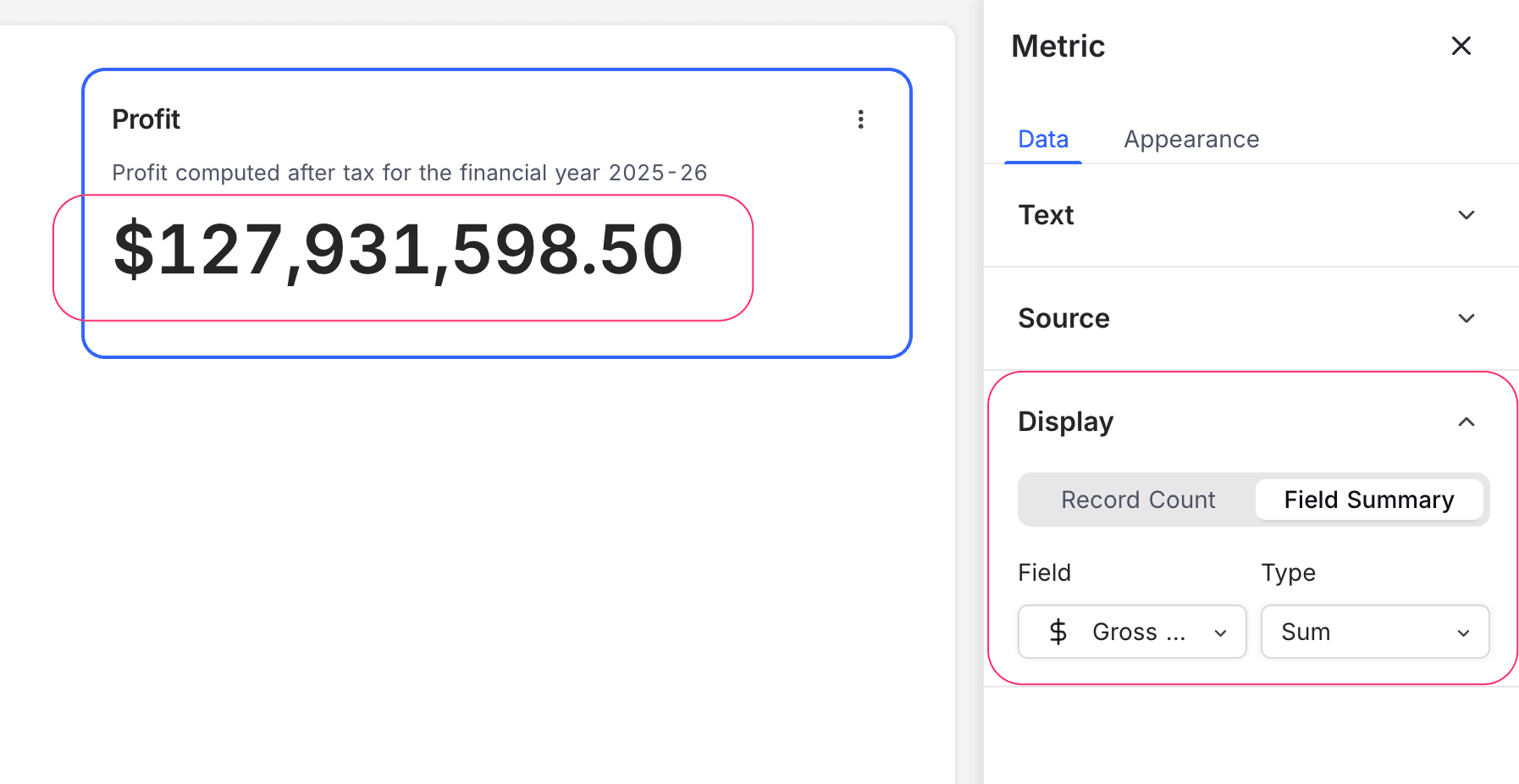
Display
- Record Count: Shows the total number of records in the selected source.
- Field Summary: Shows the sum, average, minimum, maximum, or count of a specific field across the selected records. The options change with the field type.
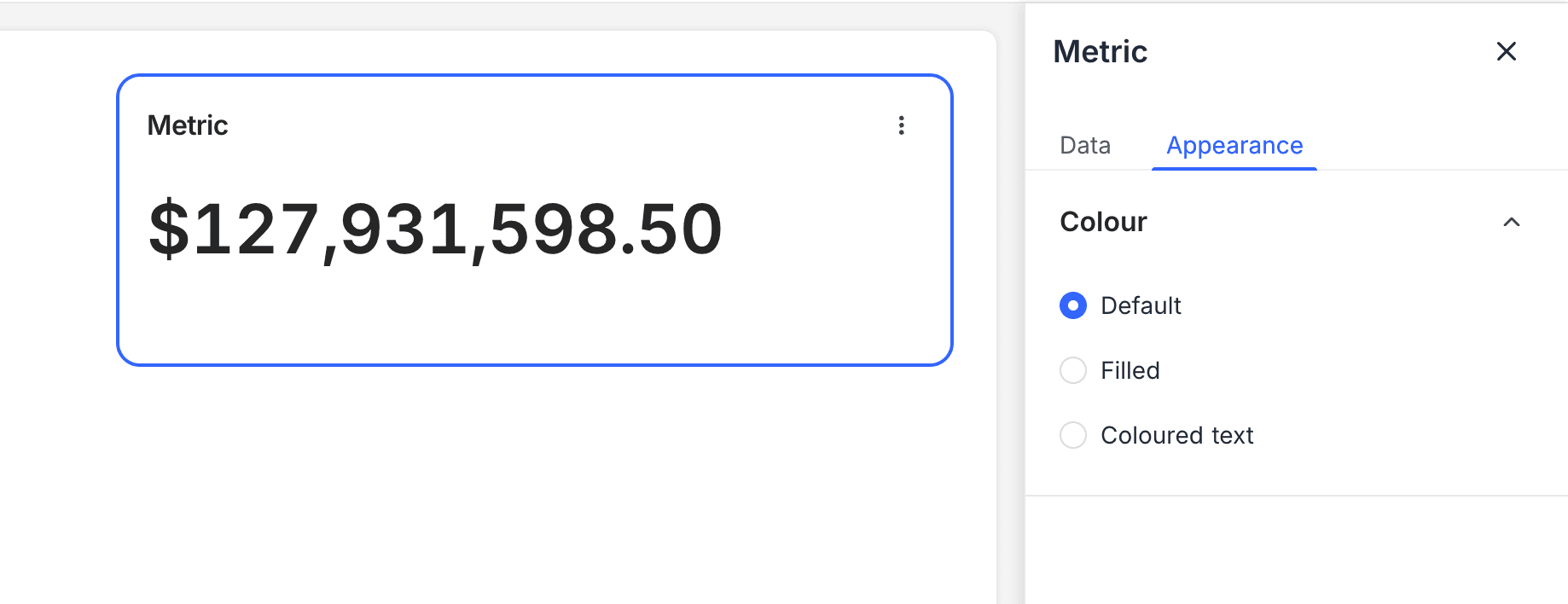
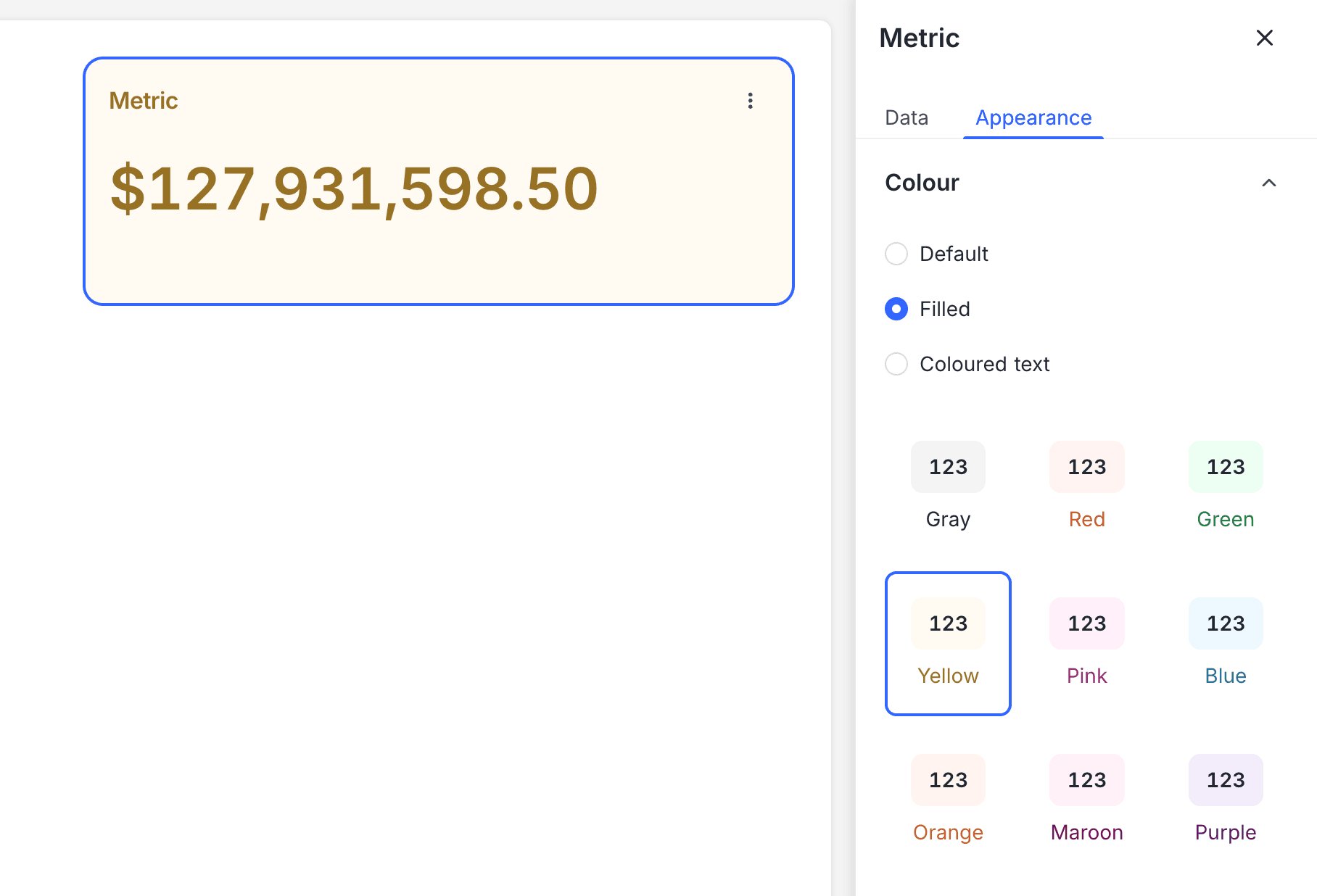
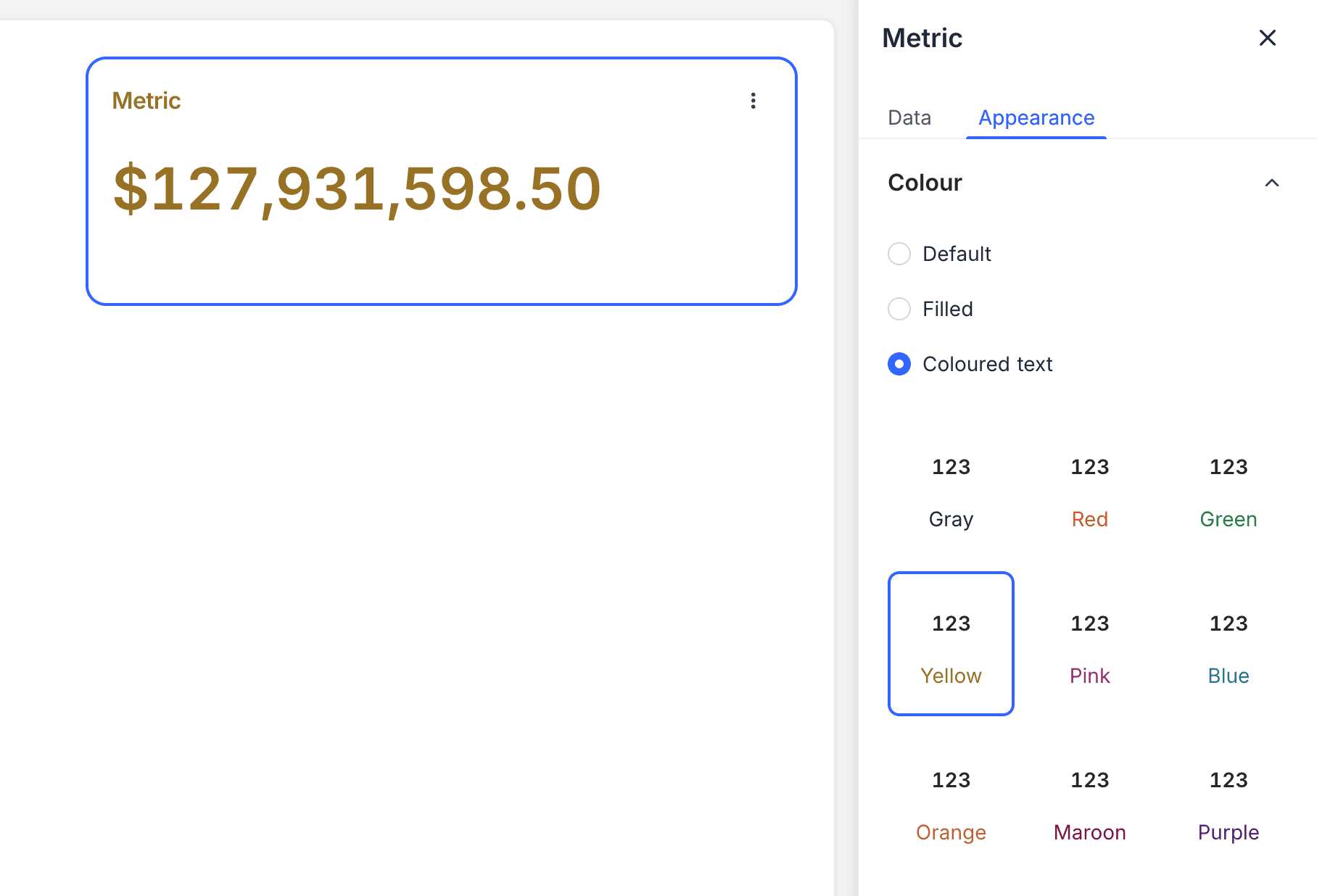
Appearance
Number Format: Select how the number shows:
- Default: Standard numeric format.
- Filled: Shows the number on a filled background.
- Coloured Text: Shows the number in color, so that it stands out.
Last updated on
Latest product updates?See Changelog