Widgets
The dashboard editor has a flexible canvas for widgets. Drag and drop widgets to put them where you want.
NocoDB dashboards have these widget types:
| Widget Type | Description |
|---|---|
| Number | Displays KPIs and metric summaries |
| Bar Chart | Compares values across categories |
| Line Chart | Shows trends over time |
| Pie Chart | Visualizes parts of a whole |
| Donut Chart | Pie chart variant with a hollow center |
| Text | Displays static information |
| iFrame | Embeds external web content |
Ask NocoAI
Copy a prompt, paste it into NocoAI in any base, and replace the words in [brackets] with your own.
- Add a metric widget showing the number of records in [table]
- Add a chart of [records by Status] to this dashboard
- Rearrange this dashboard so the metrics are at the top
- Remove the [widget name] widget
Adding Widgets
- Click Edit Dashboard. The dashboard editor opens.
- Use the widget toolbar at the top to add a widget. Click the widget type in the toolbar, or drag it onto the dashboard canvas.

Configuring Widgets
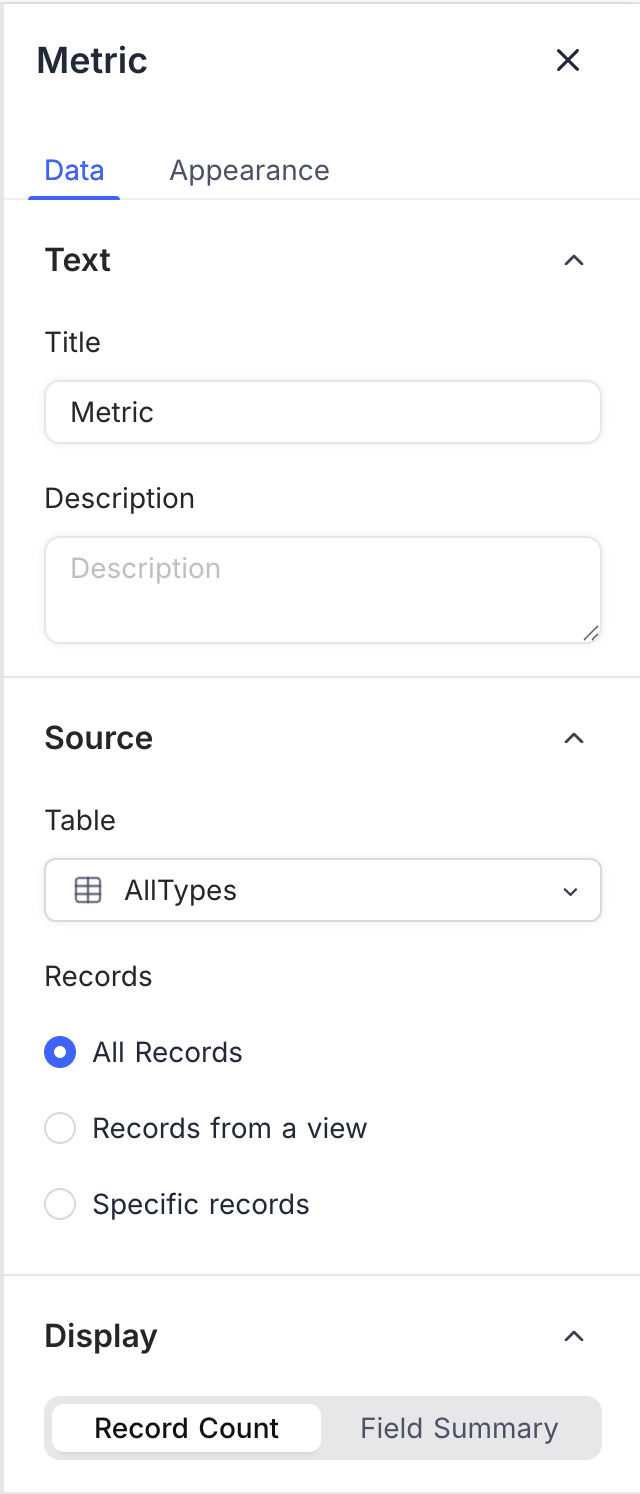
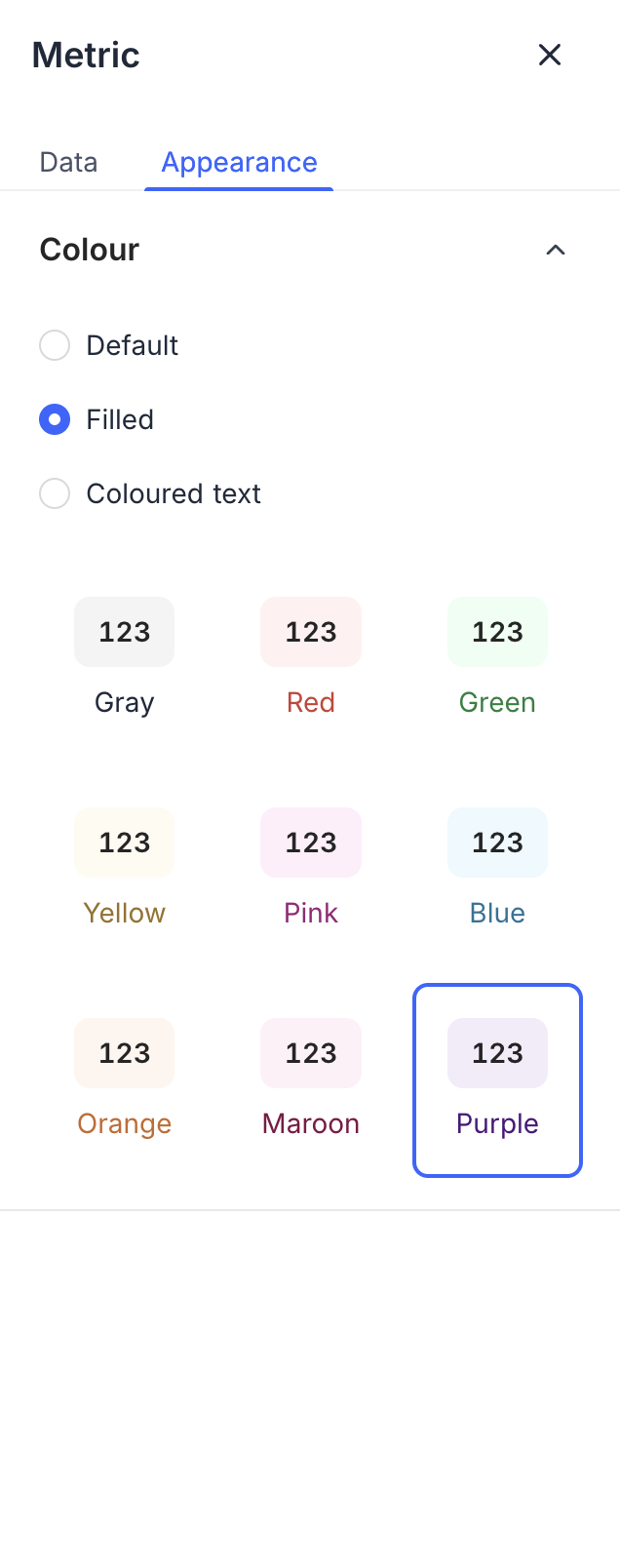
After you add a widget, configure its properties in the right panel. Each widget type has its own options, for example:
- Data Source: Select the table and records to visualize.
- Display Options: Customize labels, colors, and formatting.
For all options of a widget, refer to the page for that widget type.
Arranging Widgets
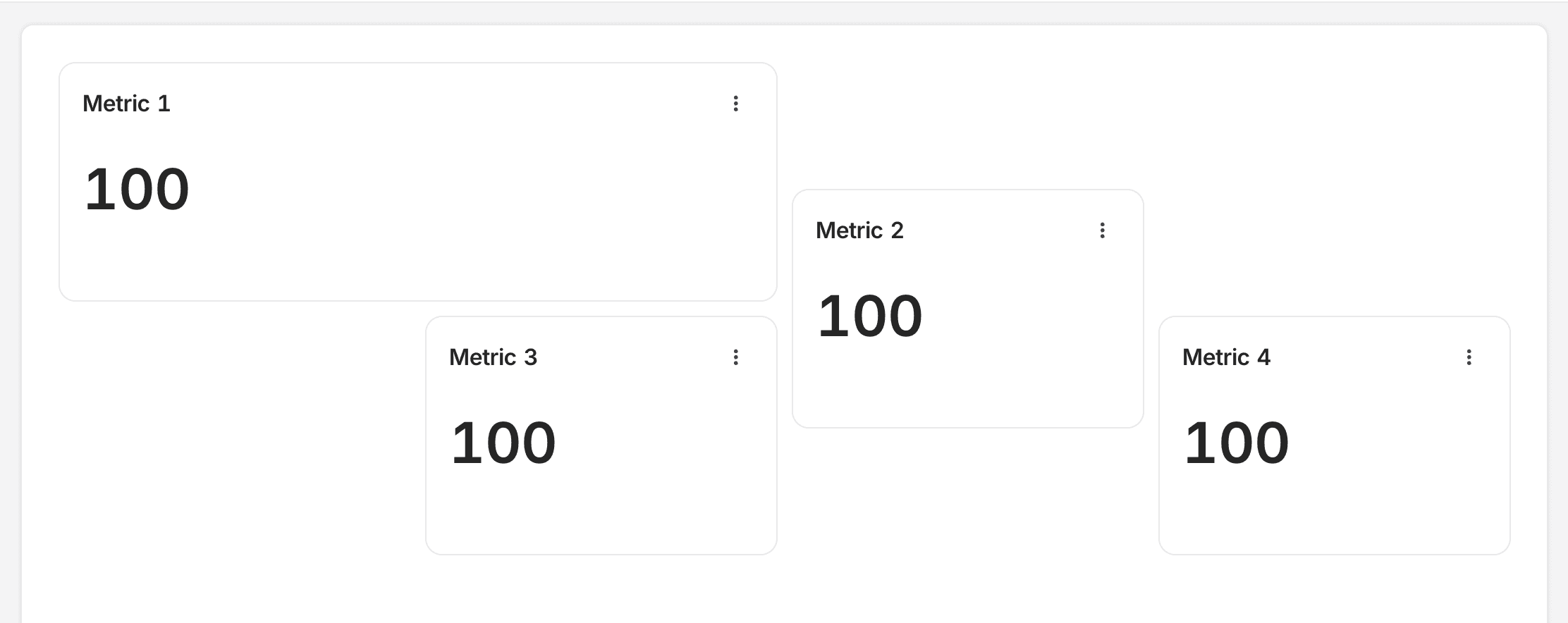
Drag and drop widgets to change their position on the dashboard canvas. NocoDB uses a flexible grid layout, so you can put widgets where you want.
Resizing Widgets
- Hover over the right corner of the widget. The resize cursor shows.
- Click and drag to change the widget size.
Some widget types have size limits. You can resize some widgets only horizontally.
Deleting Widgets
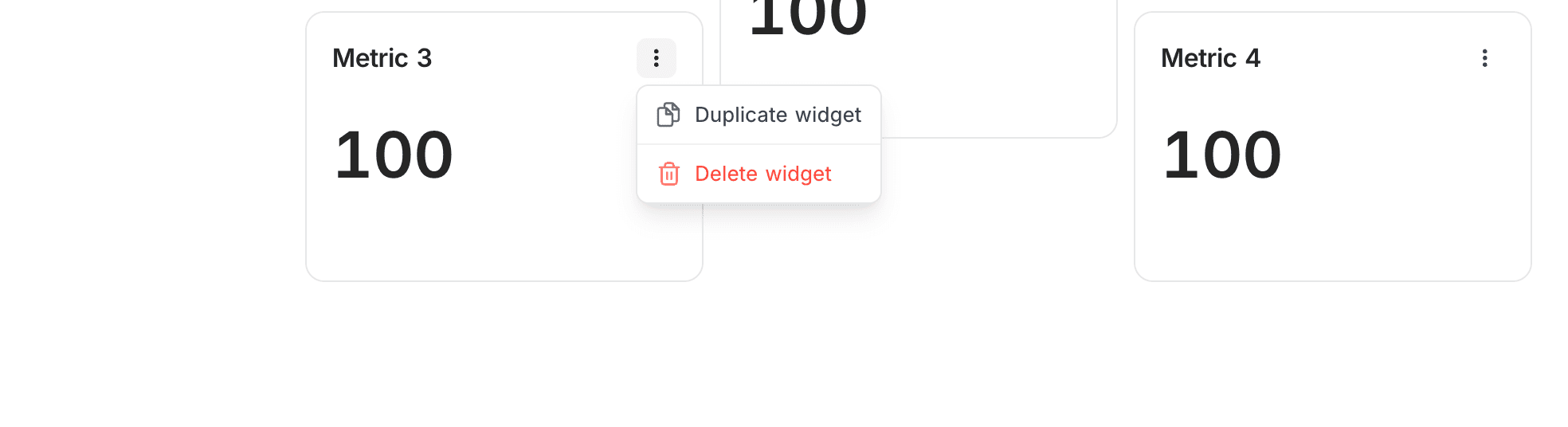
- In the widget header, click the 3-dot menu.
- Select Delete widget.
Duplicating Widgets
- In the widget header, click the 3-dot menu.
- Select Duplicate widget. NocoDB creates a copy of the widget.
Use a copy to make similar widgets with small differences.
Last updated on
Latest product updates?See Changelog