Create Workspace
When you sign up for NocoDB, NocoDB creates a default workspace for you automatically. You can rename this workspace or create more workspaces.
Create a workspace
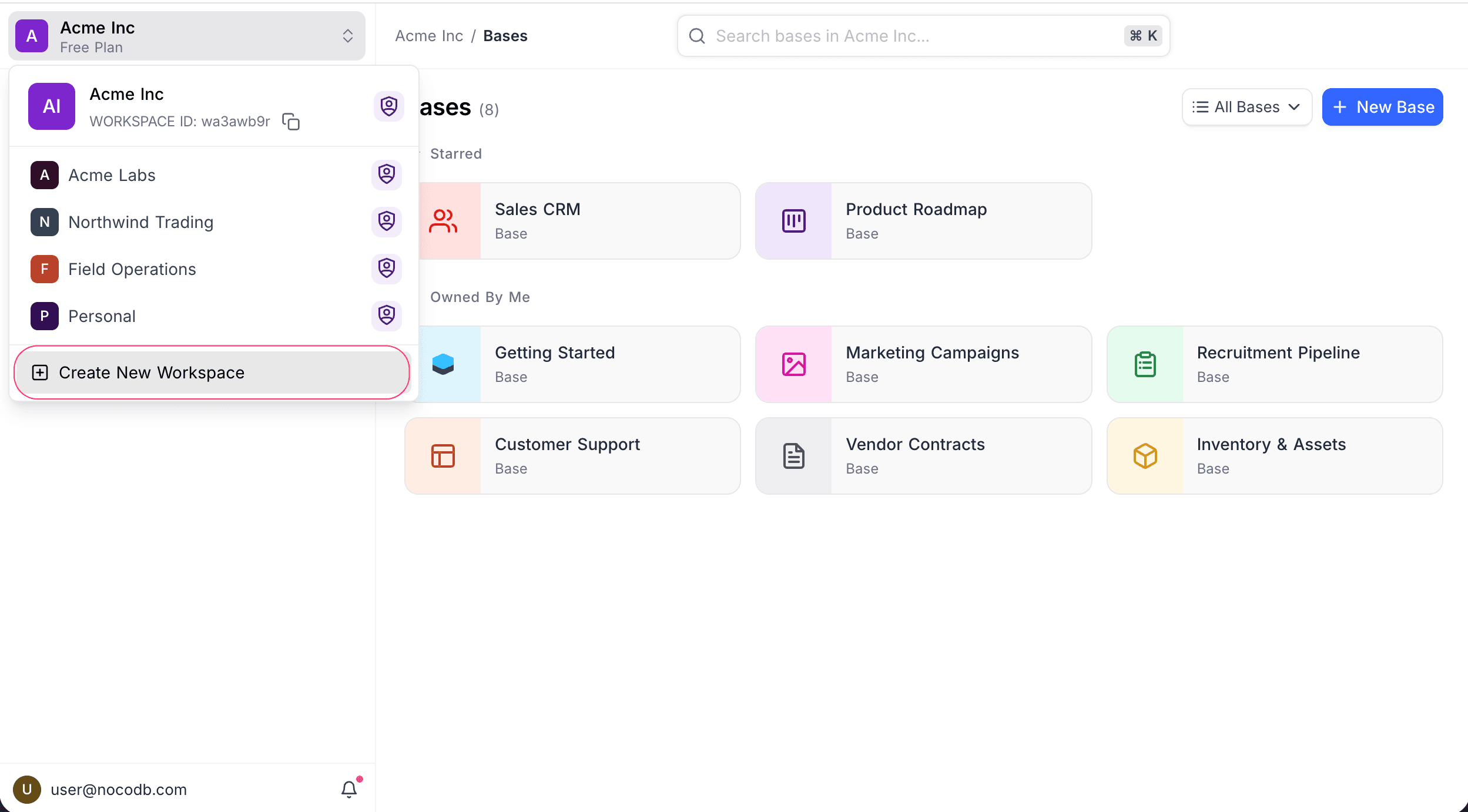
- Click the workspace switcher at the top of the sidebar.
- Select Create New Workspace.
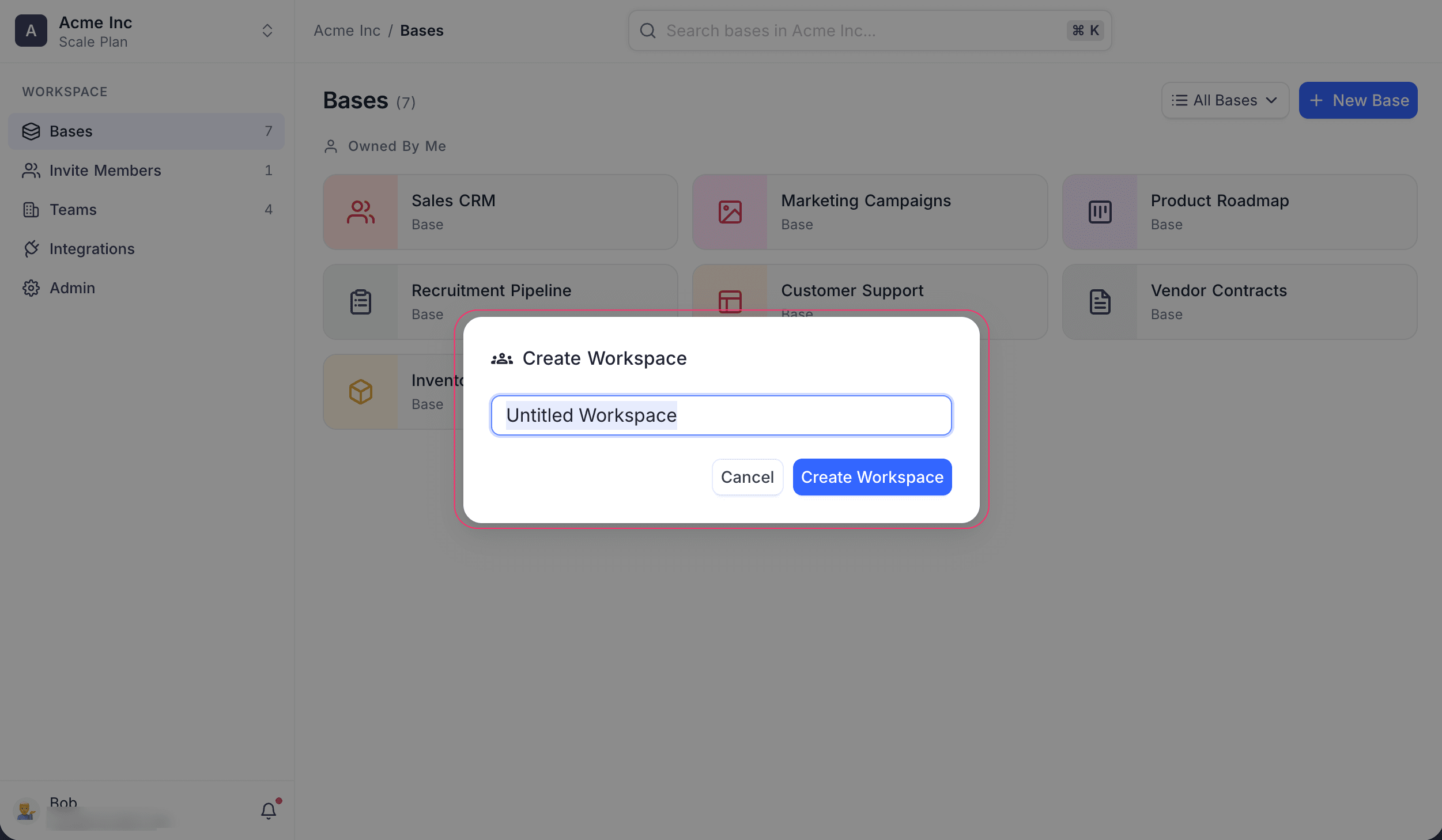
- Enter a name for your workspace.
- Click Create Workspace.
After you create a workspace, you are its owner. You can then create bases and invite collaborators to work with you.
Availability
- Your subscription plan sets if you can create more workspaces. Refer to the pricing page for details.
Related
Last updated on
Latest product updates?See Changelog