Delay
Use the Delay node in NocoDB workflows to pause execution for a defined time before the next step. Use this node to put time between actions, or to continue after a short wait.
Ask NocoAI
Copy a prompt, paste it into NocoAI in any base, and replace the words in [brackets] with your own.
- Wait [2] days after a [lead] is added, then email them a follow-up
- When an [order] ships, wait [7] days and email [the customer] a feedback request
- When a [trial] starts, wait [10] days and email [a reminder]
Configuration
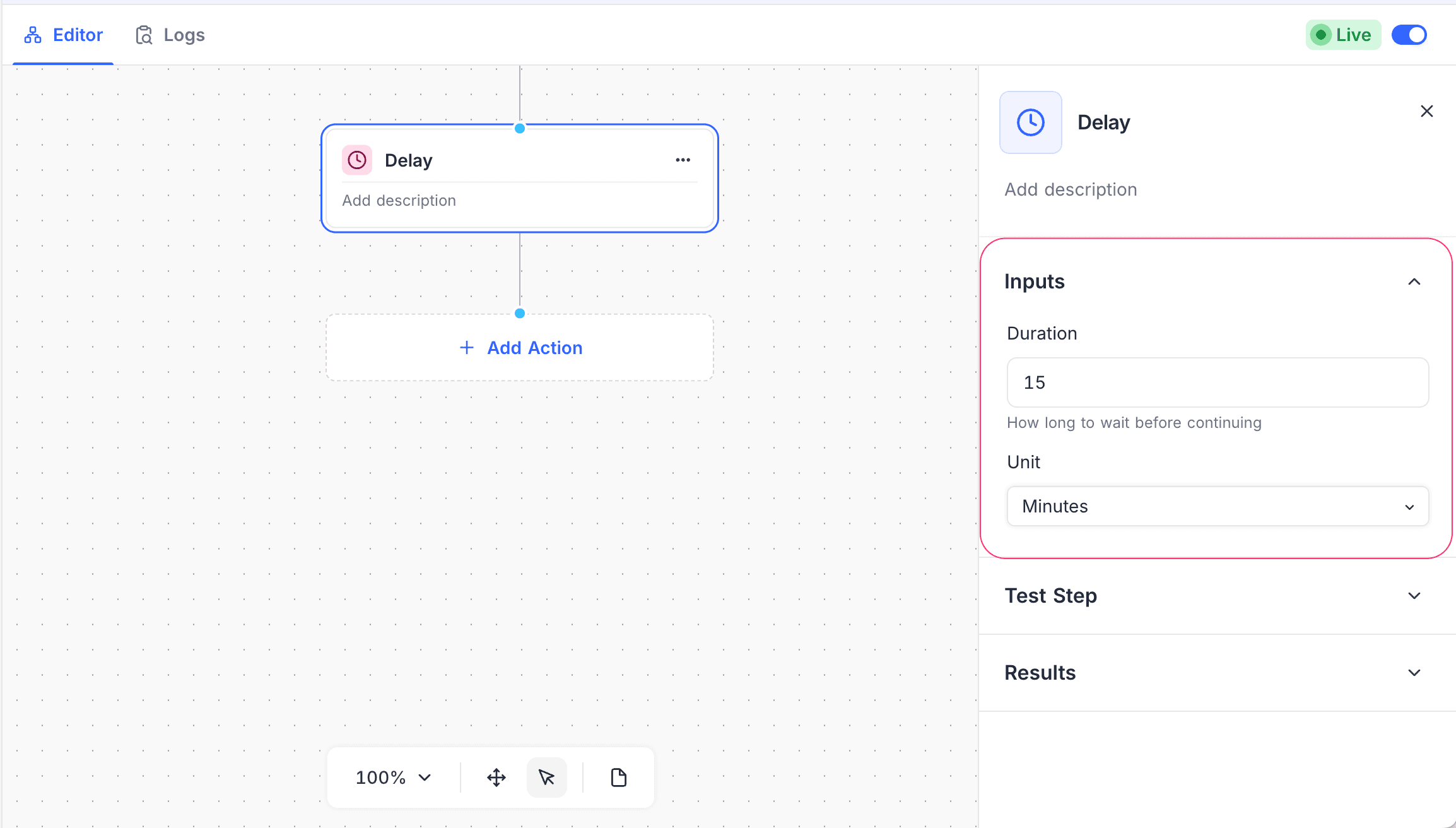
- Duration: Specify the time to wait.
- Unit: Select the time unit for the delay (Seconds, Minutes, Hours, or Days).
How it works
- The workflow execution pauses for the specified duration.
- When the delay ends, the workflow automatically continues to the next node.
If you edit and publish the workflow again, NocoDB asks what to do with the executions that are paused at a Delay node. For details, refer to Pending Workflow Executions.
Use cases
- Wait before you send follow-up notifications
- Slow down actions to stay below rate limits
- Add a cooldown period between automated steps
Availability
- Available on the NocoDB Cloud Plus plan and higher, and on licensed on-premise deployments.
Last updated on
Latest product updates?See Changelog