Appearance
In NocoDB, you can customize the appearance of the interface for your preferences and your work environment.
Dark mode
NocoDB has three appearance modes:
| Mode | Description |
|---|---|
| Light | The default bright theme. |
| Dark | Decreases screen glare. It can be more comfortable for long use, especially in low light. |
| System | Uses the appearance setting of your operating system. When that setting changes, NocoDB changes automatically. |
Switching between modes
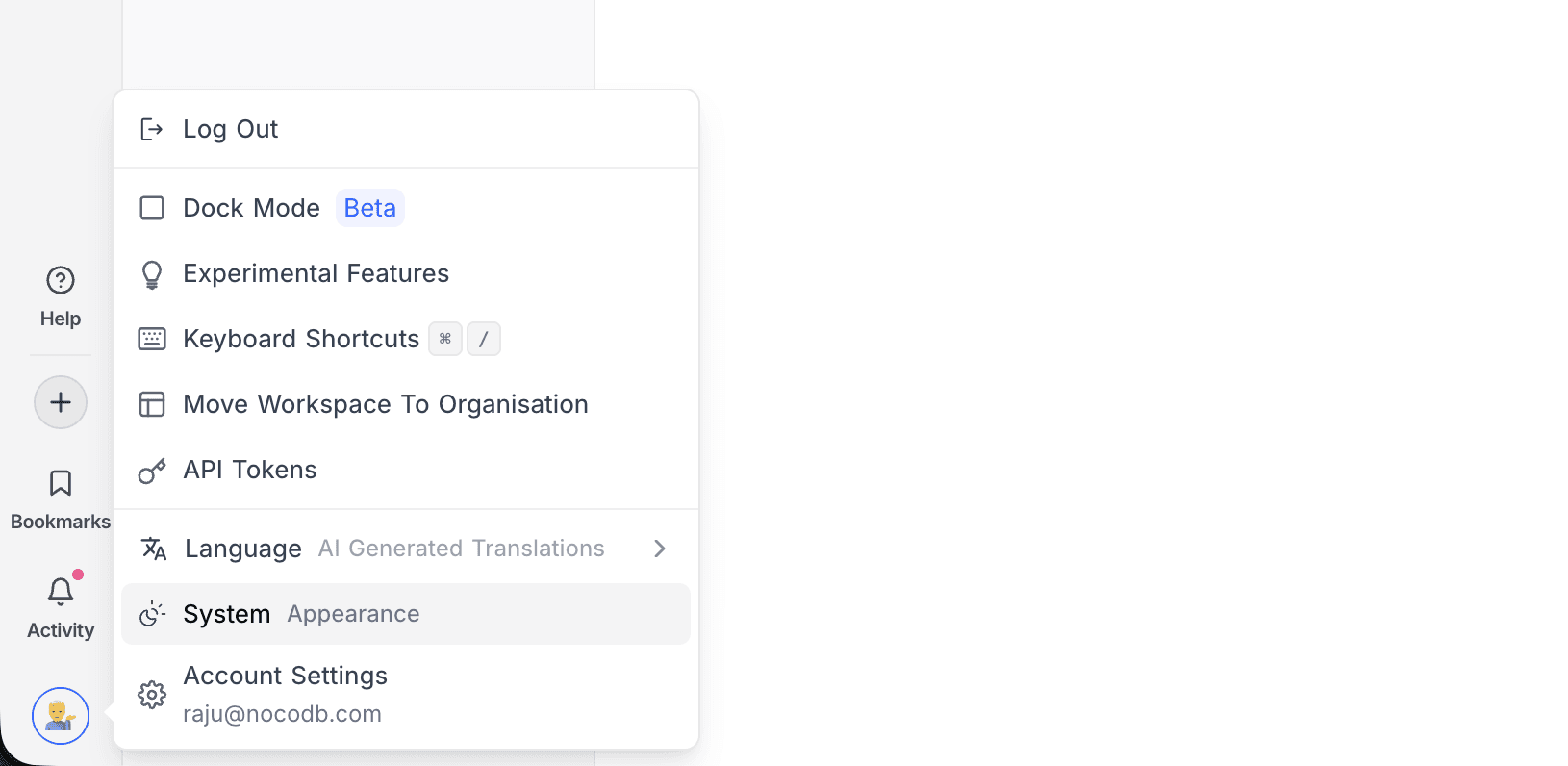
- At the bottom of the left sidebar, click your profile avatar.
- Click the Appearance row. The label on the left shows the current mode.
Each click changes to the next mode, in the order Light → Dark → System.
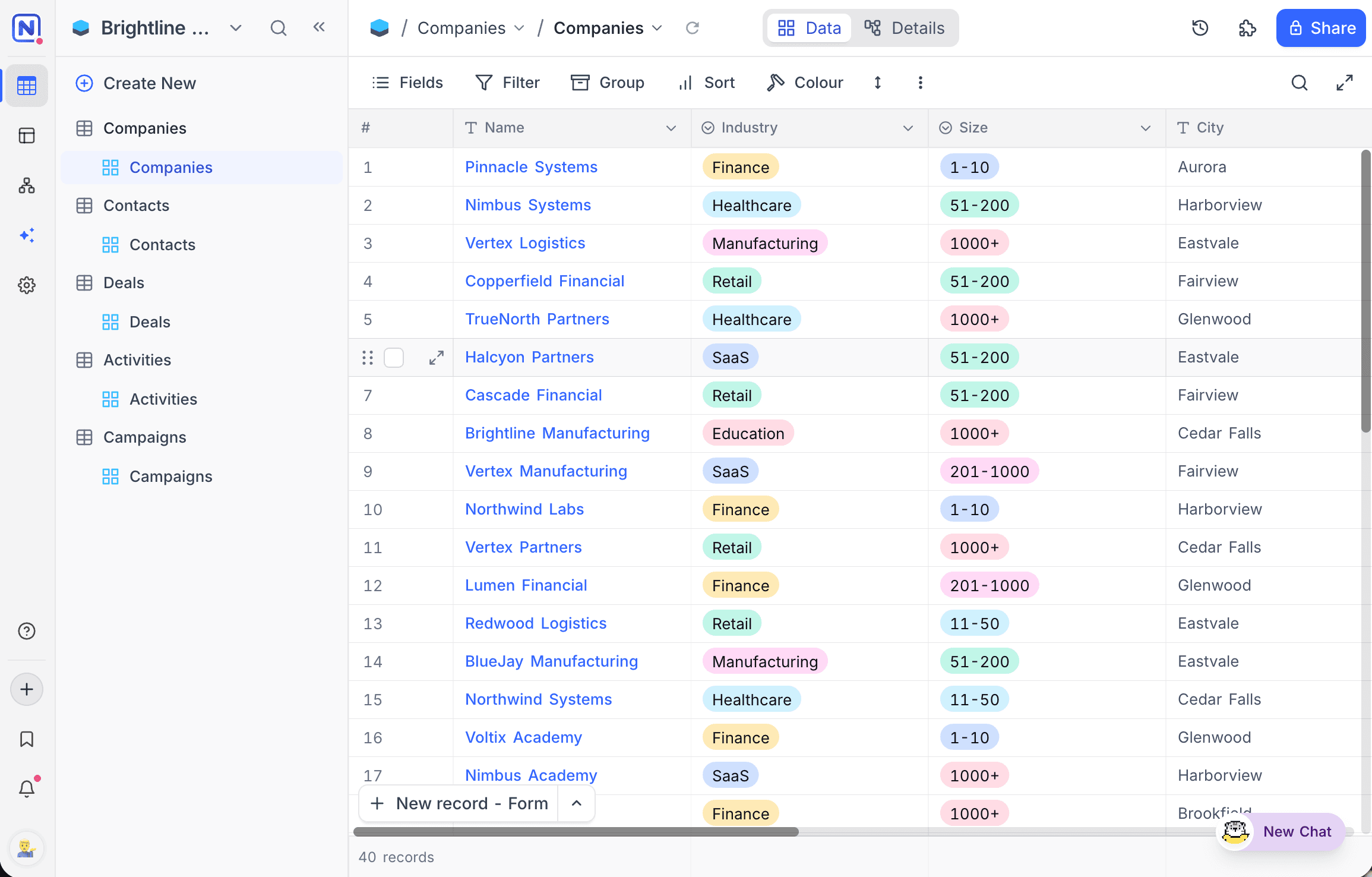
Light mode:
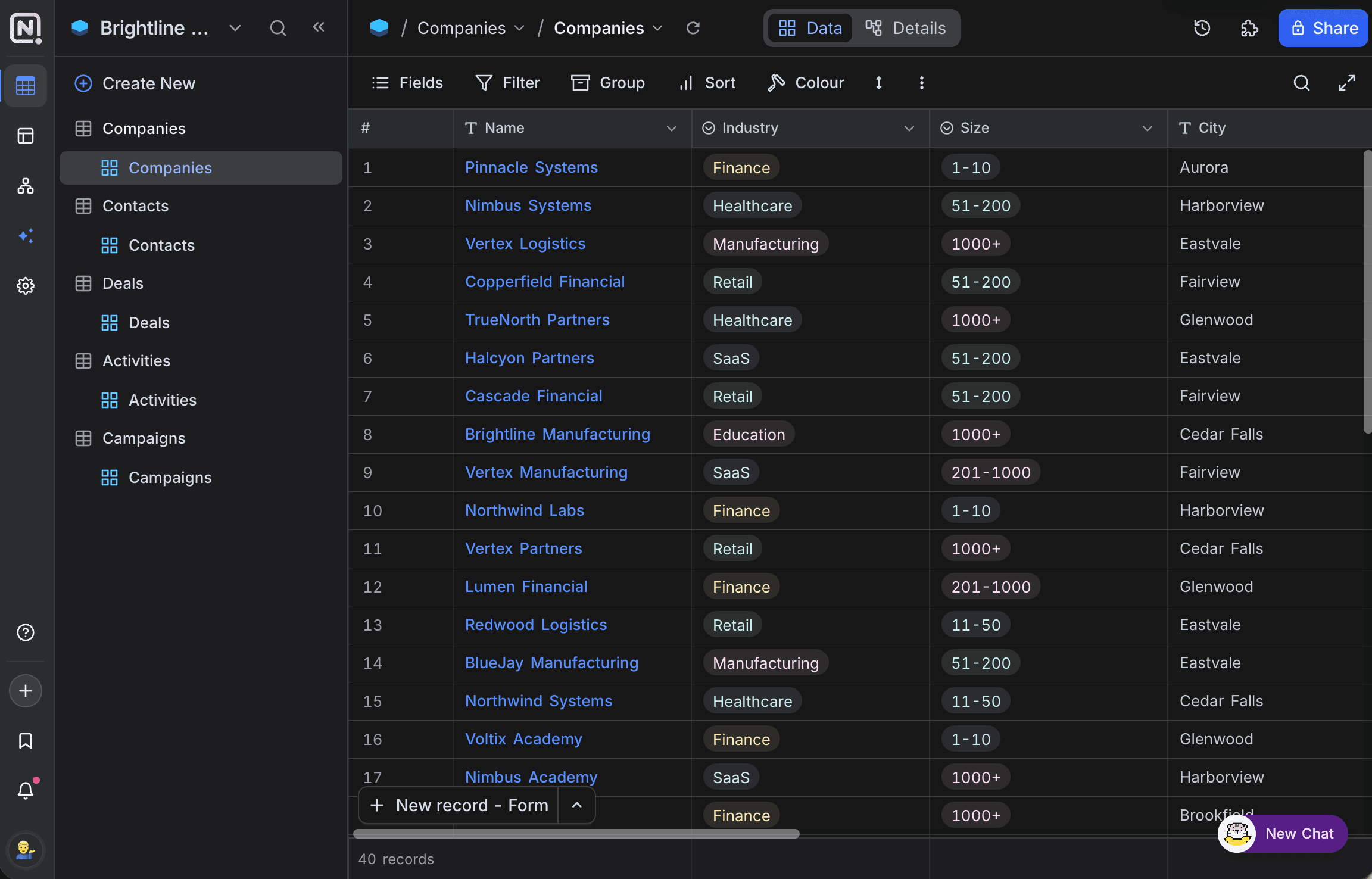
Dark mode:
Appearance settings are applied instantly and stored in the browser's local storage. The selected mode persists across sessions and is shared across tabs on the same browser, but it is not synced to your account; you will need to set it again on a different browser or device.
Shared views and shared bases
Shared views and shared bases are not linked to your account. Thus they have their own appearance switch in the top bar. To change the mode for that page, click the sun / moon icon in the top bar.
Last updated on
Latest product updates?See Changelog