App Assistant
The app assistant is an AI chat inside a deployed NocoDB app, for the people who use the app. They ask a question or describe a task, and the assistant answers or runs the app actions for them. The assistant can only do what the person in the chat can already do. You set it up in App Settings → Assistant.
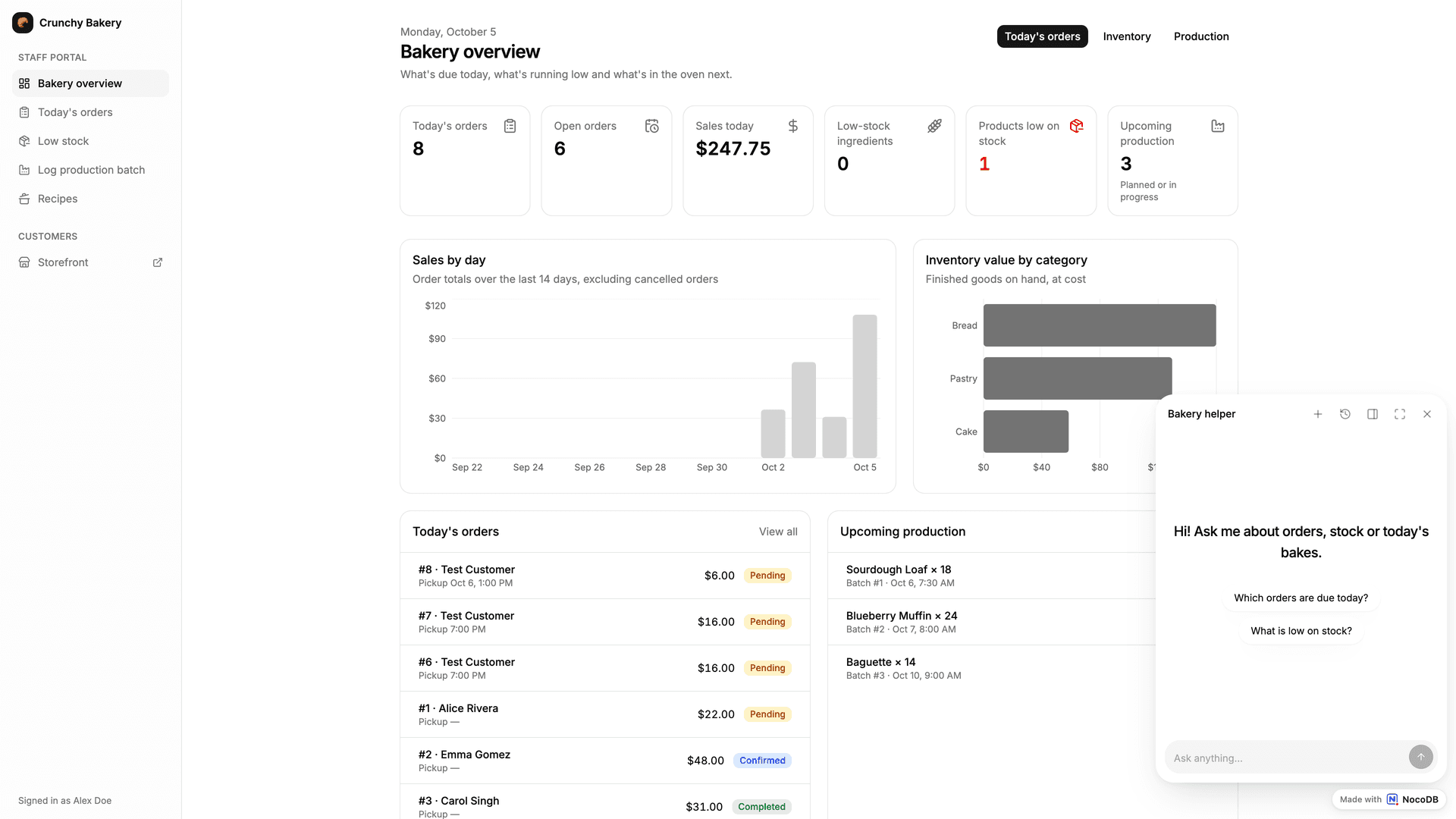
Turn on the assistant
- Open App Settings → Assistant.
- Turn on Enable the assistant.
- Set the options below.
- Click Save. "Saved changes reach your published app on the next page load. No publish needed."
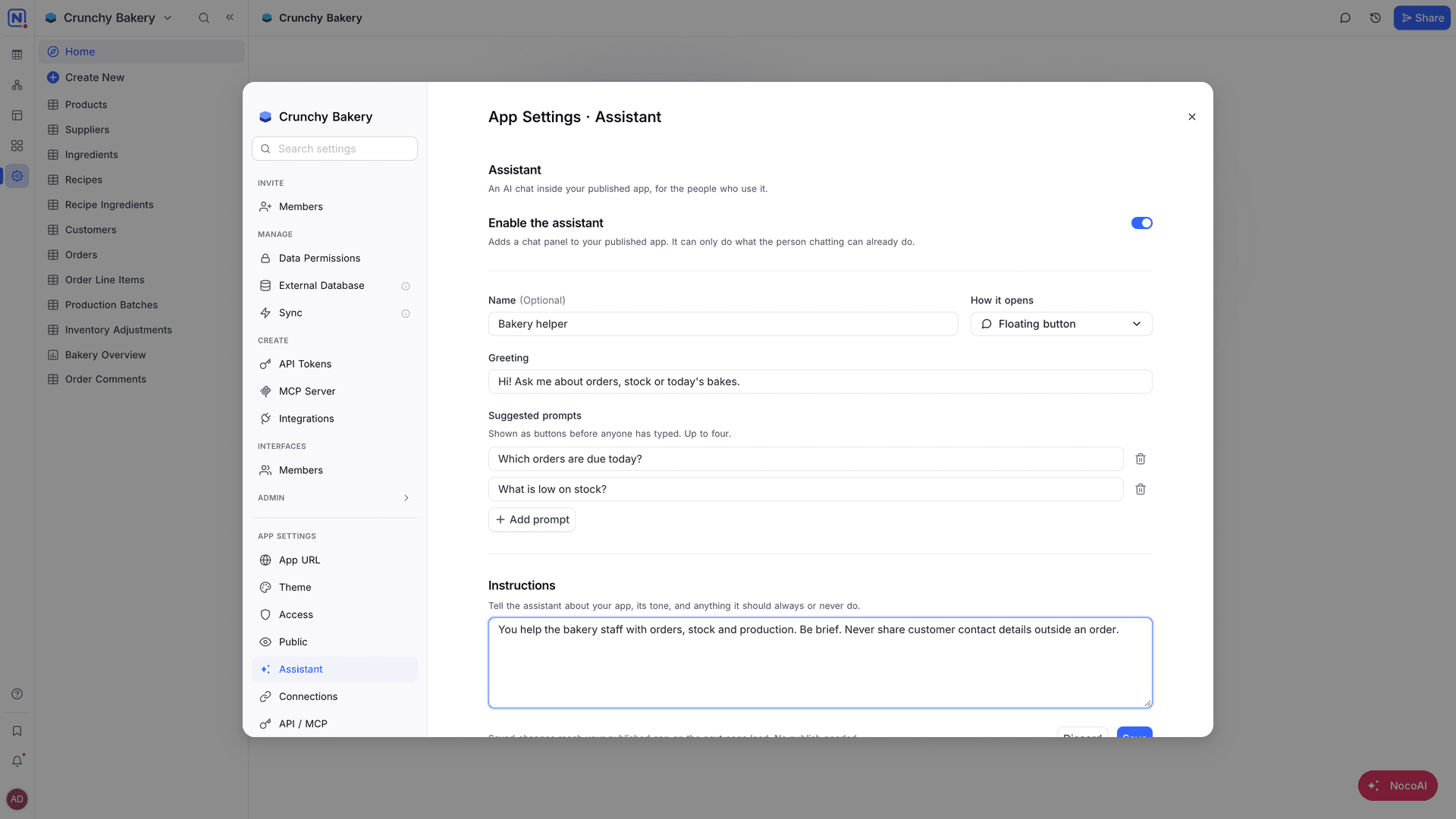
Assistant settings
| Setting | What it sets |
|---|---|
| Name | The name of the assistant that people see in the app. |
| How it opens | Floating button: opens a small panel in the corner. Docked panel: opens on the right, next to the app. |
| Greeting | The first message that people see when they open the chat. |
| Instructions | "Tell the assistant about your app, its tone, and anything it should always or never do." |
| Suggested prompts | Buttons that show before anyone types. Up to four. Click Add prompt to add one. |
Good to know
- The assistant uses the access of the person in the chat. It runs only the actions that their team can run. See Members and teams.
- The assistant uses the credits of the workspace.
- The assistant is for the people who use the app. To build or change the app, use NocoAI in the AI app builder.
Related
Last updated on
Latest product updates?See Changelog