Workspace audit logs
Learn how to access and use audit logs to track workspace activity in NocoDB.
The Audit Logs feature in NocoDB provides a comprehensive, time-stamped record of user activity across your workspace. It enables workspace owners to monitor key actions, ensuring transparency, traceability, and accountability.
Accessing audit logs
Only workspace owners can access audit logs.
To view them:
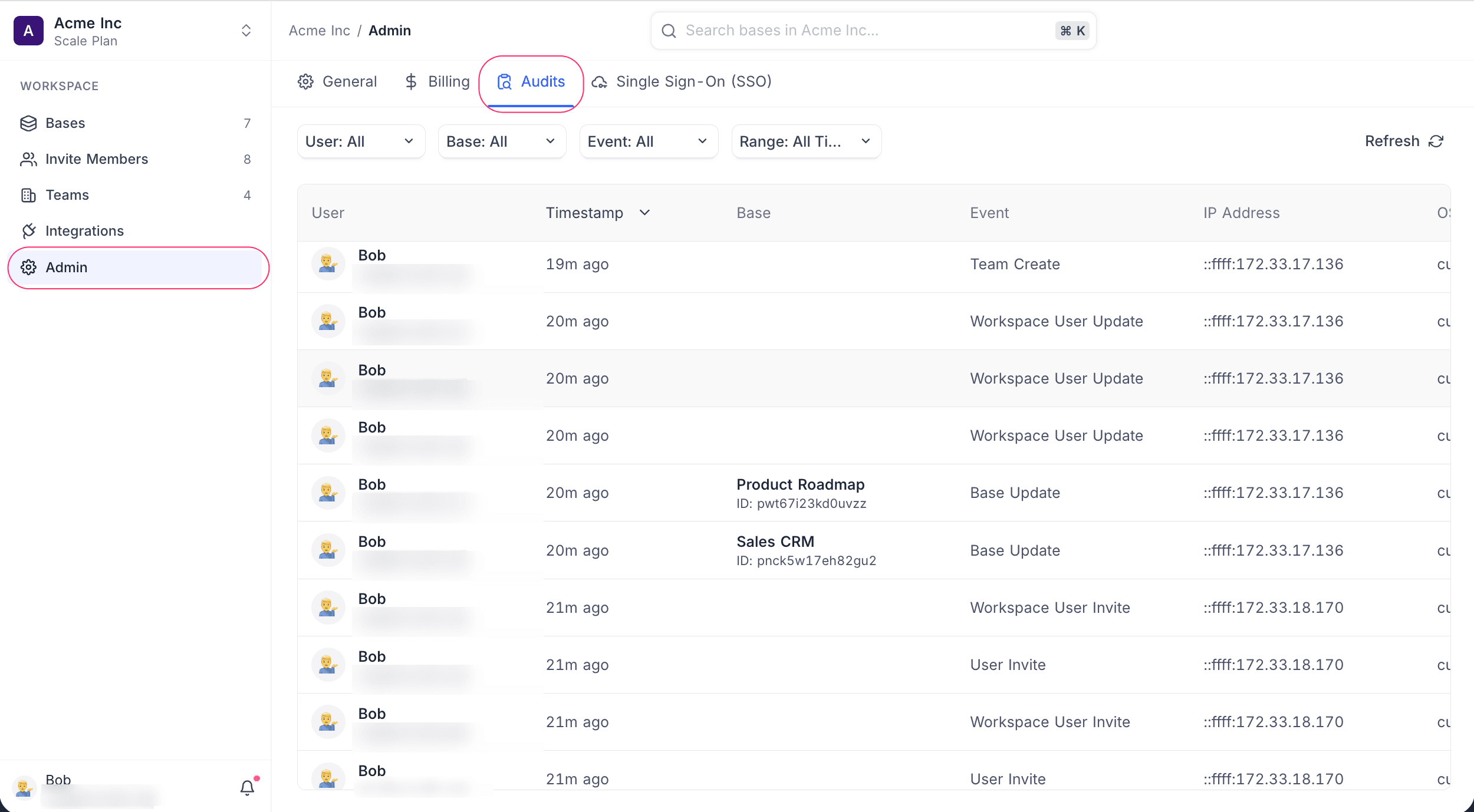
- Click Admin in the workspace sidebar.
- Open the Audits sub-tab.
Audit log details
The audit list displays the following columns:
- User: Name and email of the user who performed the action
- Timestamp: Time of the event (e.g., “3h ago”)
- Base: Name and ID of the base involved
- Event: Type of action performed (e.g., View Field Update, Table Create)
- IP Address: IP of the user who performed the action
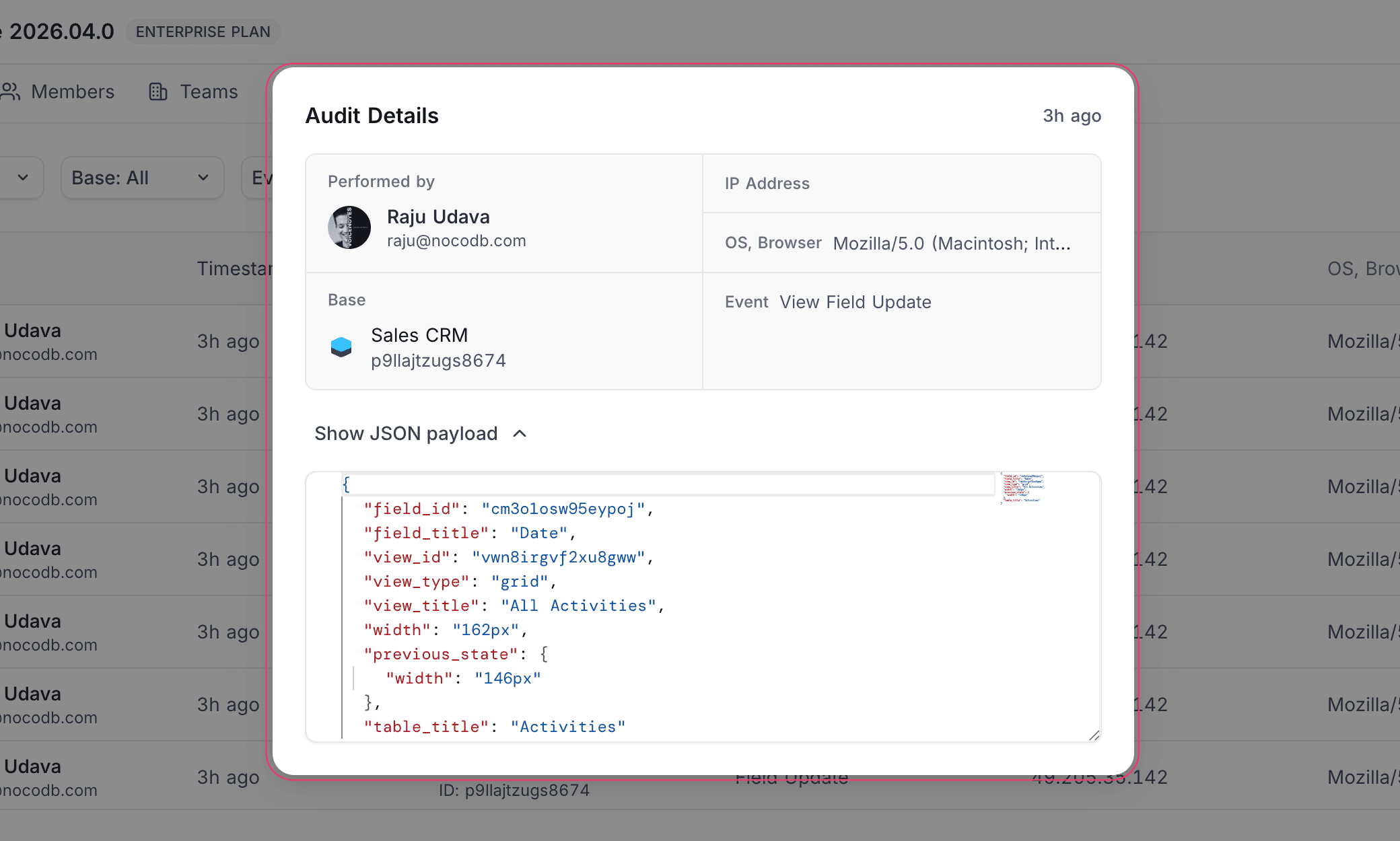
Click a log entry to view the Audit Details panel, which includes the performer, IP address, OS and browser info, base, event type, and the full event payload in JSON format.
Logged events
| Category | Events |
|---|---|
| Data | Insert, Update, Delete, Bulk Insert/Update/Delete/All Delete/All Update, Cascade Update, Link, Unlink, Import, Export |
| User & Auth | Sign Up, Sign In, Sign In Failed, Sign Out, Invite, Email Verify, Profile Update, Password Change/Reset/Forgot |
| Workspace | Create, Update, Delete, Rename, Member Invite/Update/Remove, Team Invite/Update/Remove |
| Base | Create, Update, Delete, Rename, Duplicate, Member Invite/Update/Resend, Team Invite/Update/Remove, Shared Base Create/Delete |
| Table | Create, Update, Delete, Rename, Duplicate |
| Field | Create, Update, Rename, Delete, Duplicate, Form Field Update, View Field Create/Update |
| View | Create, Update, Delete, Rename, Duplicate, Filter Create/Update/Delete, Sort Create/Update/Delete |
| Shared View | Create, Update, Delete |
| Webhook | Create, Update, Delete, Filter Create/Update/Delete |
| Source | Create, Update, Delete, Rename |
| Integration | Create, Update, Delete |
| Dashboard | Create, Update, Delete, Duplicate, Shared Dashboard Create/Update/Delete |
| Widget | Create, Update, Delete, Duplicate, Filter Create/Update/Delete |
| Script | Create, Update, Delete, Duplicate |
| Workflow | Create, Update, Delete, Duplicate |
| Document (NocoDocs) | Create, Update, Delete, Comment Create/Update/Delete |
| Permission | Create, Update, Delete |
| RLS | Policy Create, Update, Delete |
| Record Template | Create, Update, Delete, Use |
| Date Dependency | Update, Delete |
| API Token | Create, Update, Delete |
| Snapshot | Create, Delete, Restore |
| Team | Create, Update, Delete, Move, Member Add/Update/Remove |
| SCIM (Enterprise) | User Provision, Update, Deactivate, Reactivate, Delete |
| Airtable Import | Import, Import Error |
| Org Users (Self-hosted) | Invite, Resend Invite |
Filtering logs
Use the filter bar at the top of the Audits sub-tab to narrow results. Each filter is searchable and defaults to showing everything.
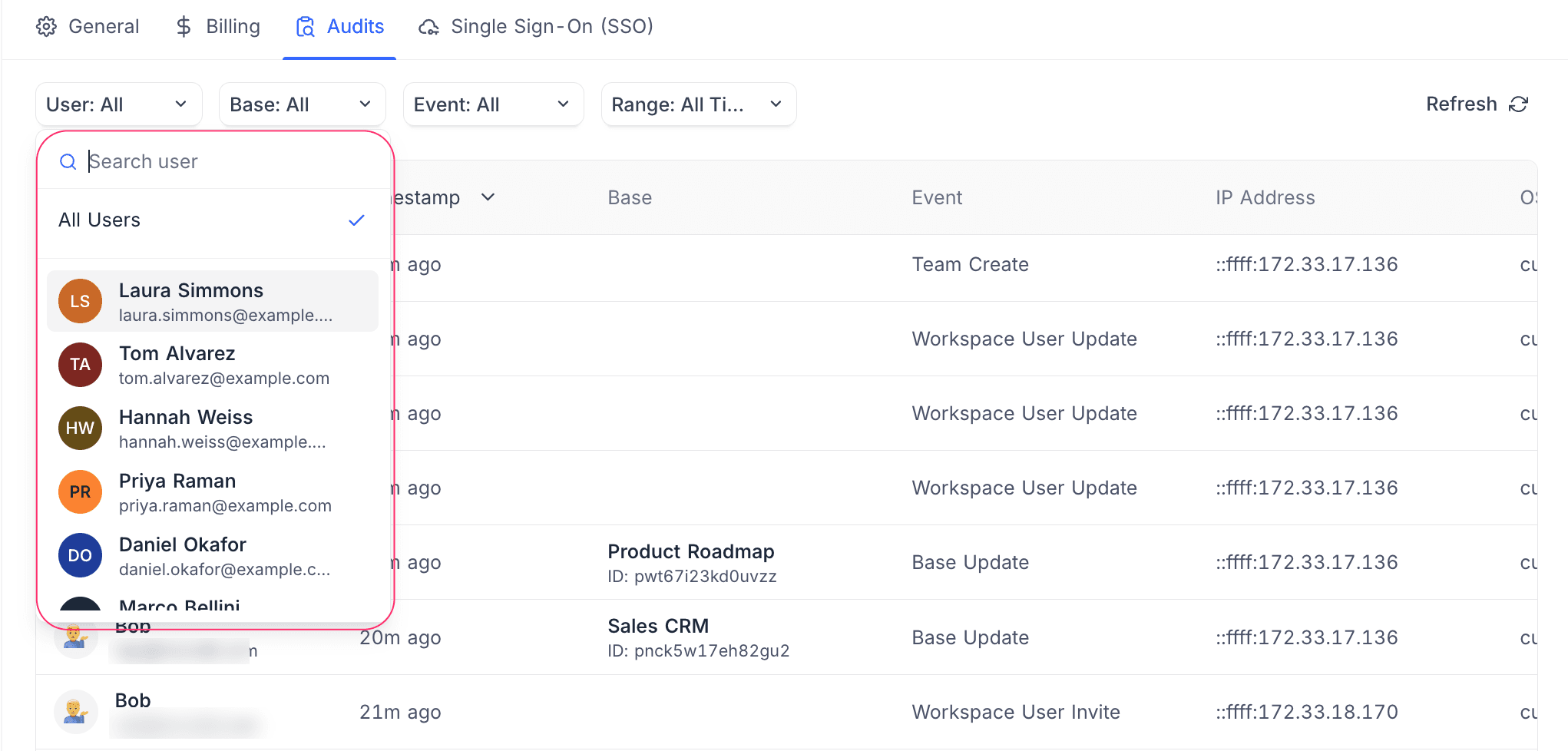
User — limit the log to actions performed by a specific workspace member.
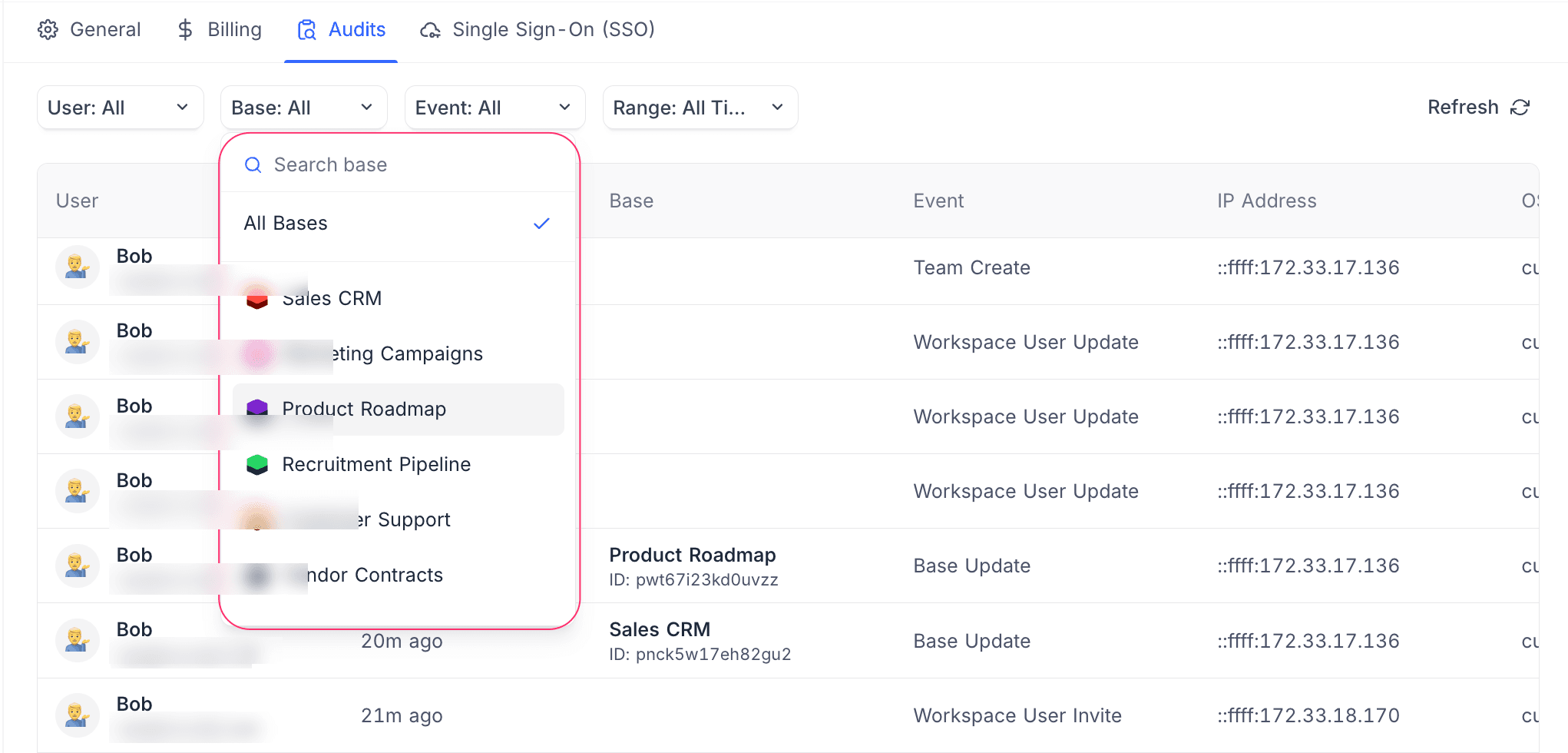
Base — limit the log to events within a single base.
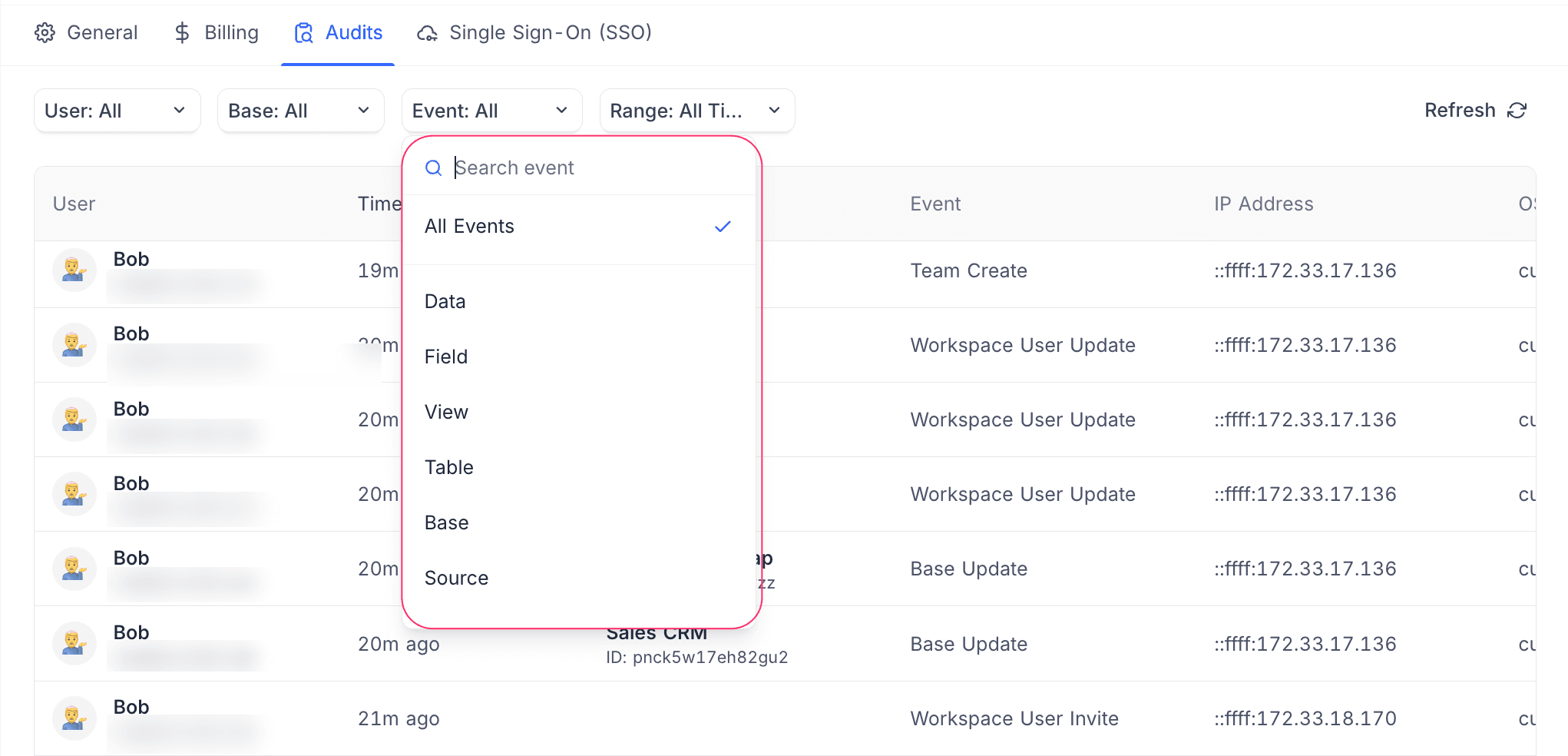
Event — limit the log to a category of activity, such as Data, Field, View, Table, Base, or Source.
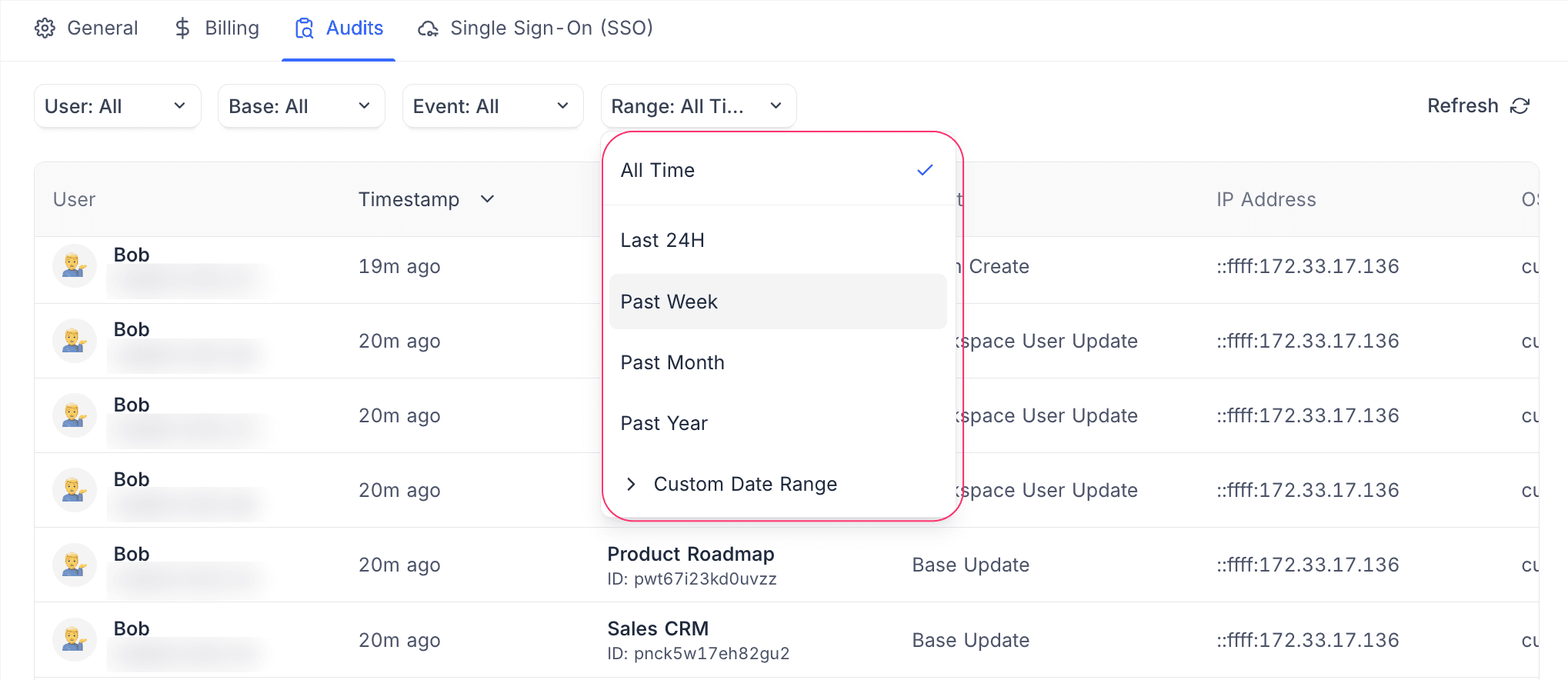
Range — limit the log to All Time, Last 24H, Past Week, Past Month, Past Year, or a Custom Date Range.