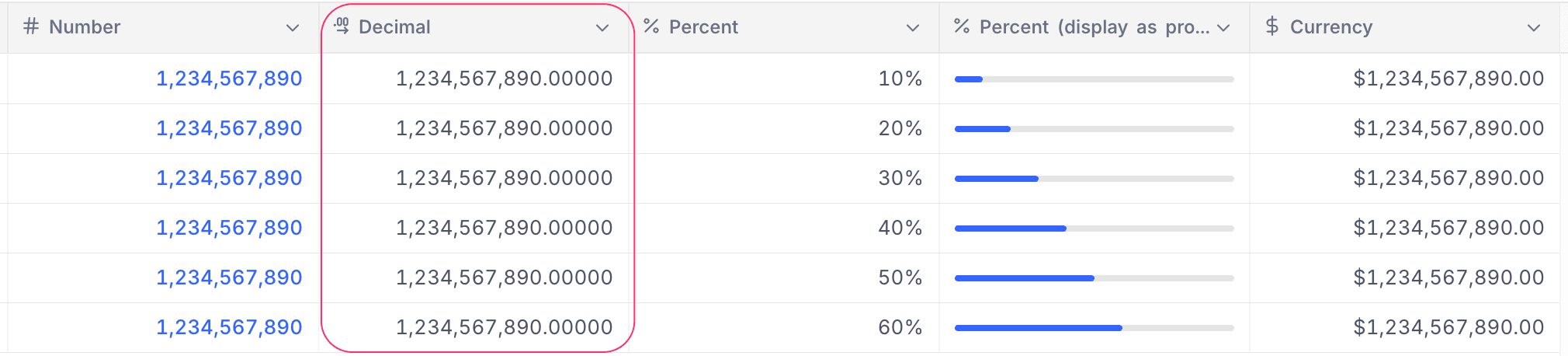
Decimal
This article explains how to create and use a Decimal field.
The Decimal field is a numerical field used to store decimal values. It is commonly used for data such as salary, price, or other values requiring fractional precision.
Create a Decimal field
- Click the
+icon next to the last field in your table. - Enter a name for the field.
- Select Decimal from the list of field types.
- Configure the Precision setting (up to 8 digits).
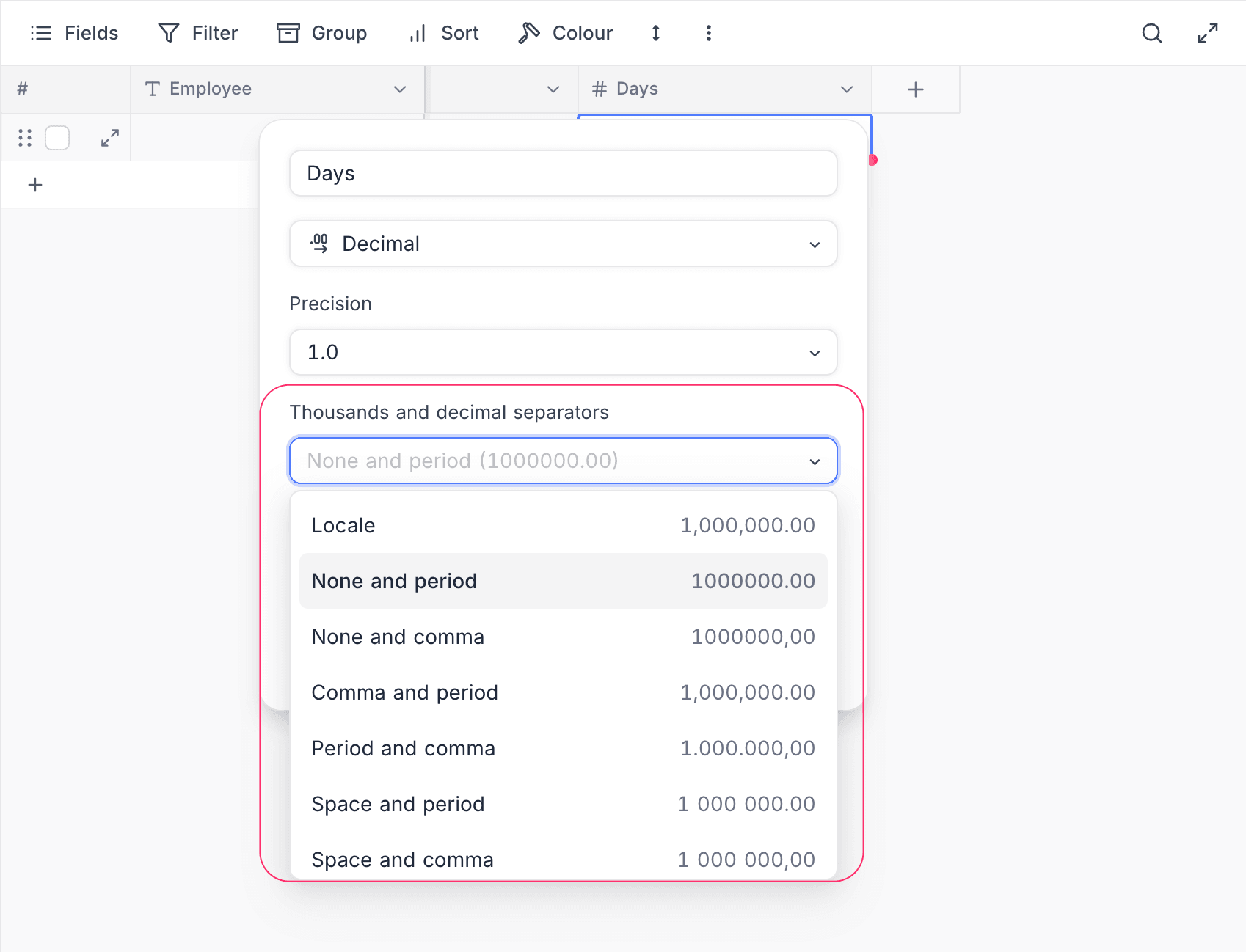
- Choose a Thousands and decimal separators style for display (see Separator styles below).
- (Optional) Set a default value for the field and add a description.
- Click Save Field to add the field to your table.
Refer to the general guidelines on creating a field.
Separator styles
Use the Thousands and decimal separators dropdown to choose how decimal values are formatted in the cell. Pick one of the following styles:
| Option | Example (1,000,000.50) |
|---|---|
| Locale | Uses the viewer's browser/system locale (e.g., 1,000,000.50 in en-US, 1.000.000,50 in de-DE) |
| None and period | 1000000.50 |
| None and comma | 1000000,50 |
| Comma and period | 1,000,000.50 |
| Period and comma | 1.000.000,50 |
| Space and period | 1 000 000.50 |
| Space and comma | 1 000 000,50 |
When entering or pasting values, you can freely include thousand separator characters (commas, periods, spaces, or non-breaking spaces). They are treated as visual noise and stripped automatically before the value is saved.
Cell display
The Decimal field appears as a numeric cell in the table, right-aligned for readability. Values are displayed with the configured precision and separator style.